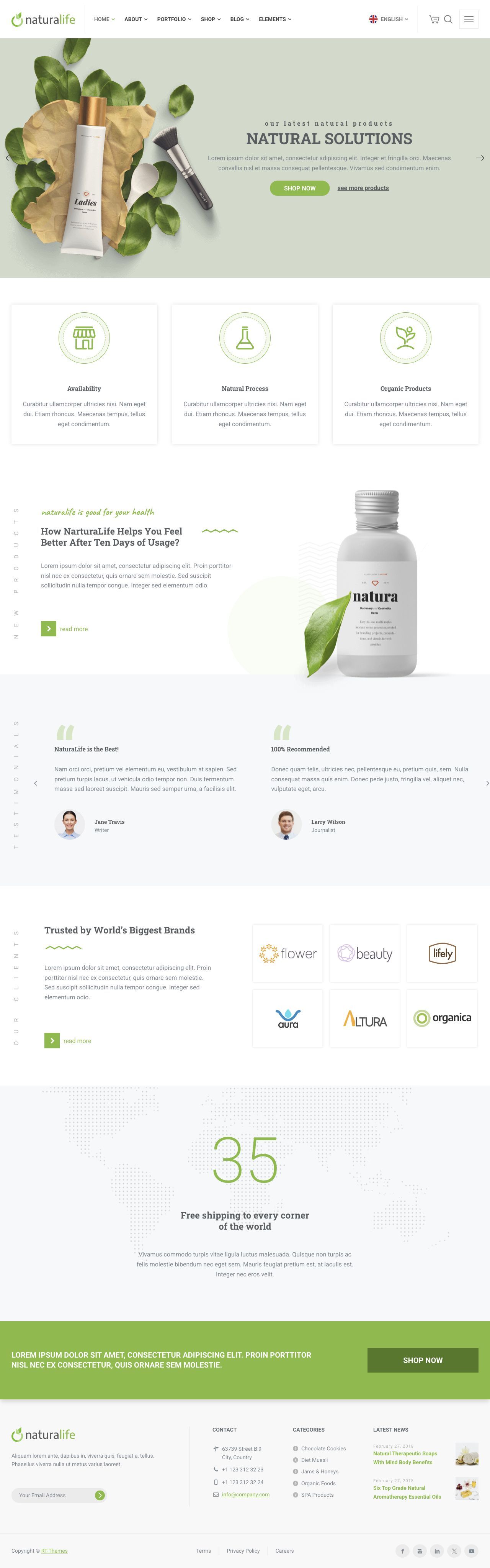
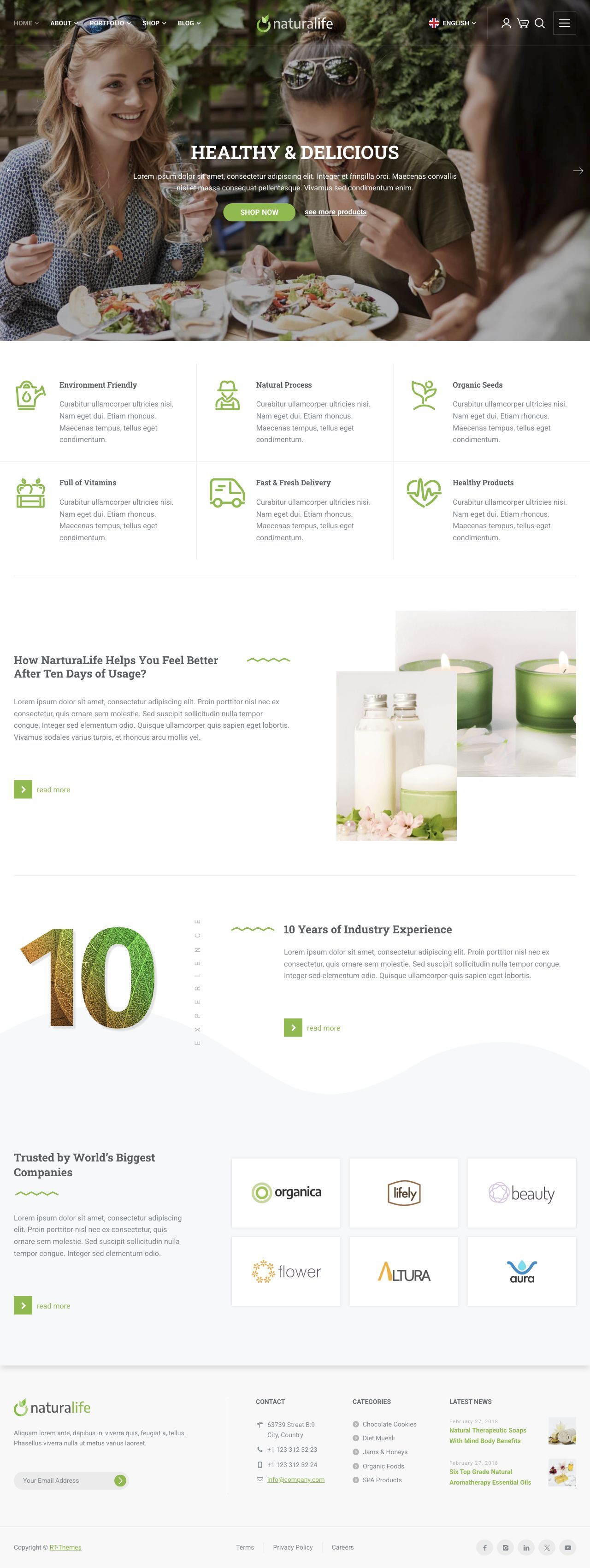
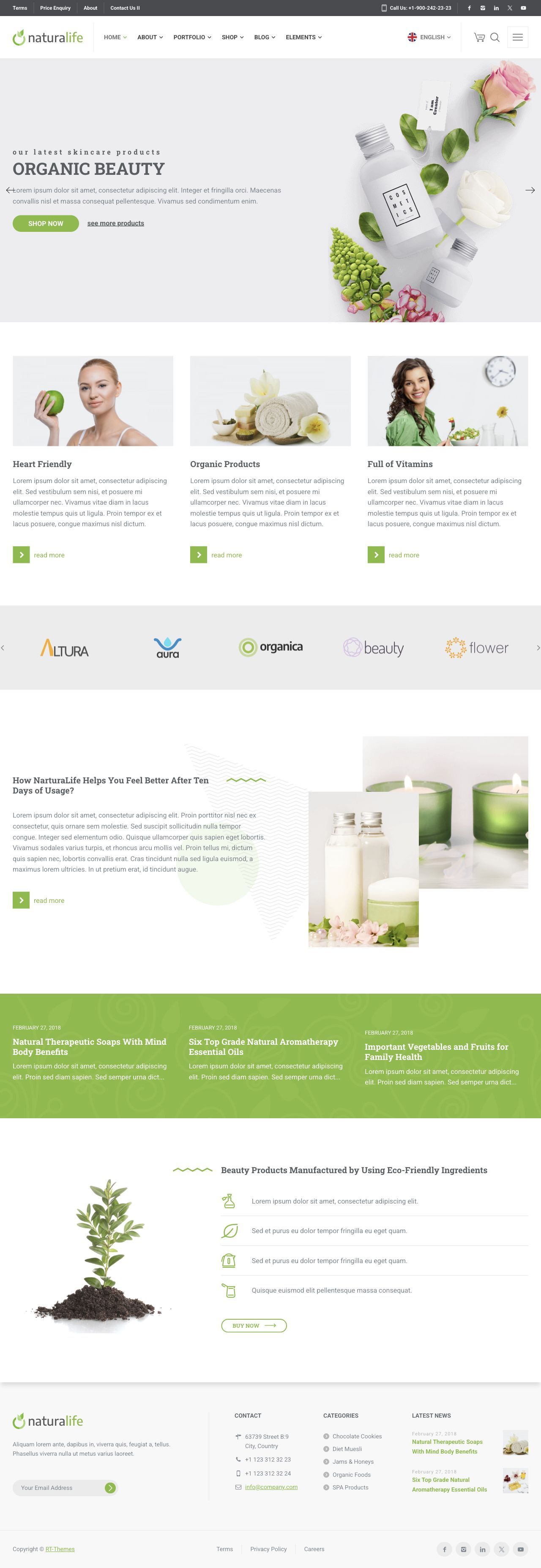
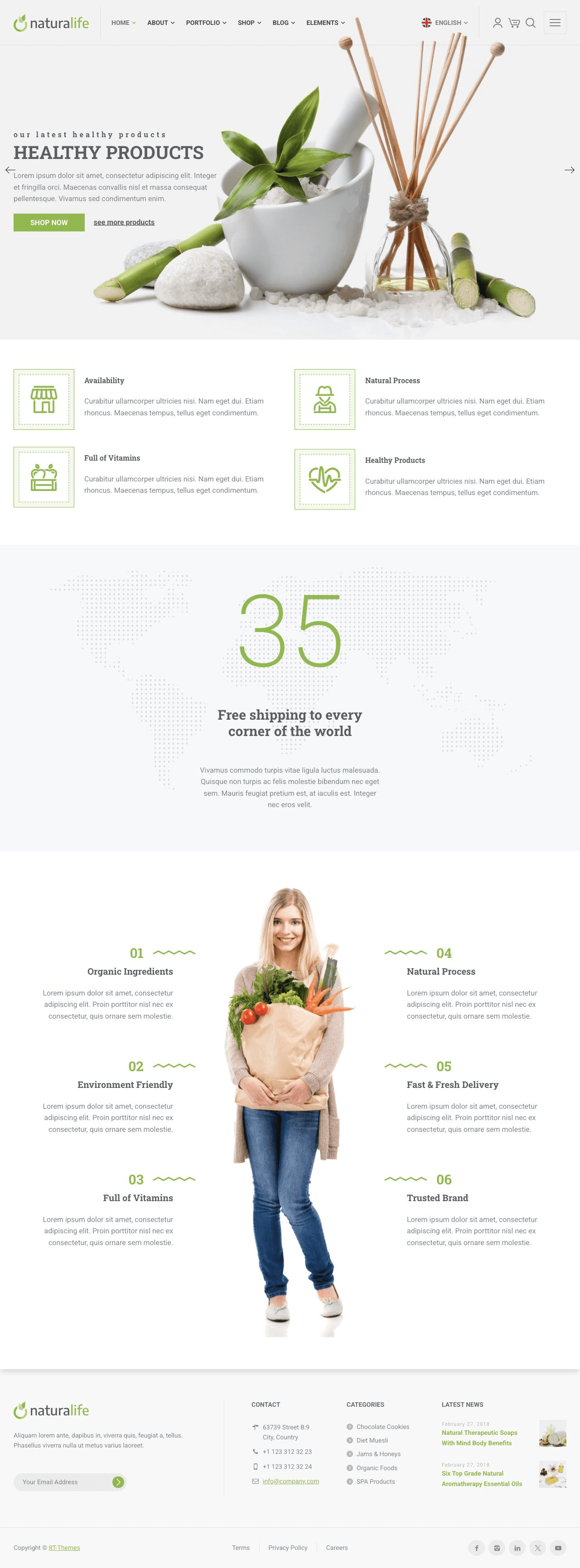
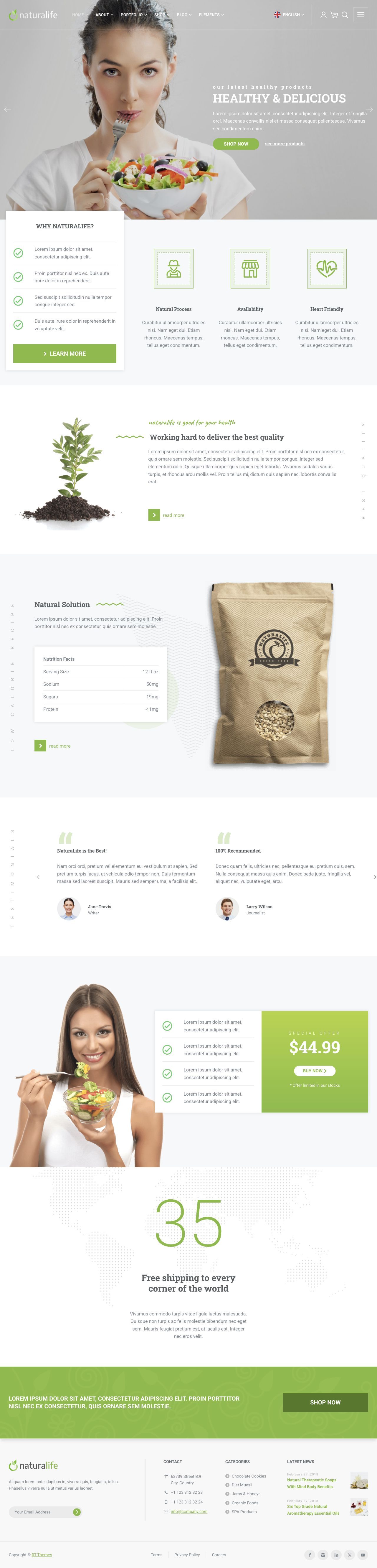
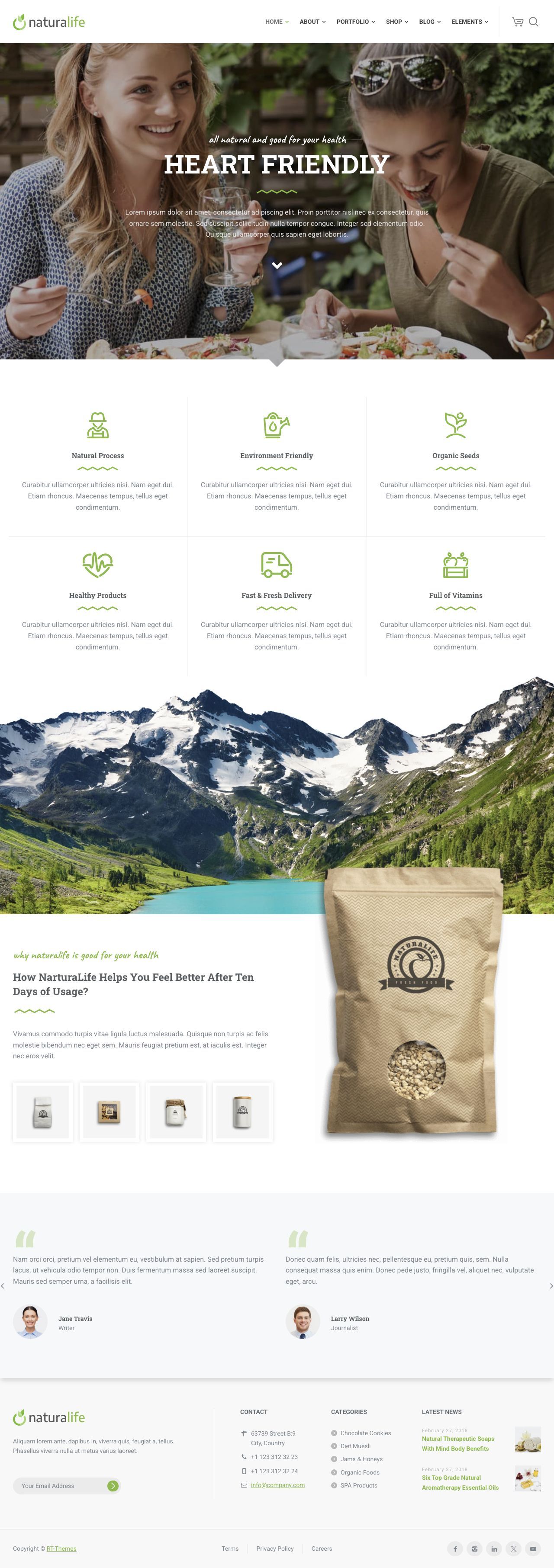
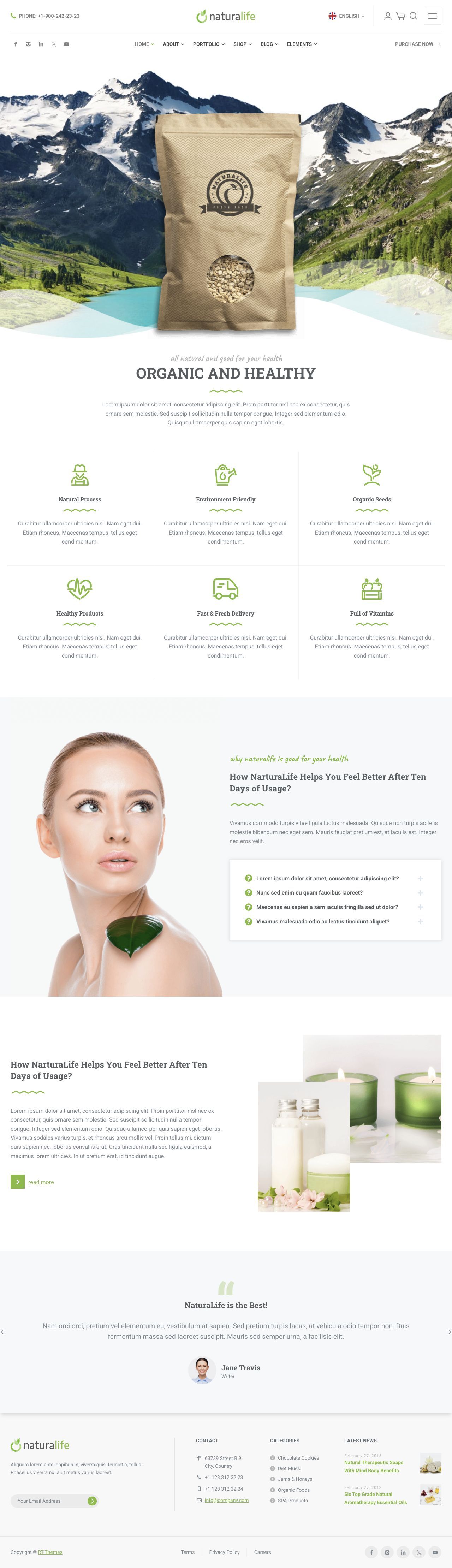
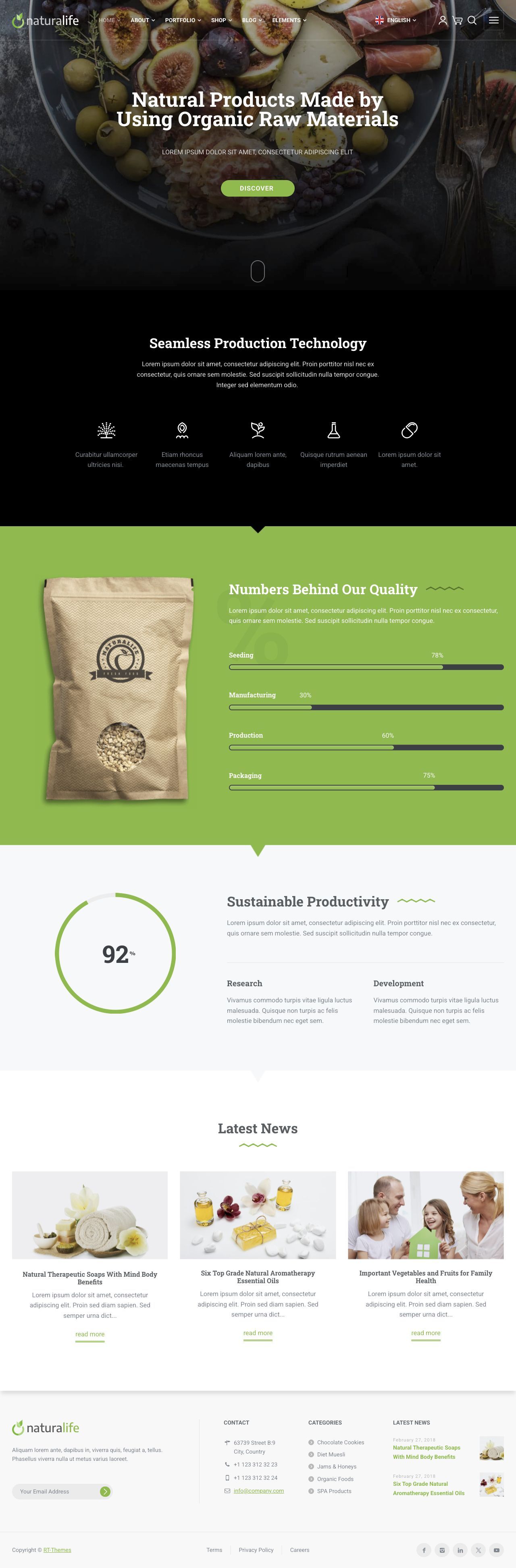
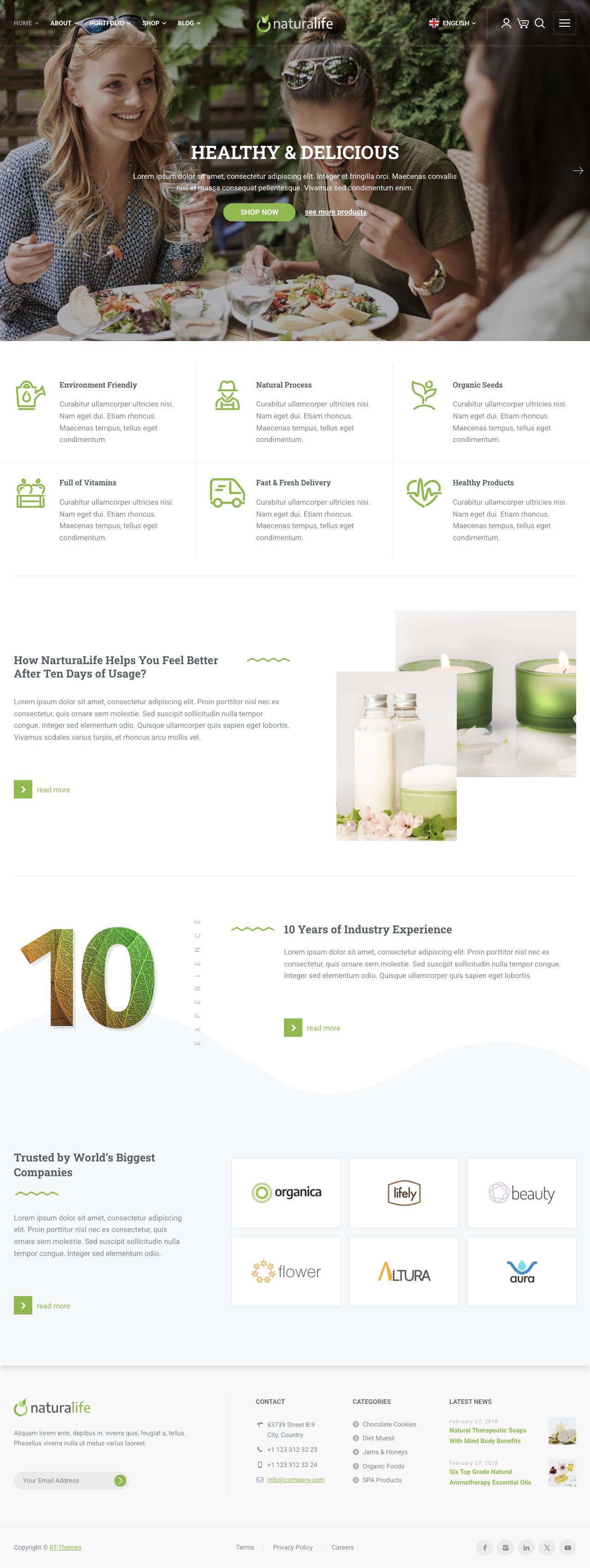
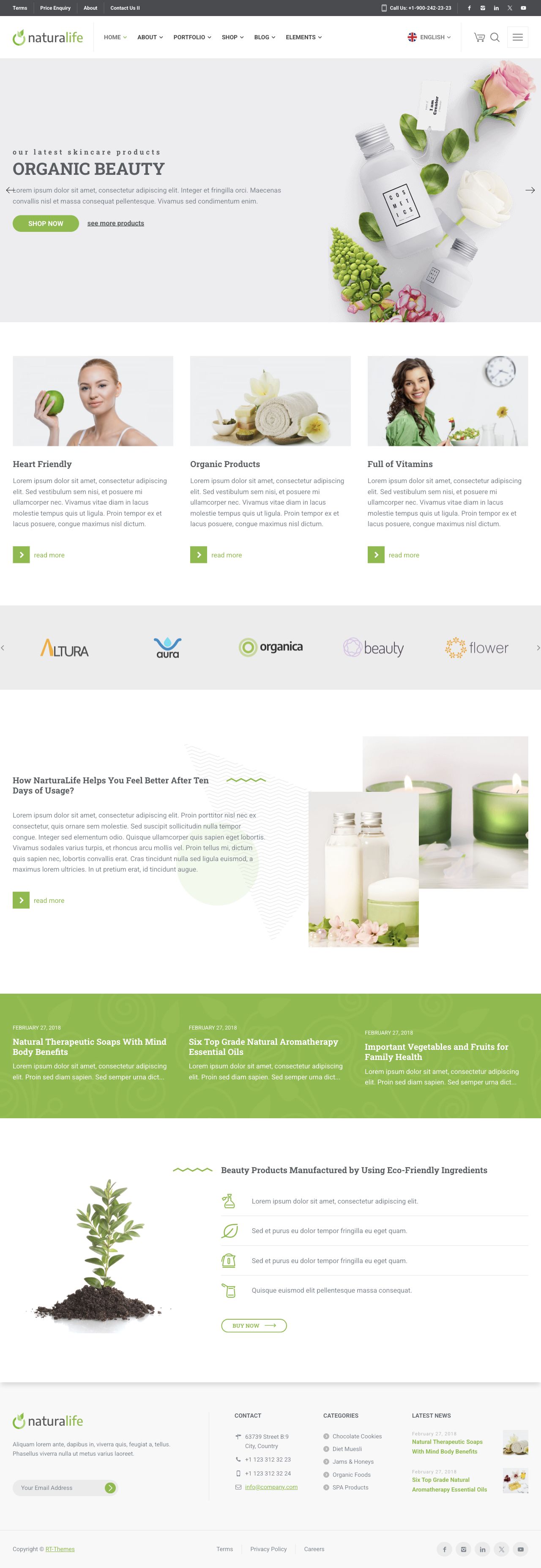
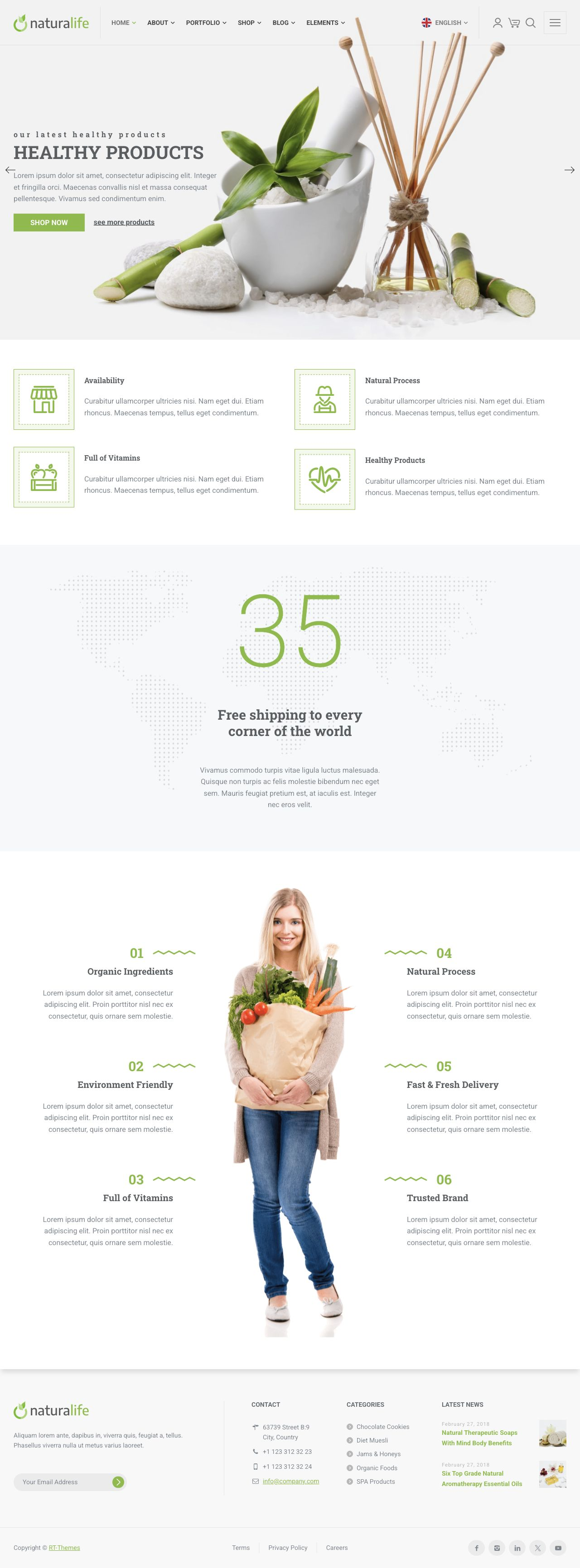
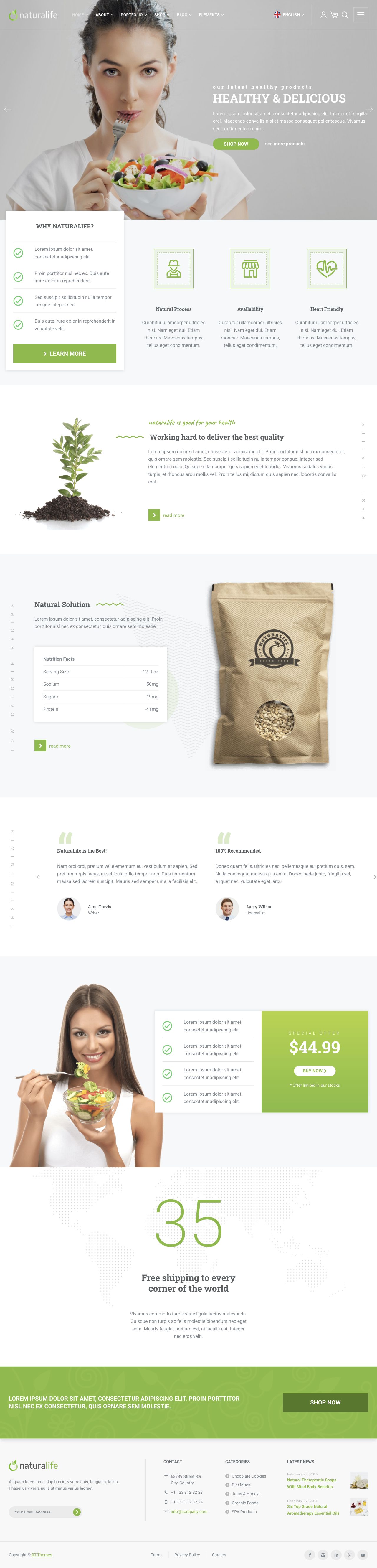
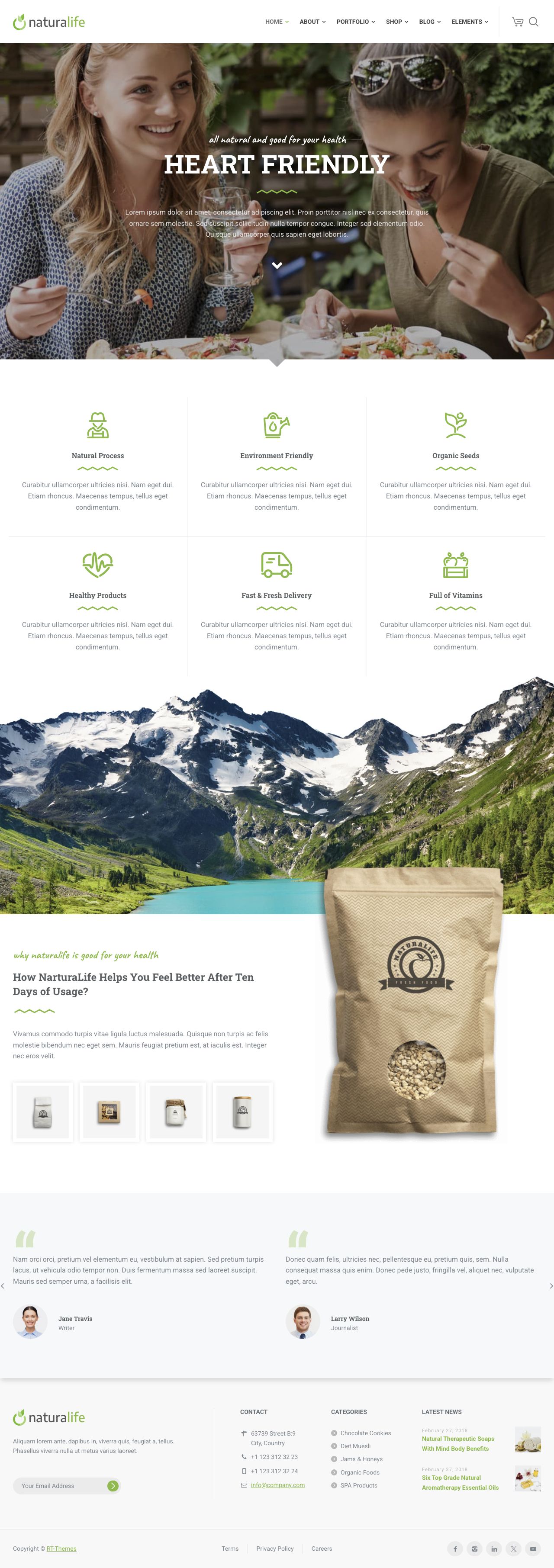
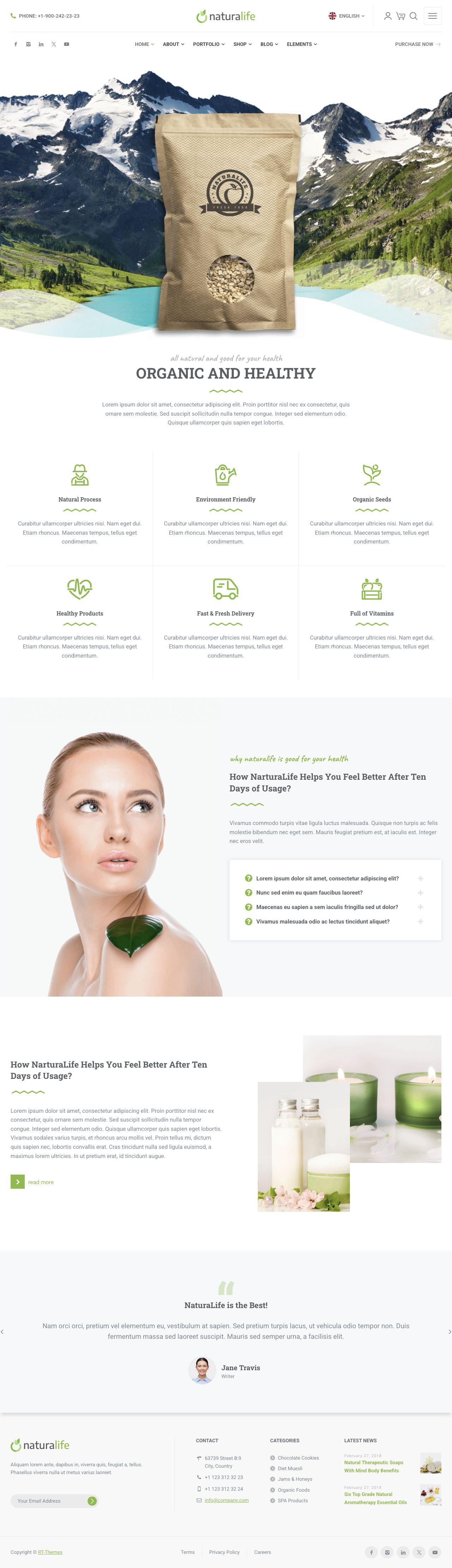
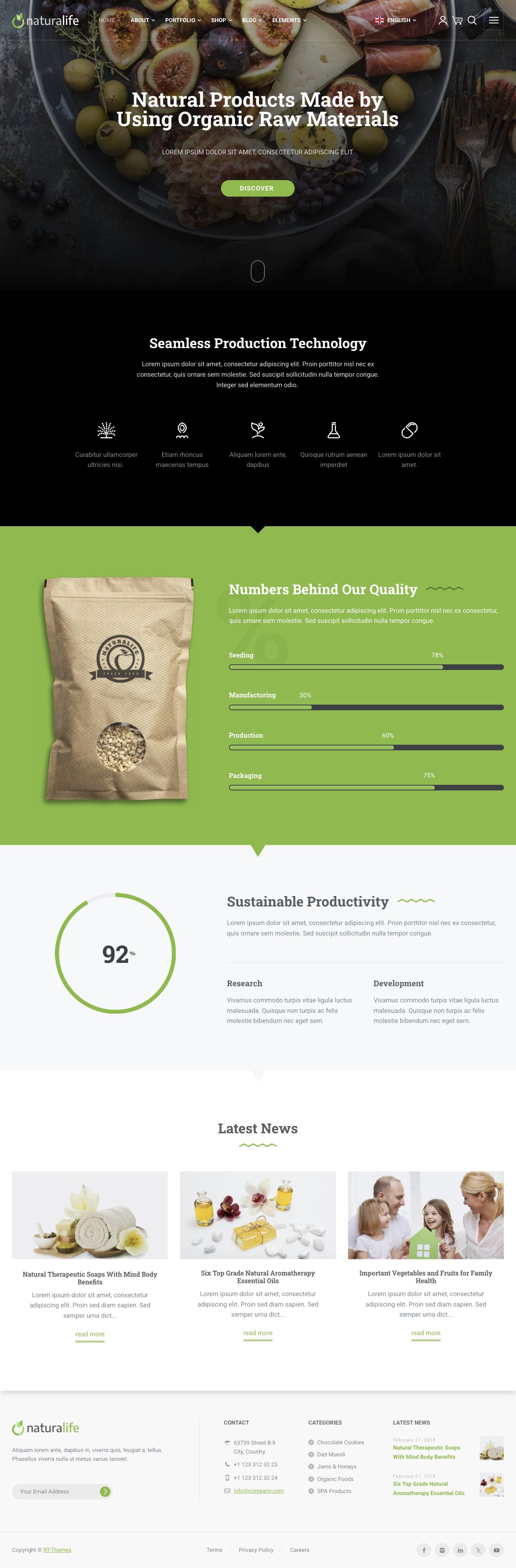
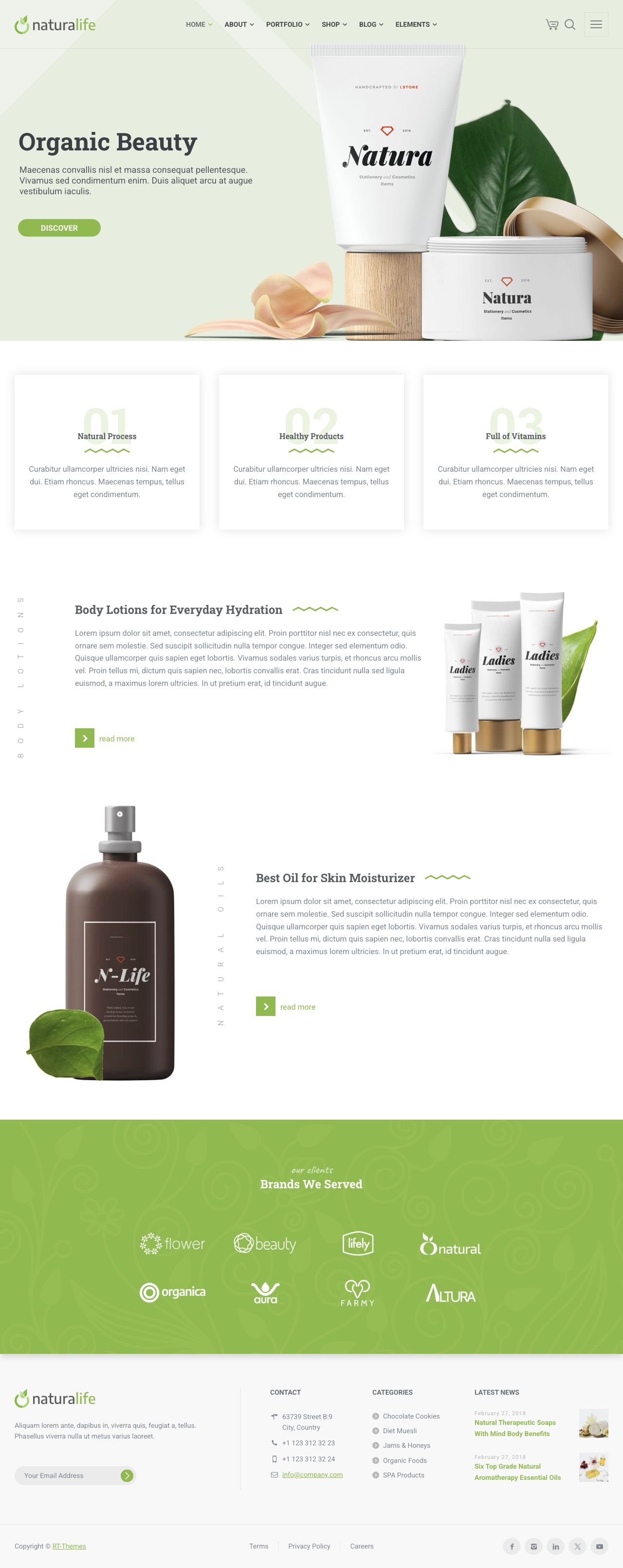
An Astro theme for wellness, organic food, business and portfolio websites, with nine home layouts, header and footer options, portfolio and gallery layouts, and reusable components. Edit page compositions in Astro, manage settings in JSON and write content in MDX. Includes typed schemas, RT-Themes CLI installation and core update workflows, and AI-assisted CMS integration briefs.
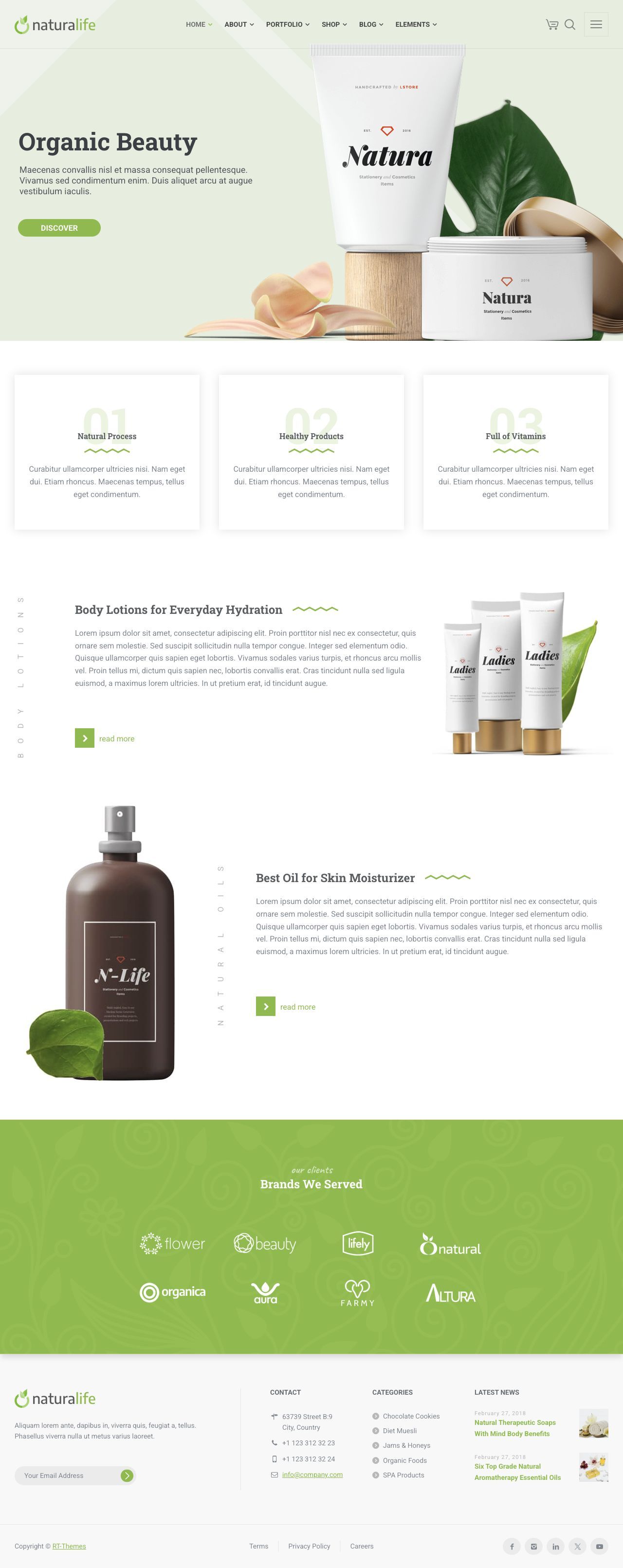
NaturaLife Astro includes nine home page layouts, configurable headers and footers, portfolio grids and galleries, blog layouts and ready-made inner pages. Pages use reusable Astro components and modular sections, with JSON settings and MDX content. The starter includes Astro, Tailwind, typed content schemas and demo content, with RT-Themes CLI for guided installation and core updates.
Features
Ready-made page layouts, reusable Astro components and configurable sections, with typed content schemas and a separate theme core for updates.
01 /
Layout options
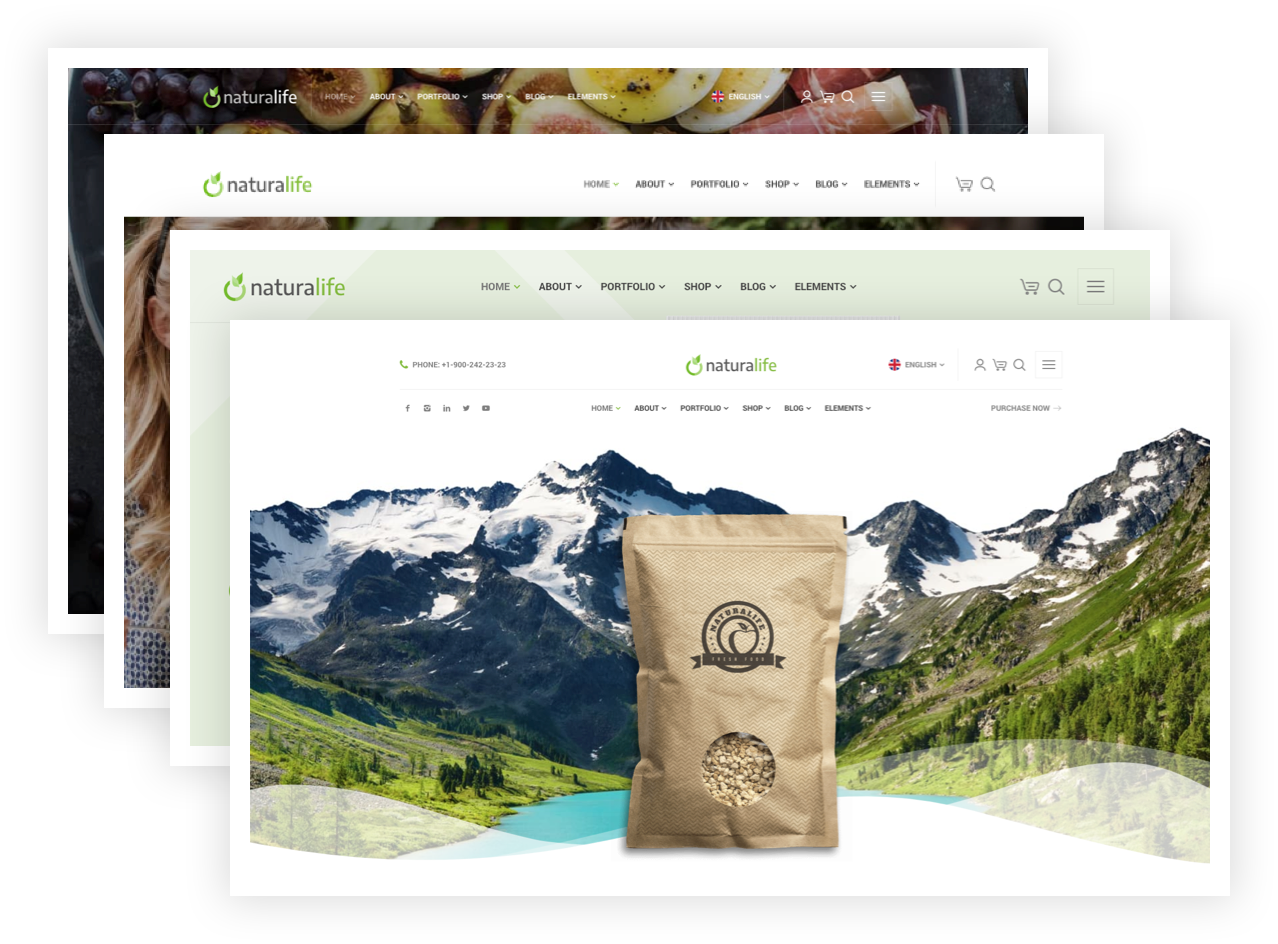
Configurable header and footer layouts
Choose header and footer layouts with navigation, contact details, social links and a top bar. Configure the logo, colors, typography and shared content through project settings. Header and footer components can also be customized in Astro.
02 /
Portfolios & galleries
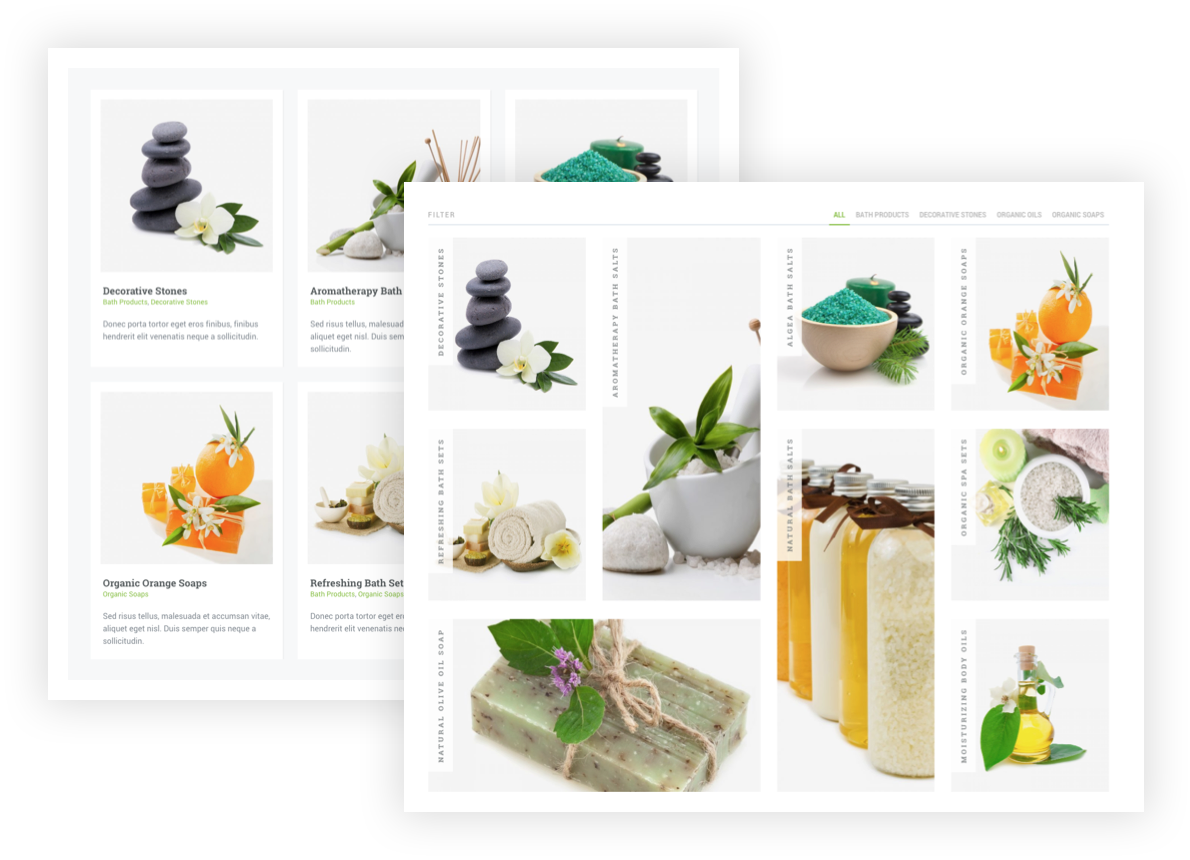
Portfolio grids, masonry layouts and galleries
Includes portfolio grids, masonry and metro layouts, carousels, photo galleries and project detail pages. Use these layouts for project portfolios, photography or visual catalogs, with editable content and images in your Astro project.
01
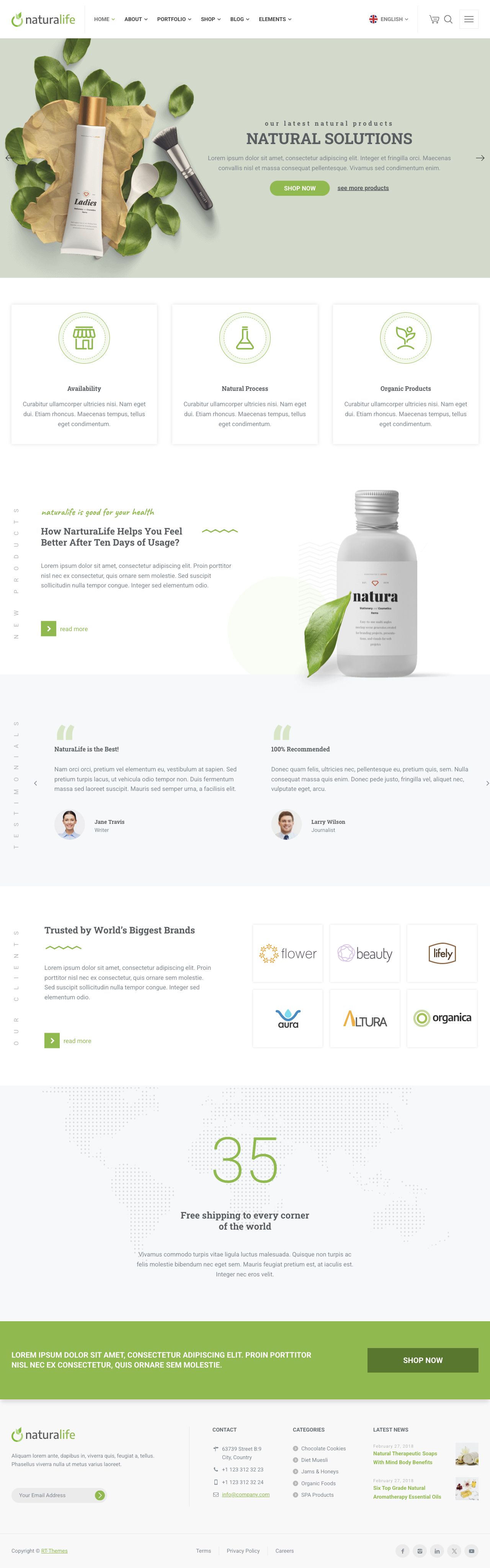
Nine home page layouts
Choose a starting point for a wellness brand, organic food business, company website or product showcase. Every home layout is an editable Astro composition, ready for your content and branding.
02
Flexible headers and footers
Configure header and footer layouts, navigation, logos, contact information and social links. Manage shared settings across the site from JSON files.
03
Reusable Astro components
Build with sliders, image and icon boxes, headings, buttons, tabs, accordions, testimonials, team sections, pricing tables, timelines, progress bars and more. Combine the ready-made components and sections to create pages beyond the supplied layouts.
04
Ready-made inner pages
Start with About, Services, Team, Contact and FAQ layouts, plus search and status pages. Reuse the visual language across your site while tailoring each page to the project.
05
Blog layouts and content views
Present stories in grid, masonry, carousel, full-width or sidebar layouts. MDX posts, author pages, categories and tags give the editorial content a clear structure.
06
Product catalogs and shop interfaces
Show products with catalog views, carousels and product detail layouts. Cart, checkout and account screens provide the front-end design; connect your own payment, order and authentication services.
07
Preconfigured Astro and Tailwind setup
Includes Astro, Tailwind, project configuration, typed schemas and demo content. The supplied development setup supports local preview, content validation and production builds.
08
Guided setup with RT-Themes CLI
The CLI development preview guides installation through Dashboard browser approval, release selection and optional dependency checks. Public npm availability is pending; the CLI guide covers the workflow.
09
Separate theme core updates
Update the versioned theme core while keeping your pages, MDX, JSON settings, source assets and local components. Review and validate changes before applying; customized copies remain your responsibility.
10
Modular sections and local components
Add, remove or reorder sections in customer-owned Astro compositions. Typed props and design variants guide customization; supported local component copies are discovered automatically.
11
Typed content schemas and validation
Validate page settings, blog posts, products and portfolio records against explicit types and relationships. Catch incomplete or incompatible fields before they become a published page.
12
AI-ready recipes for Sanity and EmDash
The CLI preview turns your version-specific kit and CMS choices into an English integration brief for your AI agent. It includes schema, route, section and settings context for planning the adapter; CMS installation is a separate step.
13
Shared settings, editable content
Manage site-wide details in JSON and write rich content in MDX. Keep the brand’s settings in one place while editing individual page sections and collection records.
14
Offline project metadata checks
CLI doctor inspects local package, version and kit consistency without contacting Club. Use it alongside Astro checks and builds; it does not certify your content, CMS or deployment.
Nine Home Page Layouts
Explore the live NaturaLife Astro demo, with nine home layouts and ready-made inner pages. Shop, checkout, form and account screens are front-end examples; backend services are not included.
The plain MDX/JSON starter includes nine home layouts, header and footer options, portfolio and gallery layouts, blog views, shop interface examples and ready-made About, Services, Team, Contact and FAQ pages. You also get reusable Astro components, modular page sections, the Astro and Tailwind setup, demo assets, JSON settings, MDX collections and a versioned theme core. Node.js 22.22 or later and npm are required for development and builds.
How does RT-Themes CLI help with setup and updates?+
Its guided installer uses Dashboard browser approval, lets you select an eligible release and can install dependencies and check the project. Core updates preview the changes and validate a temporary project copy while preserving your pages, content, settings, assets and local components. The CLI is currently a development preview; public npm distribution and production delivery are pending. Follow the CLI guide for release instructions.
Can I rearrange sections and customize components?+
Yes. Edit the section calls in your customer-owned Astro page to add, remove or reorder sections. Use the supported props and variants, or copy a supported component into your local components folder for automatic discovery. Your local copy remains yours to maintain; core updates do not merge custom code or guarantee compatibility with it.
Typed schemas validate designed page settings and collection records, helping catch missing or incompatible data during checks and builds. Blog posts, authors, categories, products and portfolio records have explicit relationships. These same contracts give your developer or AI agent a clear starting point for mapping CMS fields instead of guessing how content fits the design.
Which CMS integration recipes are available?+
The RT-Themes CLI development preview includes Sanity and EmDash planning recipes. It reads the product and version metadata, schemas, routes, sections and settings from the delivered kit and writes an English Markdown brief for your chosen AI agent. It does not call an AI service or install a CMS. The starter uses local MDX/JSON; a fully integrated CMS edition is not included.
A developer can plan a custom adapter against the content contracts for Strapi, Payload, headless WordPress or another CMS. These are custom integration options, not supplied or tested recipes. Plan field mapping, rich-text rendering, media, preview and deployment for your chosen backend. You manage the CMS hosting and any provider or AI account costs.
Does it include a working shop, account system or form backend?+
Shop, checkout, account and form screens are front-end examples. Connect your own payment, order, authentication and email services for production use. SEO metadata, canonical URLs, sitemap and structured-data support provide a foundation you configure for your own domain and content.
What does a single Astro license cover?+
One NaturaLife Astro product license covers unlimited sites and domains using this Astro product, without domain activation. It does not include the separately sold WordPress or HTML versions. Review the purchase terms for updates and support, or choose Club for access to all included products while membership access is active.