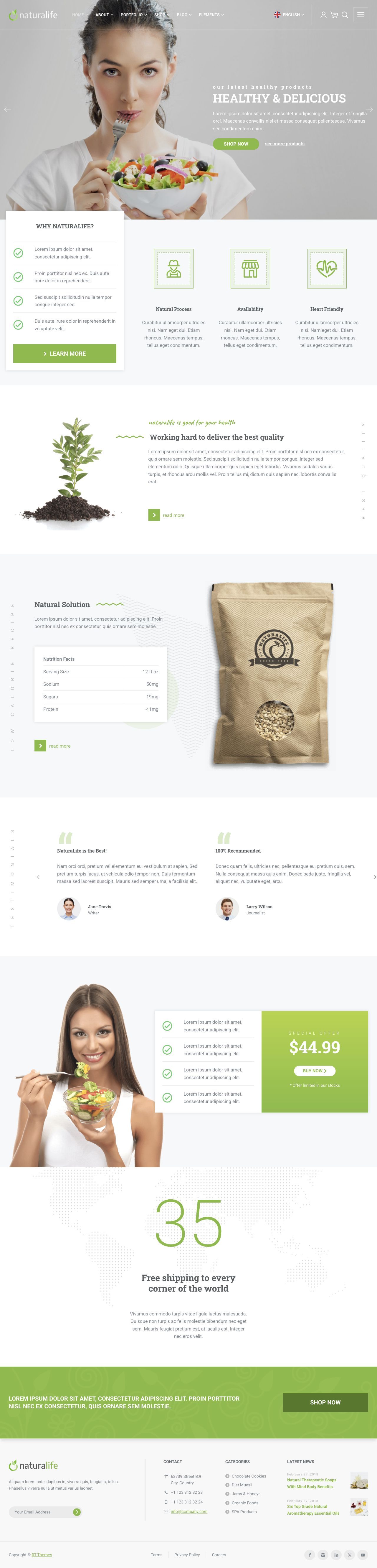
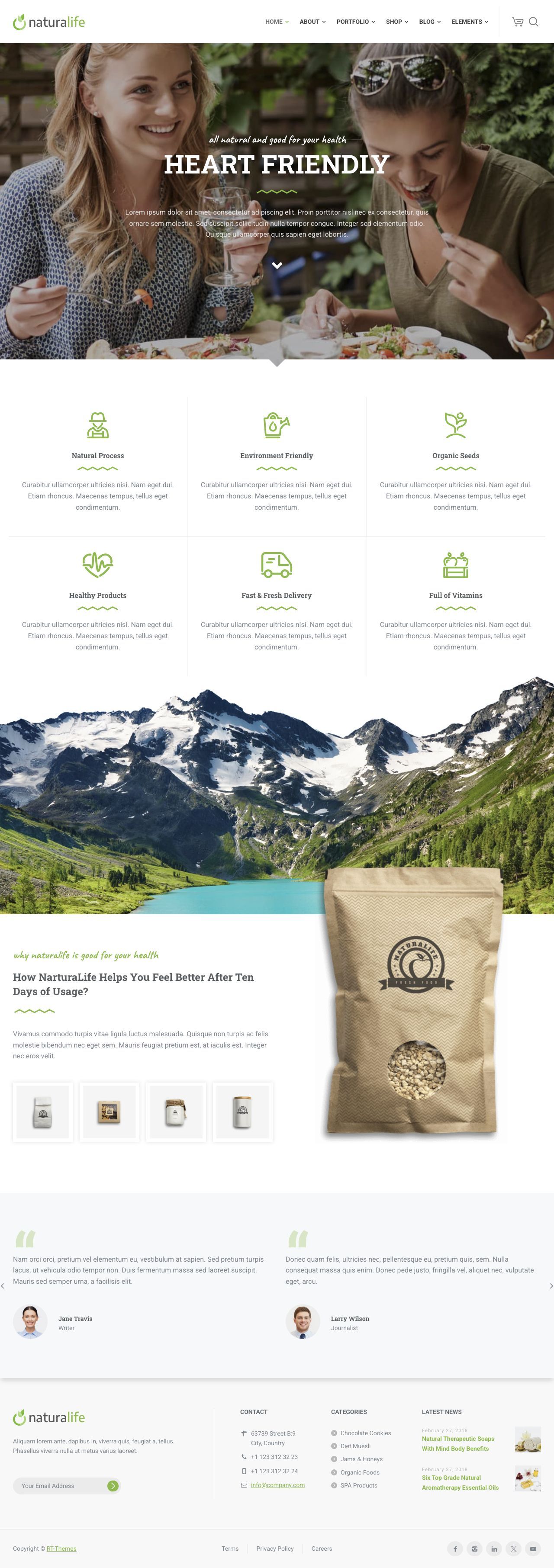
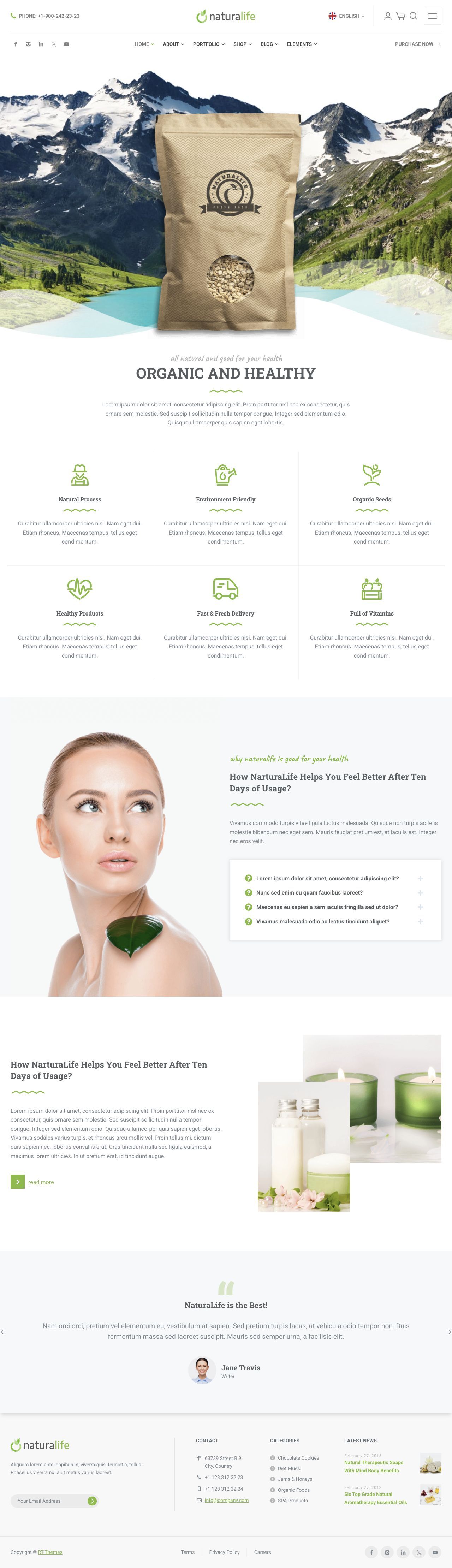
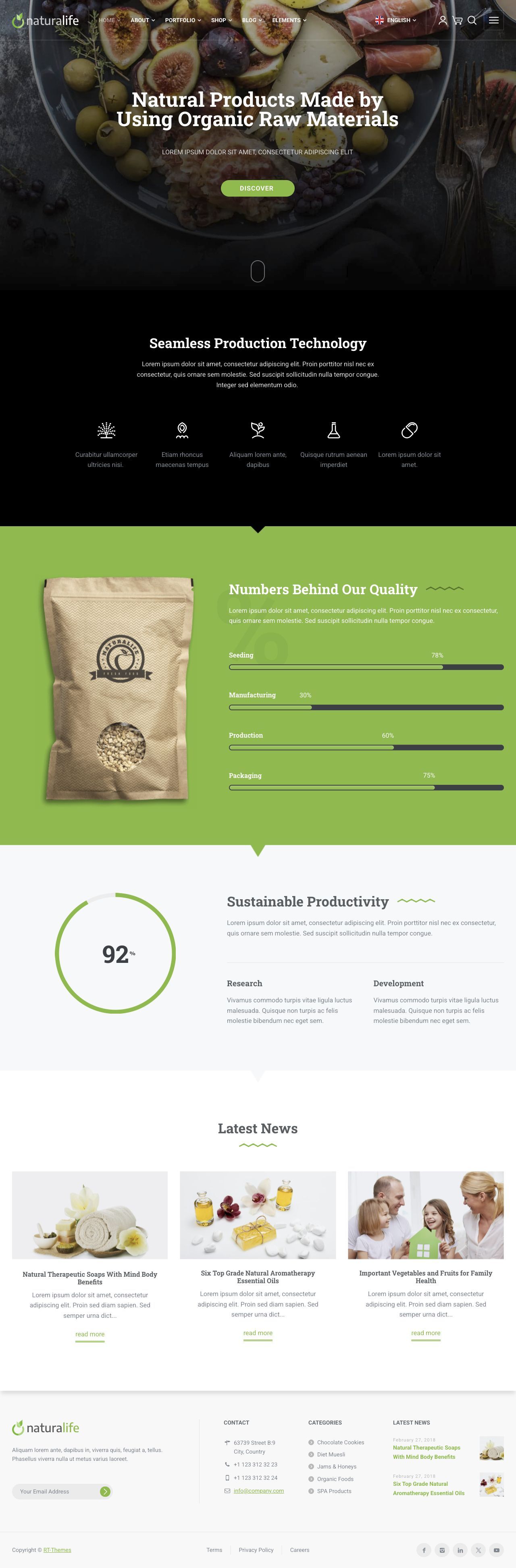
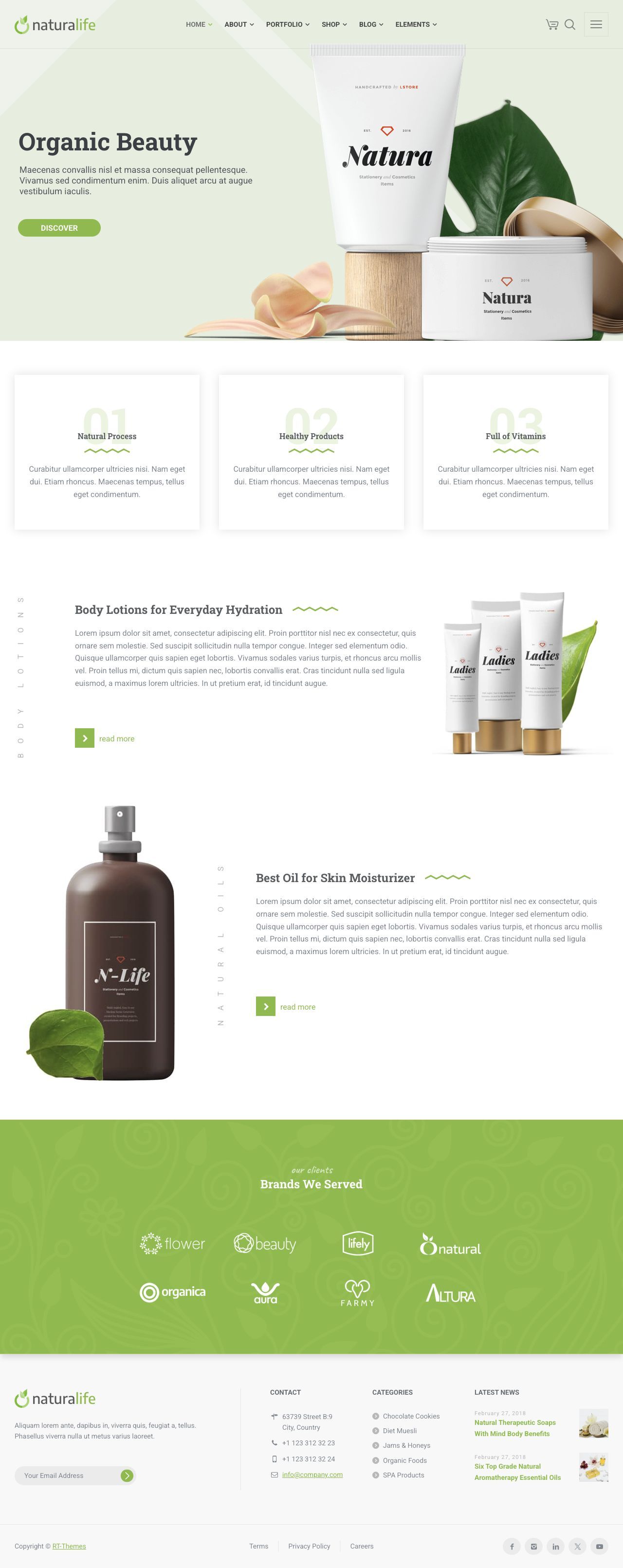
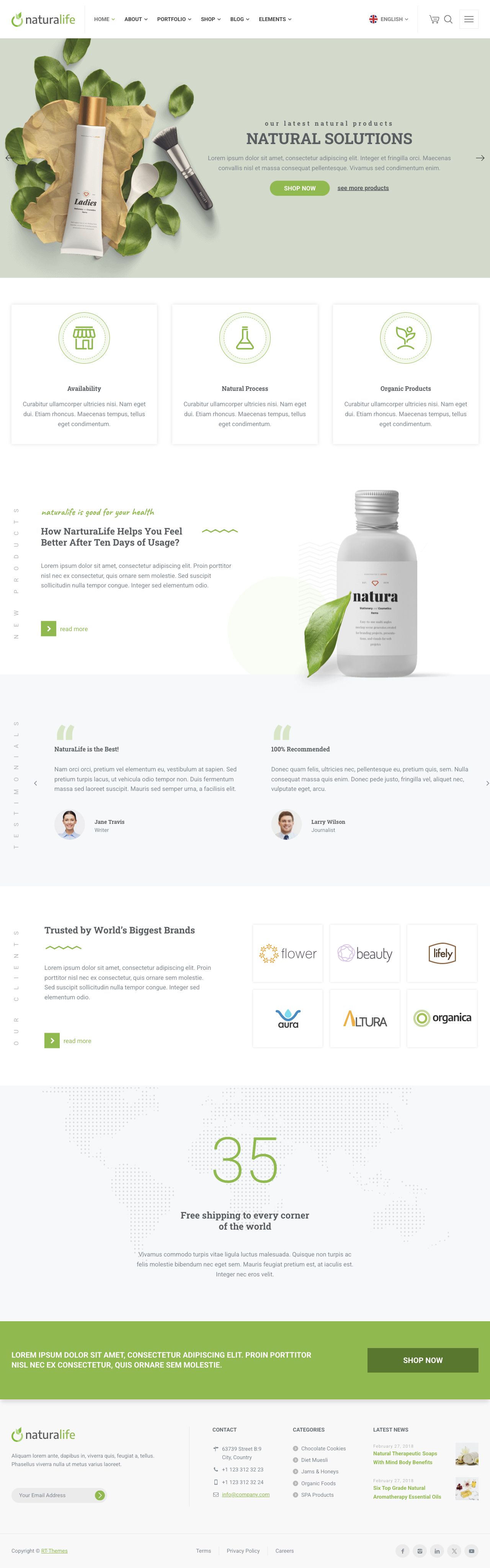
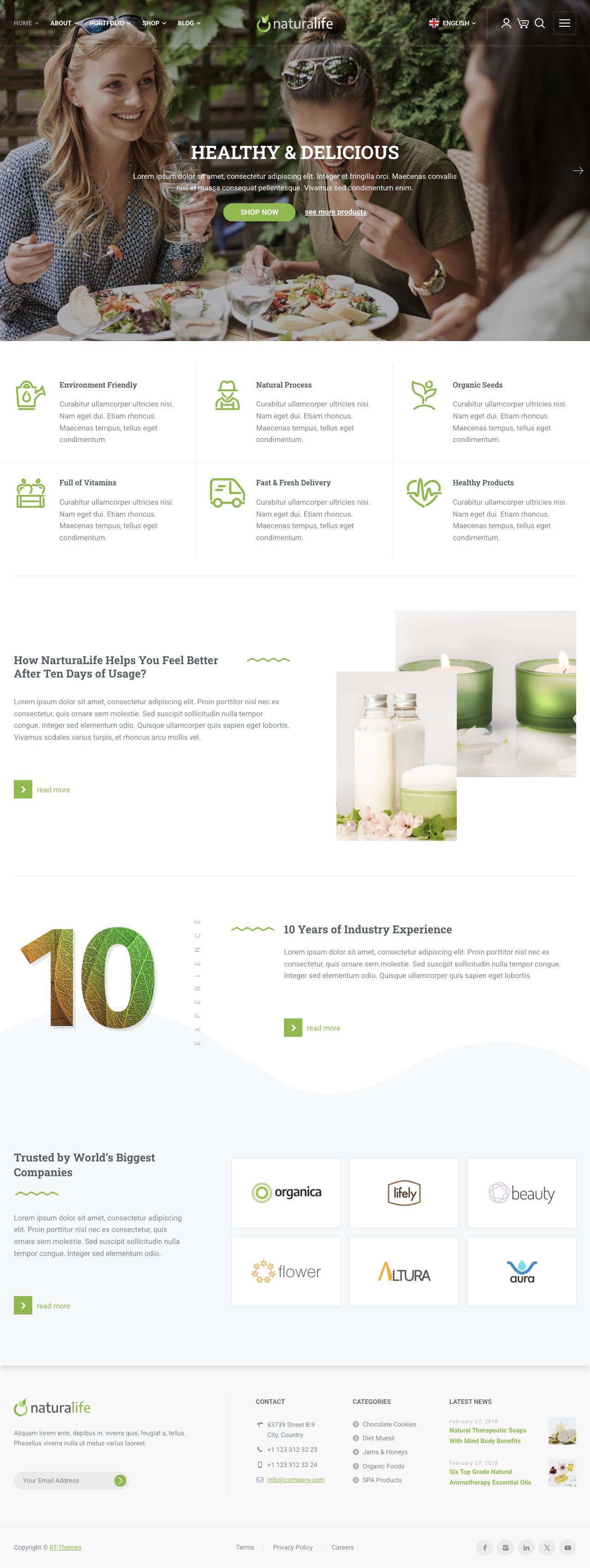
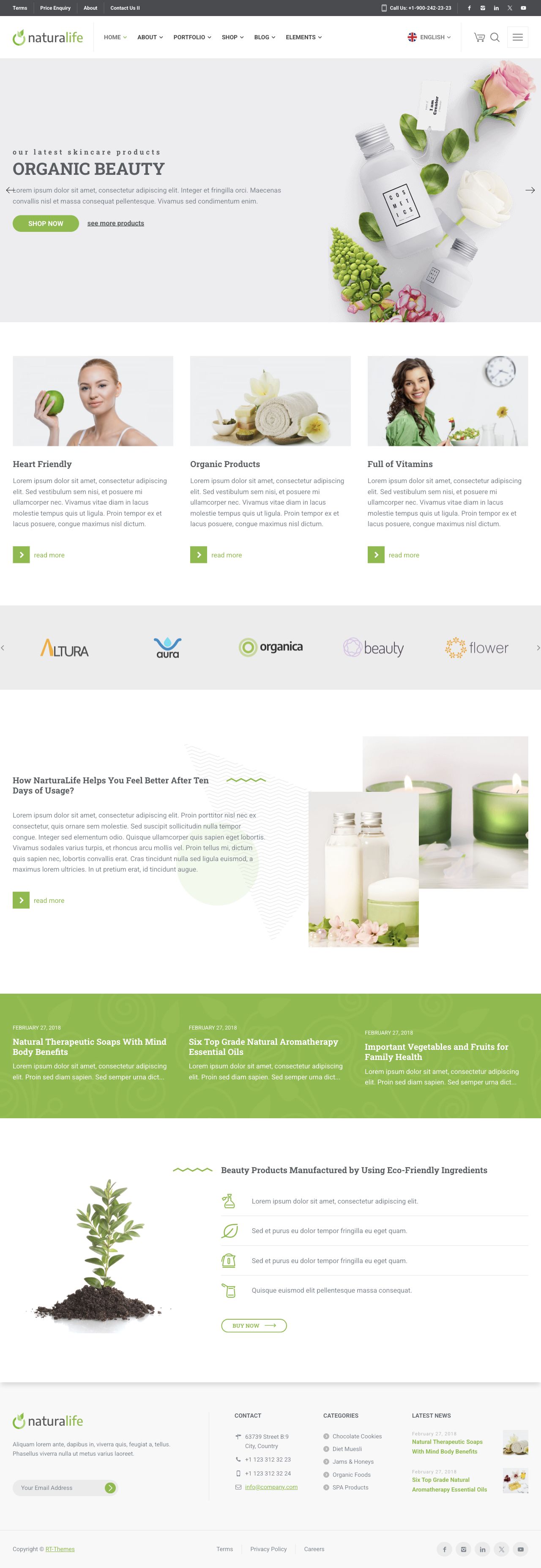
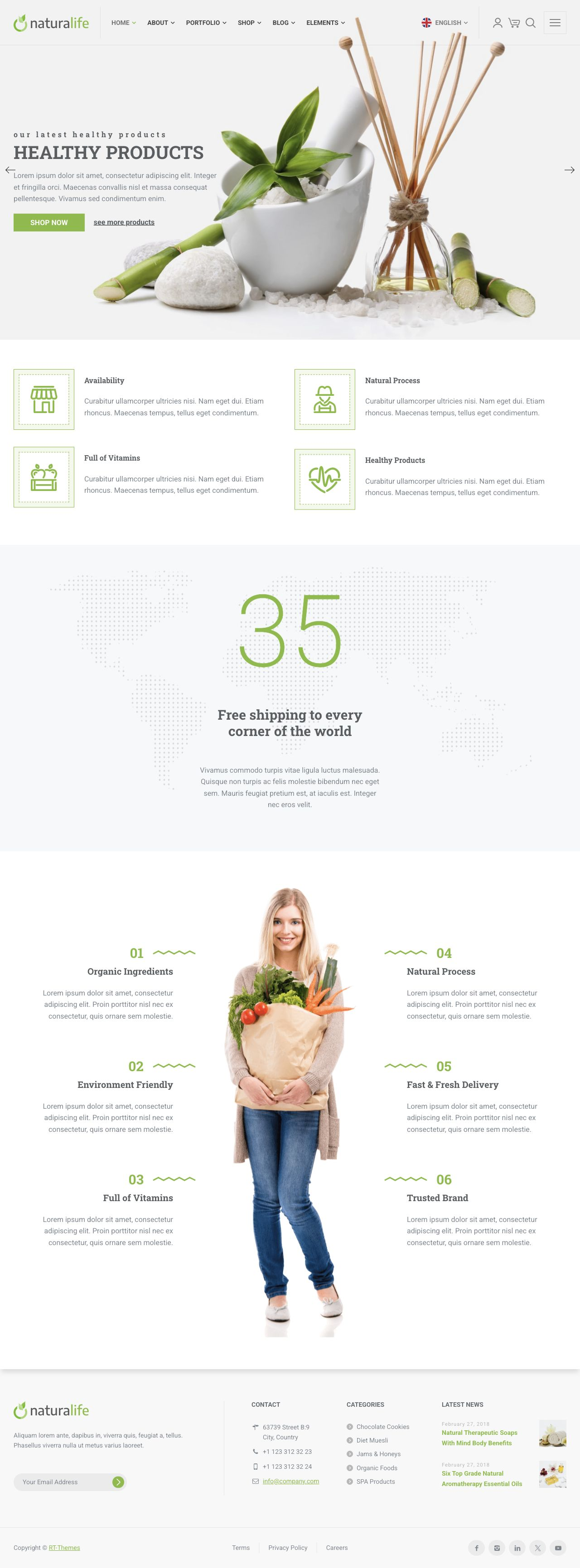
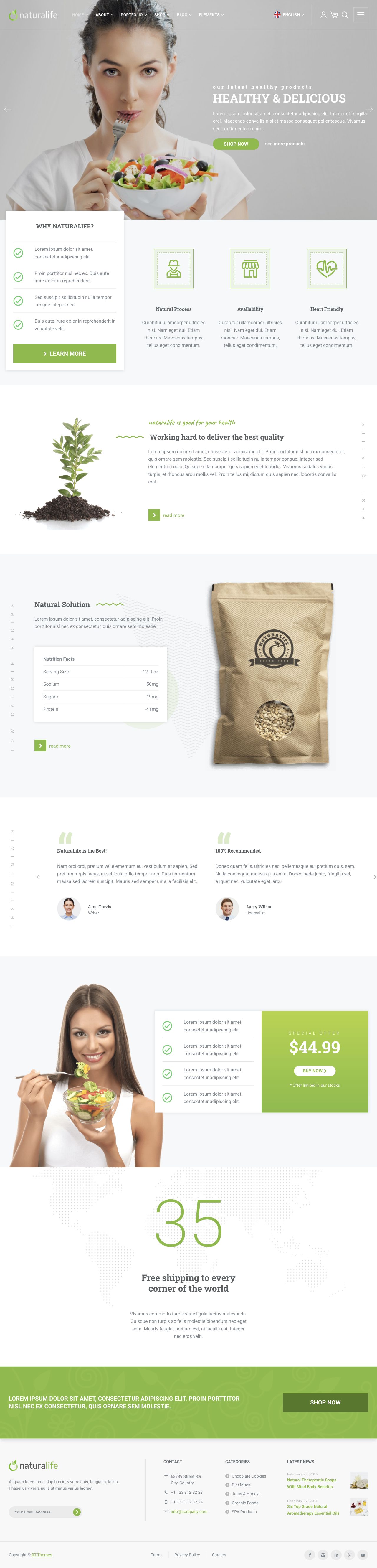
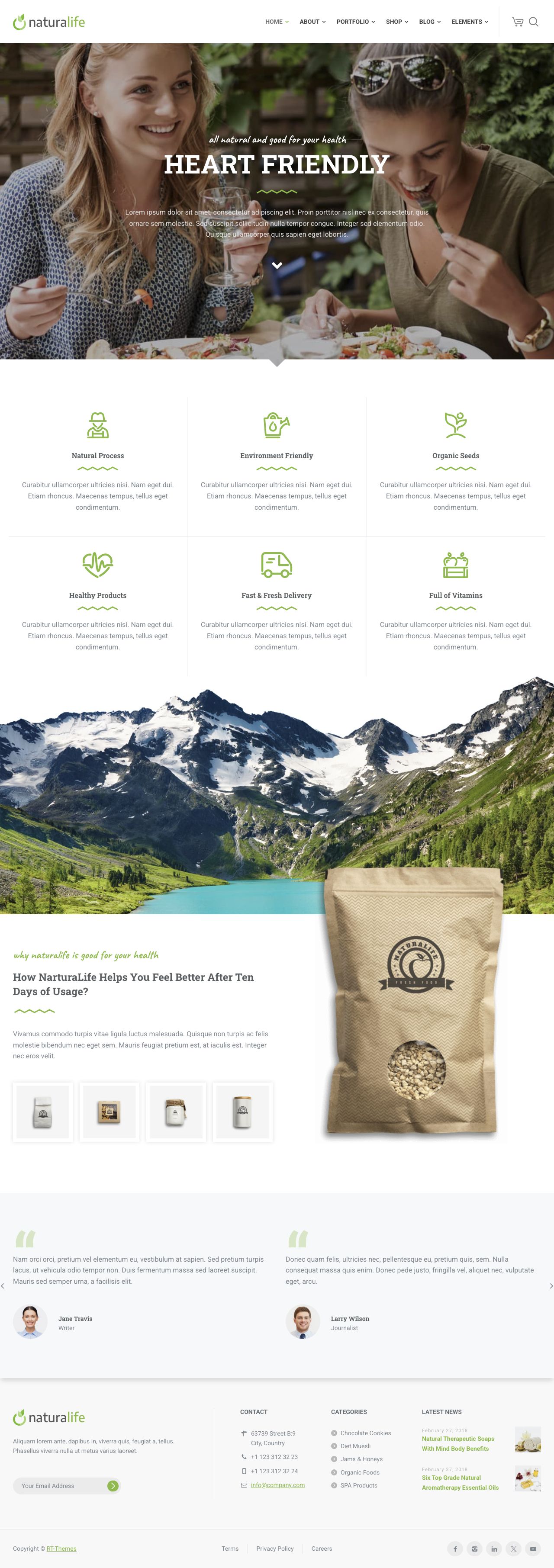
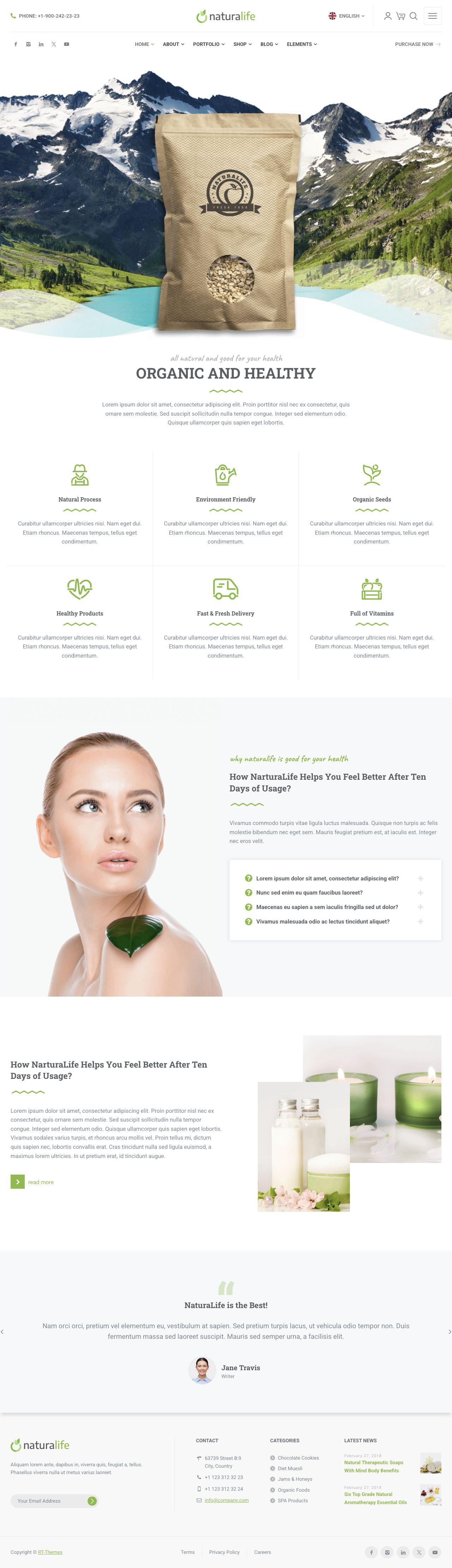
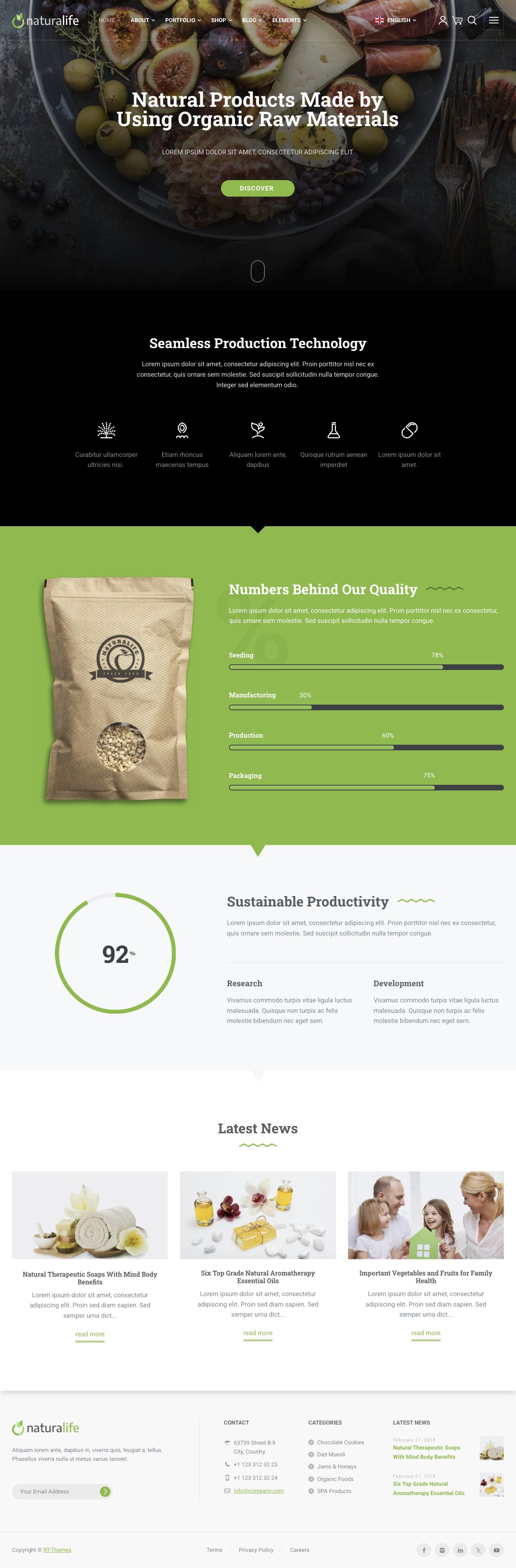
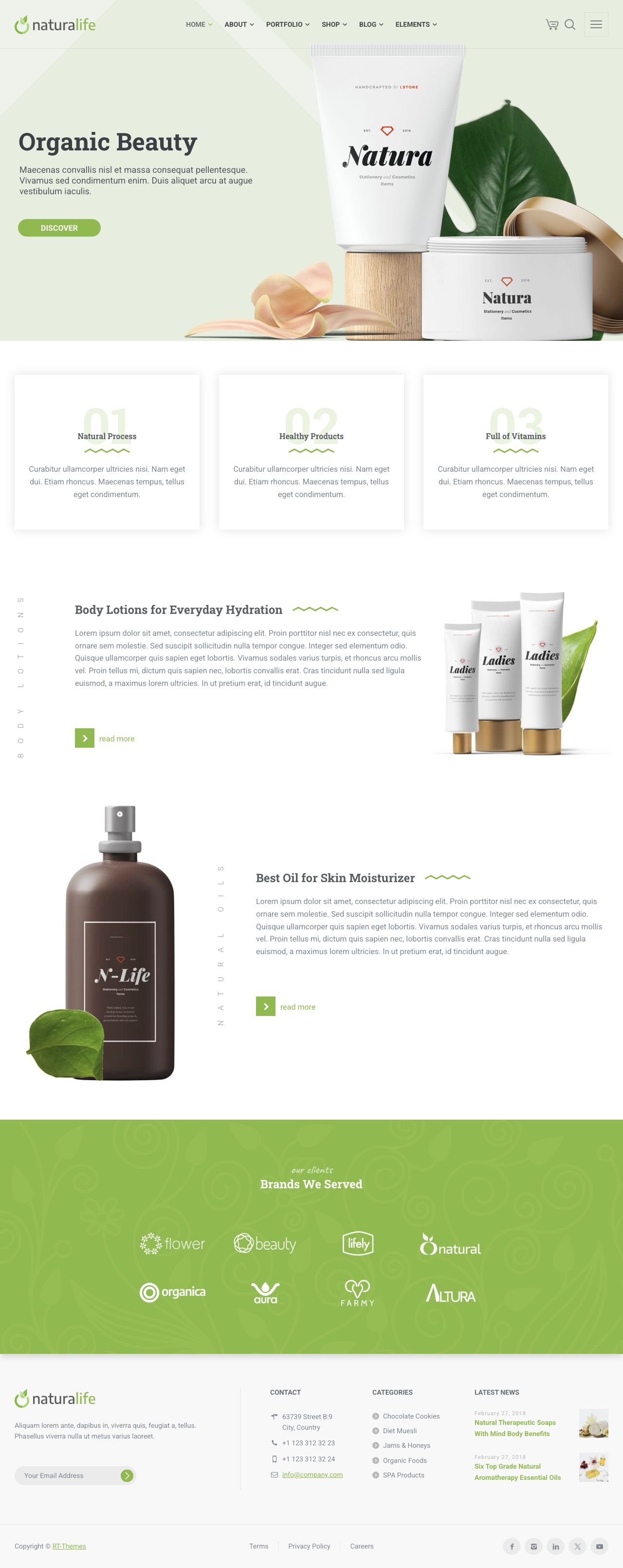
NaturaLife is a premium WordPress theme for business websites, online shops, and portfolios, with layouts that also suit health, wellness, and organic food projects. Start your next client project with nine home page layouts, ready-made inner pages, and Elementor templates and blocks. Adjust the colors, typography, and layout to suit the business, and add an online store with WooCommerce when the project calls for it.
A flexible WordPress theme for business websites, online shops, and portfolios. Its layouts also suit health and wellness businesses, organic food shops, and natural product brands. Edit pages visually with Elementor, set colors and typography across the site, and adjust individual pages to suit the project. Add a shop with WooCommerce when you need one.
Features
Start with the parts you need for your client’s site, then give them a look of their own.
01 /
Your client’s brand
Headers and footers that fit the brand
Start with a header preset, then adjust the logo, navigation, colors, and styling to suit your client. Footer settings and widget areas give you space for contact details, useful links, and the information visitors need.
02 /
WooCommerce
Add an online store with WooCommerce
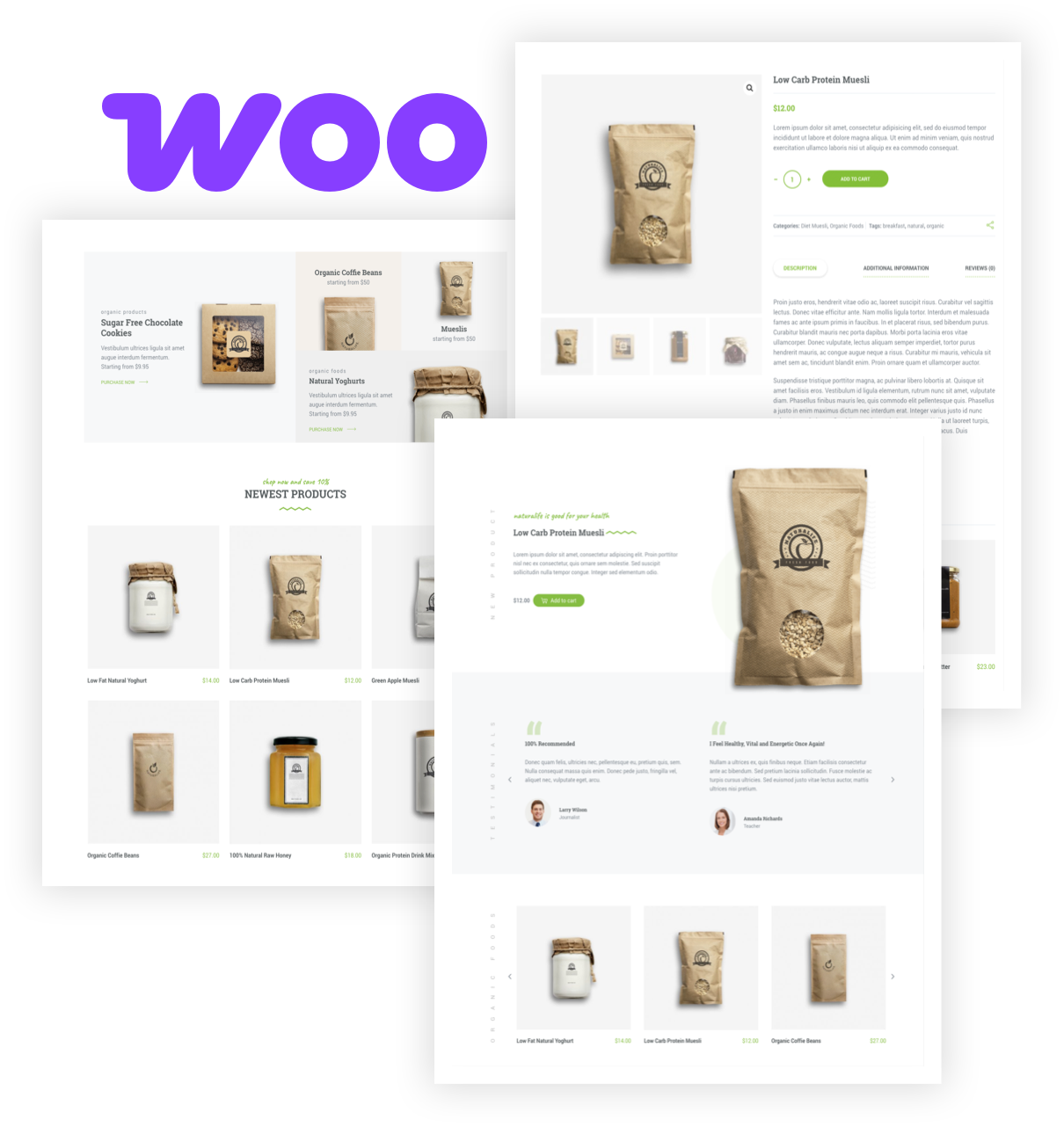
Sell your client’s products online with NaturaLife’s shop and product page layouts. WooCommerce handles the store, while the theme keeps its design consistent with the rest of the website.
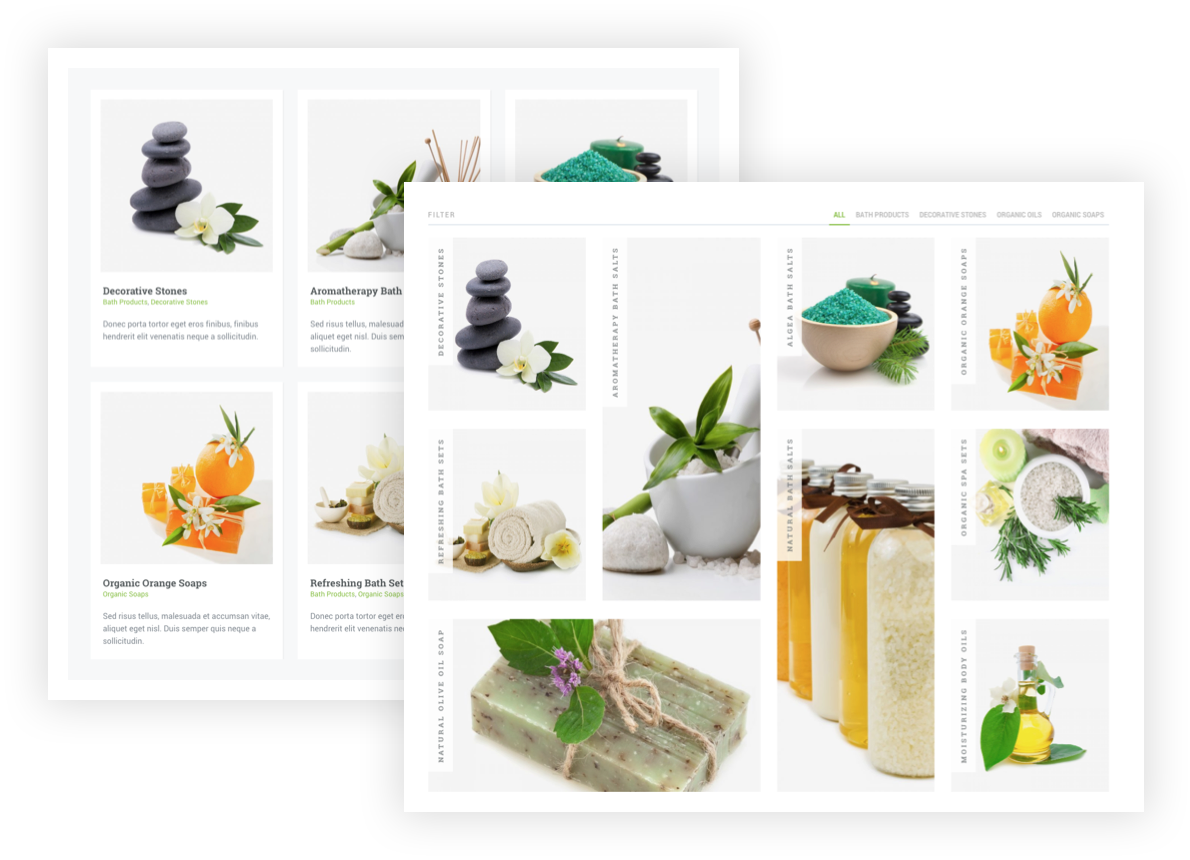
Use portfolio grids, galleries, and lists to introduce a collection or share your client’s work. The layout options also suit a visual catalog when you want to present products without adding a checkout.
Build and edit page layouts with Elementor’s drag-and-drop editor. NaturaLife adds its own elements for content such as sliders, carousels, and testimonials.
02
One-click demo import
Import the demo content to give your project a starting structure. Choose a home page layout, then replace the sample content with your client’s text and images.
03
Colors and styling for the whole site
Set colors, backgrounds, and styling in the theme customizer. Keep a consistent look across the site, whether you’re building for an organic brand or a health and wellness business.
04
Ready-made templates and blocks
Insert NaturaLife page templates and content blocks from the Elementor template library. Use a complete layout or pick the sections you need and adapt them to the project.
05
WooCommerce shop layouts
Add a store for organic food, natural skincare, or other products with WooCommerce. NaturaLife supplies shop and product page layouts; WooCommerce provides the store settings and checkout.
06
Responsive layouts
The layouts adapt to desktop, tablet, and phone screens. Preview your own content at each size as you build, so the finished site is comfortable to browse.
07
Portfolio grids and galleries
Present collections, projects, or catalogs with portfolio layouts. Adjust the grid and presentation to give visitors a clear view of your client’s work.
08
Individual page design options
Adjust selected design settings for a single page or post without changing the whole site. Give a landing page a different header treatment or layout when the content calls for it.
09
Typography choices
Choose Google fonts or add self-hosted fonts to match the brand. Adjust sizes and styles for headings, body text, and other parts of the site.
10
Theme tools for everyday setup
Set up a custom 404 page or enable maintenance mode from the theme tools. Built-in options also let you manage the theme’s CSS and JavaScript optimization.
11
Useful shortcodes
Add content such as pricing tables, tabs, buttons, and carousels with the theme’s shortcodes. The shortcode helper gives you another way to assemble content where you need it.
12
Translation and multilingual support
Translate theme text with the supplied translation files. For a site in more than one language, NaturaLife supports WPML and Polylang.
13
Slider choices
Use the built-in content slider or the bundled Slider Revolution plugin. Included slider examples give you a starting point for presenting images and content.
14
Custom widgets
Add contact information, recent or popular posts, and expandable category lists with NaturaLife’s widgets. Use them in the available widget areas to help visitors find their way.
15
Documentation when you need it
Follow the online guides for installation, page building, and customization. Keep them handy when setting up a new project or exploring an unfamiliar option.
16
Right-to-left language support
Build sites in Arabic, Hebrew, Persian, and other right-to-left languages with RTL layout support. Combine it with the translation tools your project needs.
17
Support for SEO plugins
Use popular WordPress SEO plugins alongside NaturaLife to manage your site’s search settings. Your content, page structure, and plugin configuration all play a part in the finished site’s SEO.
18
Build without writing code
Use Elementor and the theme settings to assemble pages and adjust the design without writing code. You can focus on the client’s content and visual style.
19
Updates through Envato Market
Use the Envato Market plugin to update a ThemeForest purchase from WordPress. The documentation explains how to connect your purchase and keep the theme up to date.
20
Friendly theme support
If you need a hand with NaturaLife, create a support ticket in your dashboard. Check your license for the included support period, and browse the documentation whenever you need it.
Home Page Demos
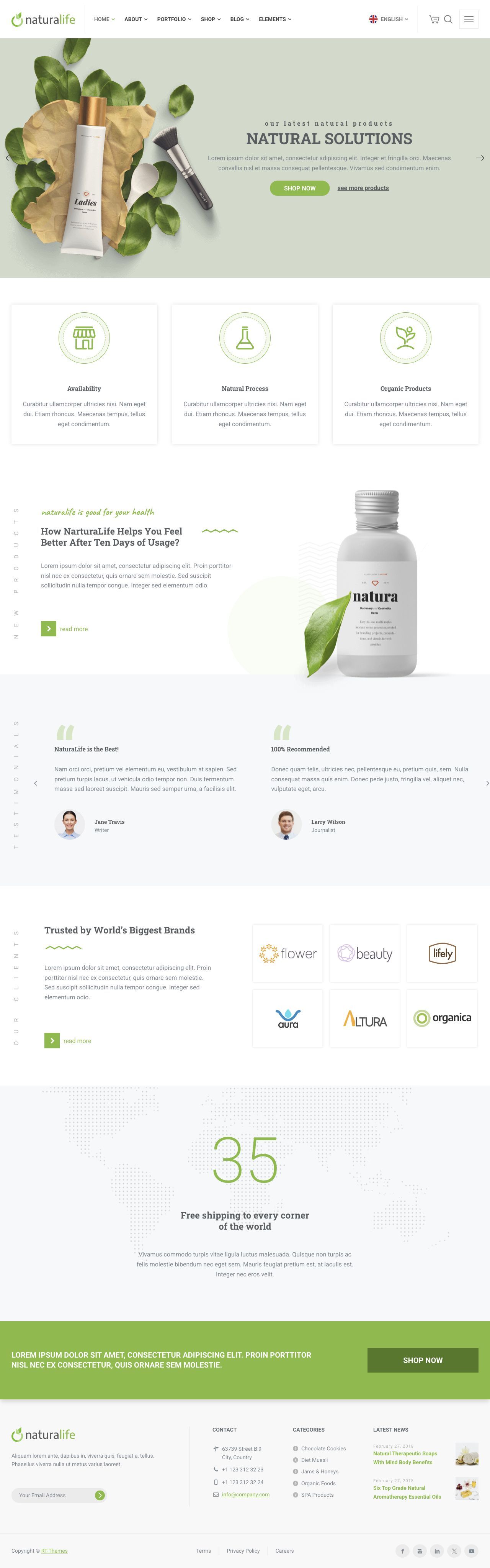
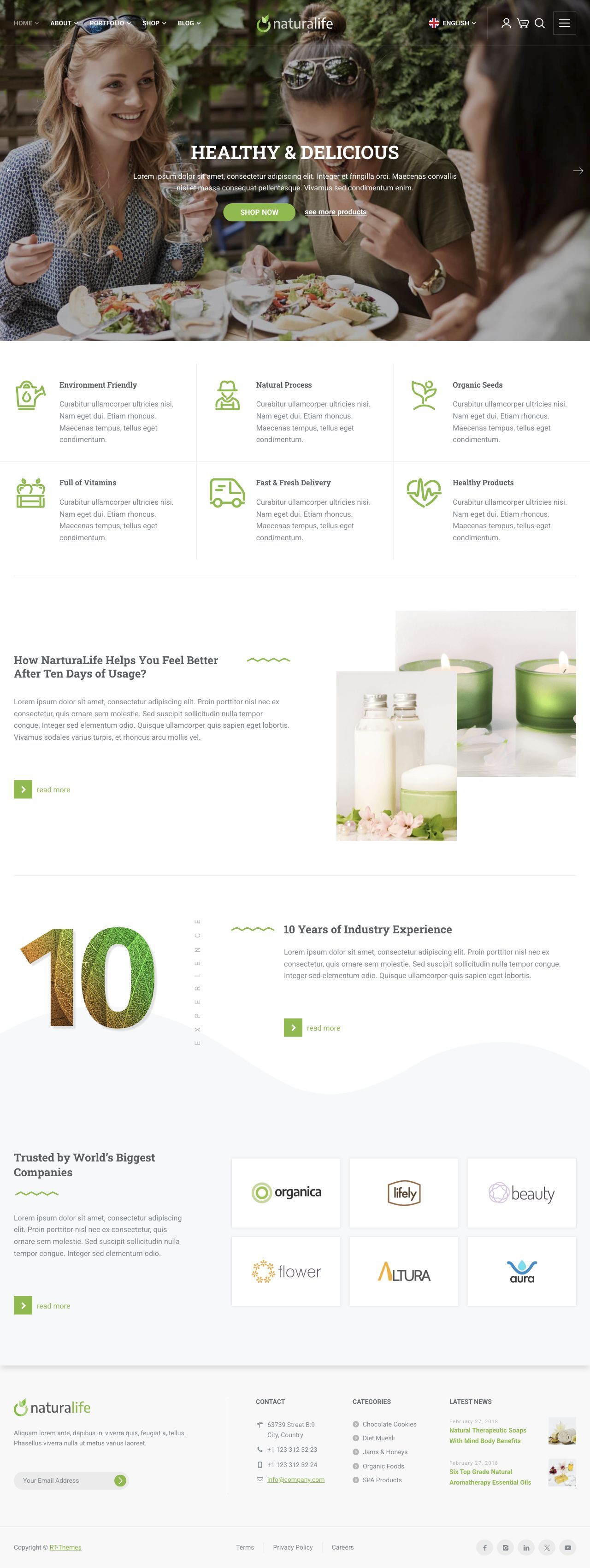
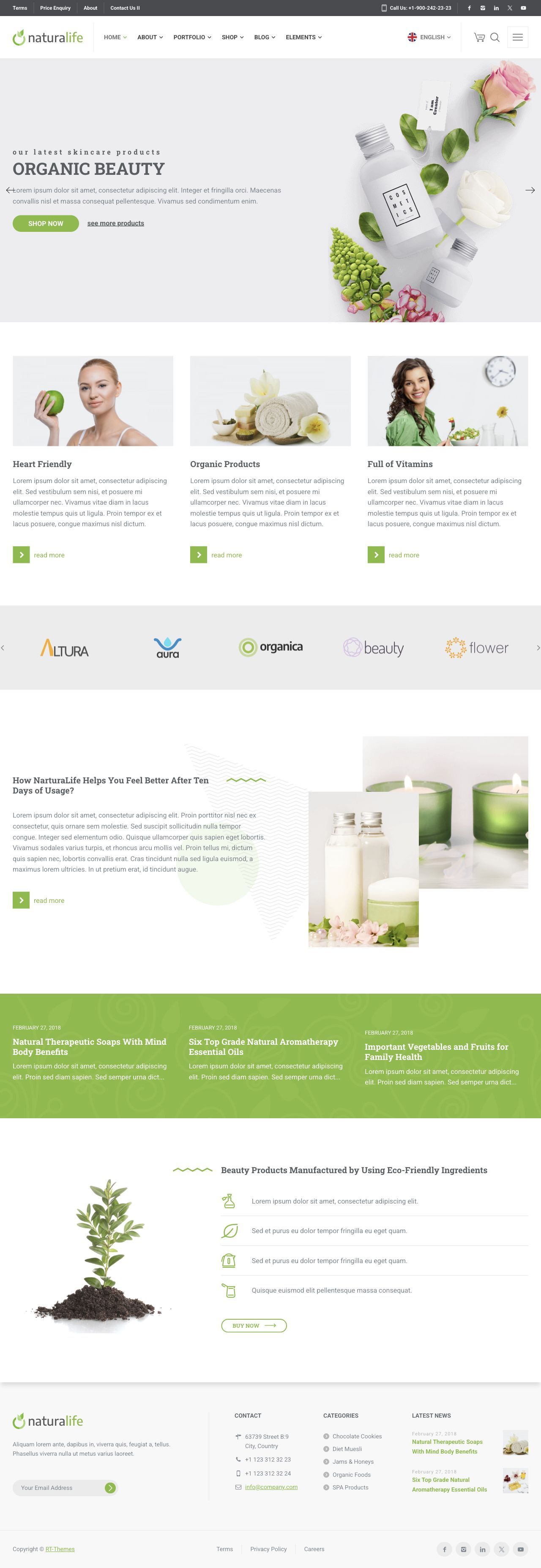
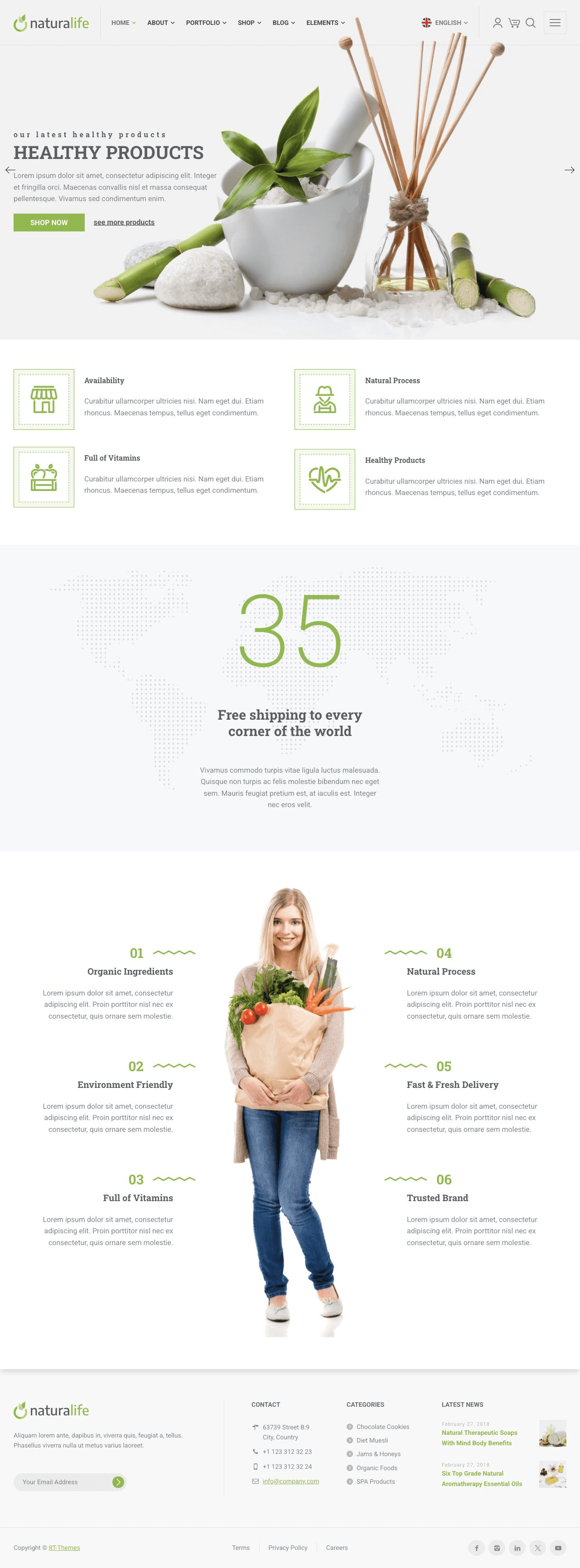
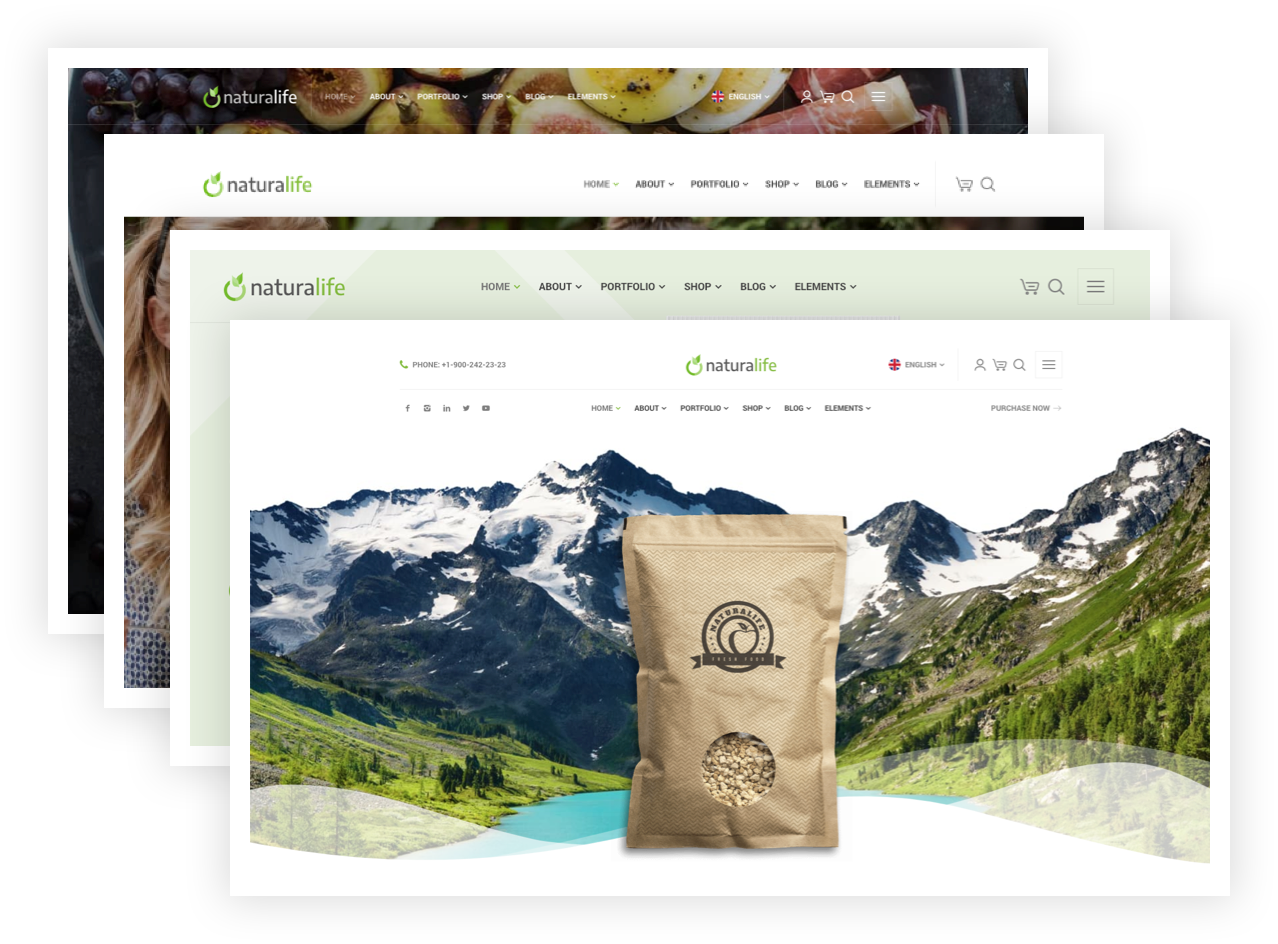
Explore nine home page layouts within one complete demo. Browse the inner pages too, then choose a starting point for your project.
The entire project is fantastic, everything is neatly ordered & available. The best part prior to doing anything is the beautifully prepared and provided documentation for all skill types.
Very happy with the purchase, please make more quality content!
#developers, take note on this documentation.
★★★★★
Thank you for the great theme. Its very easy to use, the documentation is clear, and customer support also quick and helpful.
★★★★★
This is such a solid, well designed theme. It made creating a website more enjoyable and far less of a chore. Bravo!
★★★★★
It's a beautiful and light theme. After installing all my mandatory plugins, I get better loading times than most of my other websites (with the same plugins installed).
Regarding features, there are a lot of useful options, and they are well organized. I am still new to the theme, but I don't have the feeling that it's going to take a long time to master all the tools (like it happens with many themes). It looks quite easy.
Another great plus is the fact that it plays very nice with Elementor, and there are many beautiful elementor templates included. I really like the blocks btw!
Finally, when I needed help, customer support was extremely fast and helpfull. Thank you and keep up the good work! Cheers!
★★★★★
Customer support has been stellar - I purchased the theme a second time for a separate website because of this. Highly recommend this theme!
★★★★★
Fits perfectly with my website. Fast and prompt response from the author.
★★★★★
It's a beautiful theme. I am very satisfied. Thank you
★★★★★
great work im happy that im using this theme very nice style
★★★★★
Everything is perfect and customer support too!
Thanks for all
★★★★★
It is a very good theme, with everything that you need to start a new blog, beautiful and useful.
★★★★★
Happy with the product and support.
★★★★★
A very plain, stylish and simple theme. I enjoyed while editing. Thanks.
★★★★★
Easy to use with elementor. Thank you
★★★★★
Very good, one of the few themeforest experiences that won't give you any problems. you are to be congratulated!
Frequently Asked Questions
What is included with NaturaLife?+
You get the NaturaLife WordPress theme, its customization tools, and demo content with nine home page layouts and ready-made inner pages. Elementor templates and blocks give you more starting points for building pages. Updates and support depend on the license you choose; the purchase card shows the options, with final pricing and terms at checkout.
Can I edit the pages with Elementor?+
Yes. You can build and edit page layouts visually with Elementor, using NaturaLife’s additional elements, templates, and blocks. Use the theme settings for colors, typography, and other design choices. You’ll need your own WordPress installation and hosting.
The nine previews are different home page layouts within one complete demo. Use the one-click demo importer to bring in the demo content, then choose a home page and replace the text and images for your client. Use your own images, or check the demo image and video licenses in the installation guide. The guide also covers setup requirements and import steps.
Yes. Set the site’s colors, fonts, backgrounds, and header styling in the theme customizer. Individual page options let you adjust parts of that design for a particular page or post. You can also change page layouts in Elementor, so the demo is a starting point for your own design.
Yes. NaturaLife supports WooCommerce and includes shop and product page layouts. Install WooCommerce to add your client’s products and configure payments, shipping, and checkout. Any optional paid extensions or third-party services have their own costs.
Does NaturaLife support multilingual and RTL websites?+
NaturaLife includes translation files and supports WPML and Polylang for multilingual websites. It also supports right-to-left layouts for languages such as Arabic, Hebrew, and Persian. Multilingual plugins are separate products; check their requirements and pricing for your project.
Should I choose a Single License or Club Membership?+
Choose Single License for NaturaLife, or Club Membership for access to all RT-Themes. Compare the billing period, updates, and support in the purchase card. If you’re buying for a client project, review the applicable license terms before checkout.
Our documentation covers installation, customization, and the theme’s tools. If you need help with NaturaLife, create a support ticket in your dashboard. Your selected license determines the support period.