Individual Design Options
Design Options
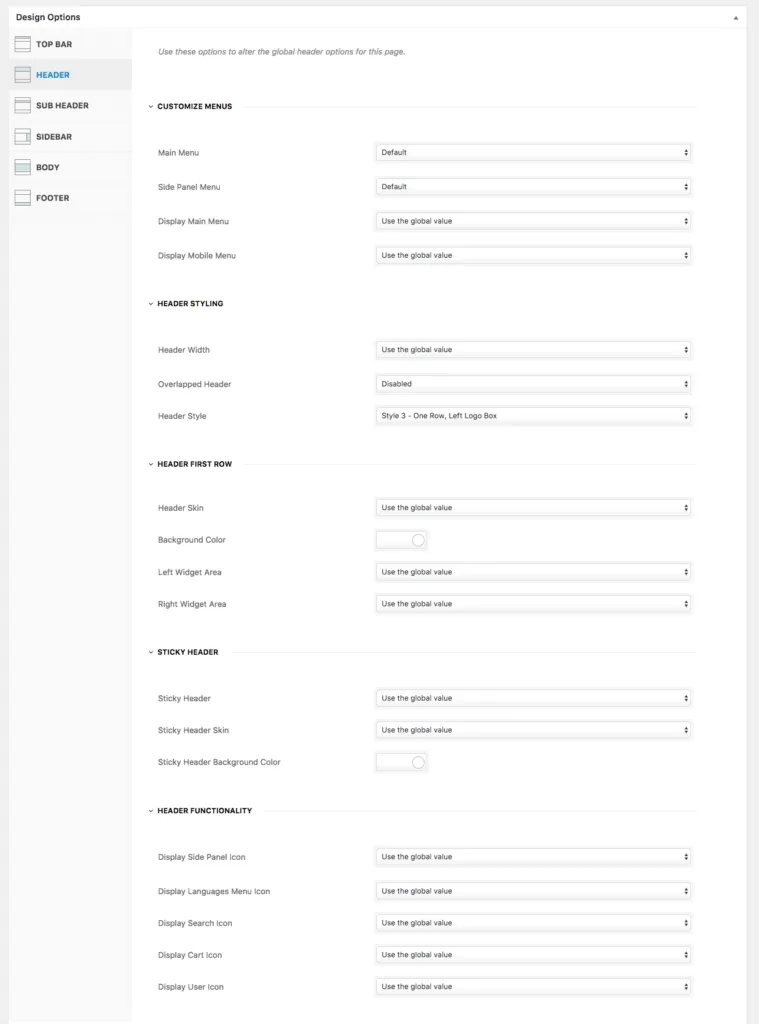
Section titled “Design Options”Many of the theme’s design settings live in Appearance › Customize › Styling Options and apply to your whole site. Some of them are also available for each page or post, in the Design Options box on the page or post edit screen. The box has tabs for the top bar, header, sub header, sidebar, body and footer. Use it when one page needs to look different from the rest of the site.
A Design Option you change always overrides the global setting for that page. Some Design Options have no global equivalent, such as Customize Menus and Sidebars.
For example, you chose Header Style 1 in Styling Options › Header for your entire site, but one page needs Header Style 2. Open that page, go to the Header tab of its Design Options and choose Header Style 2 there.