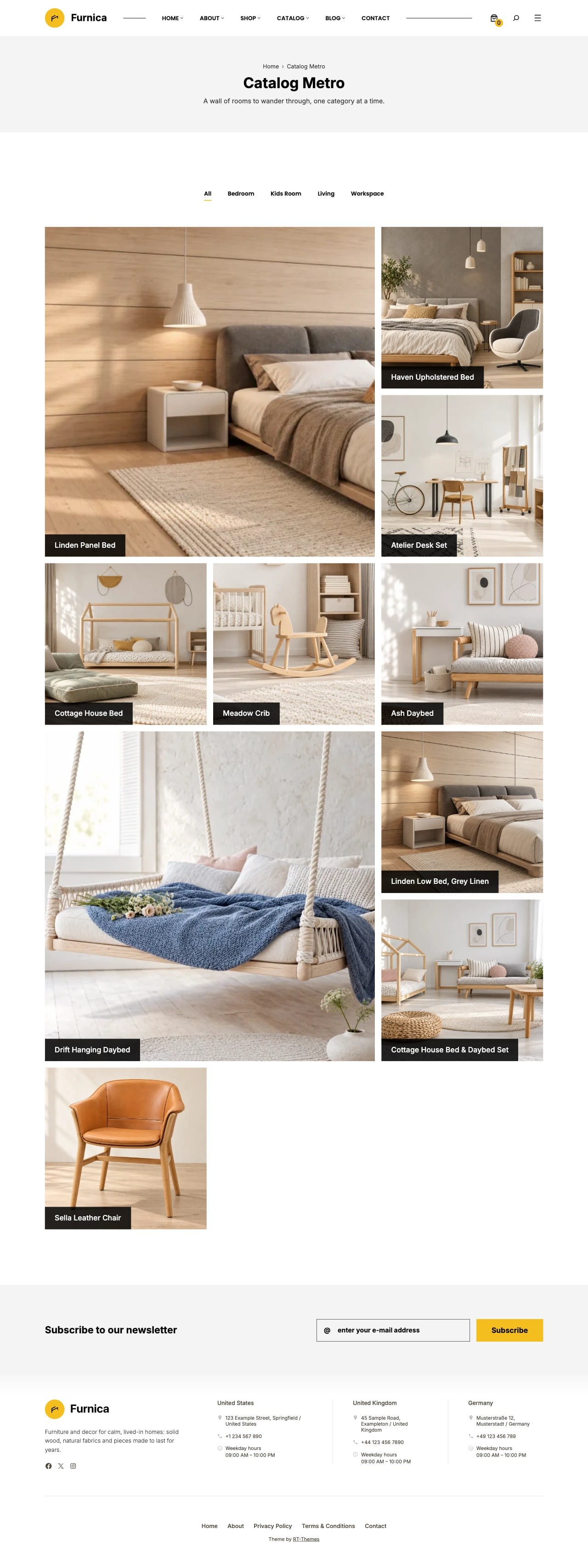
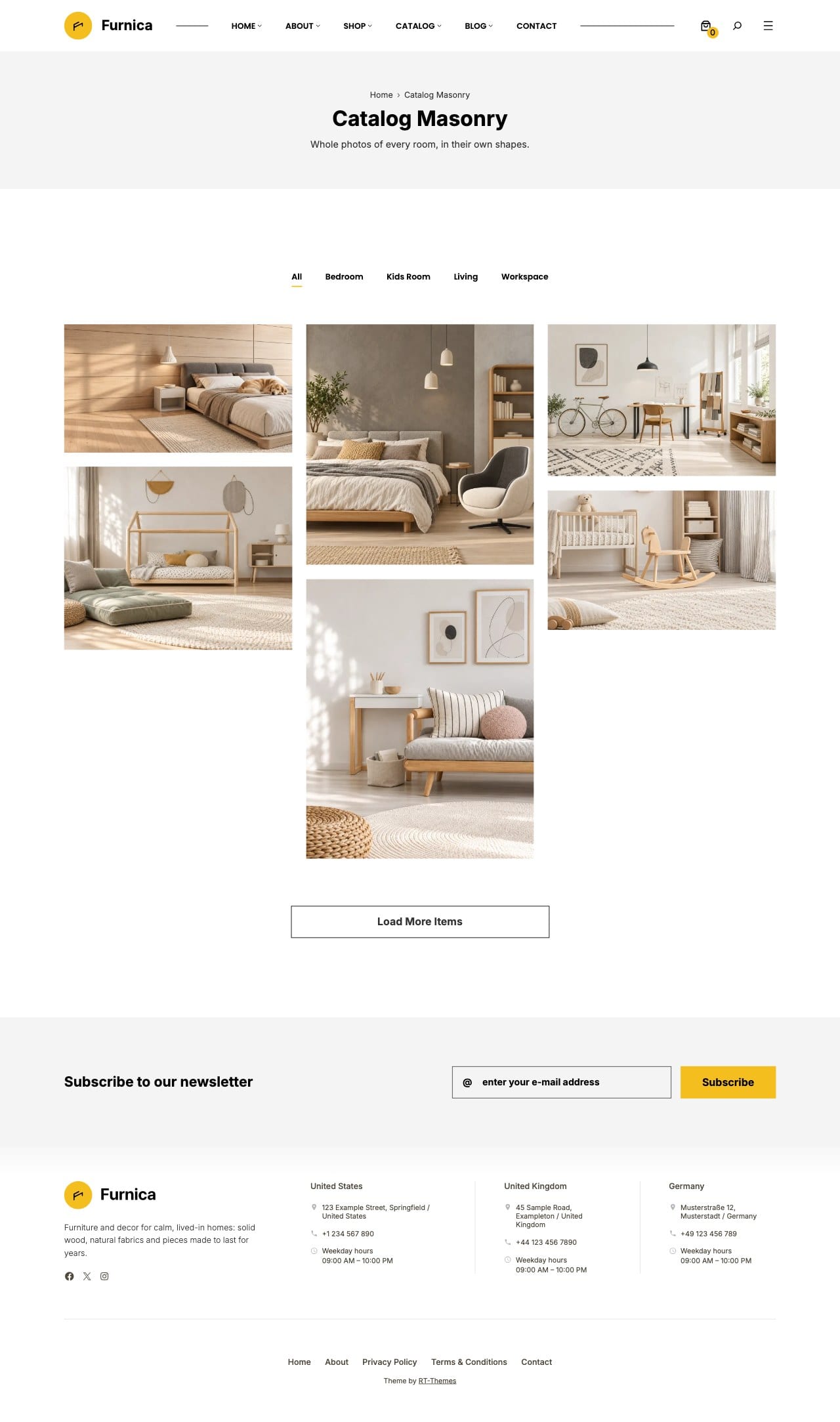
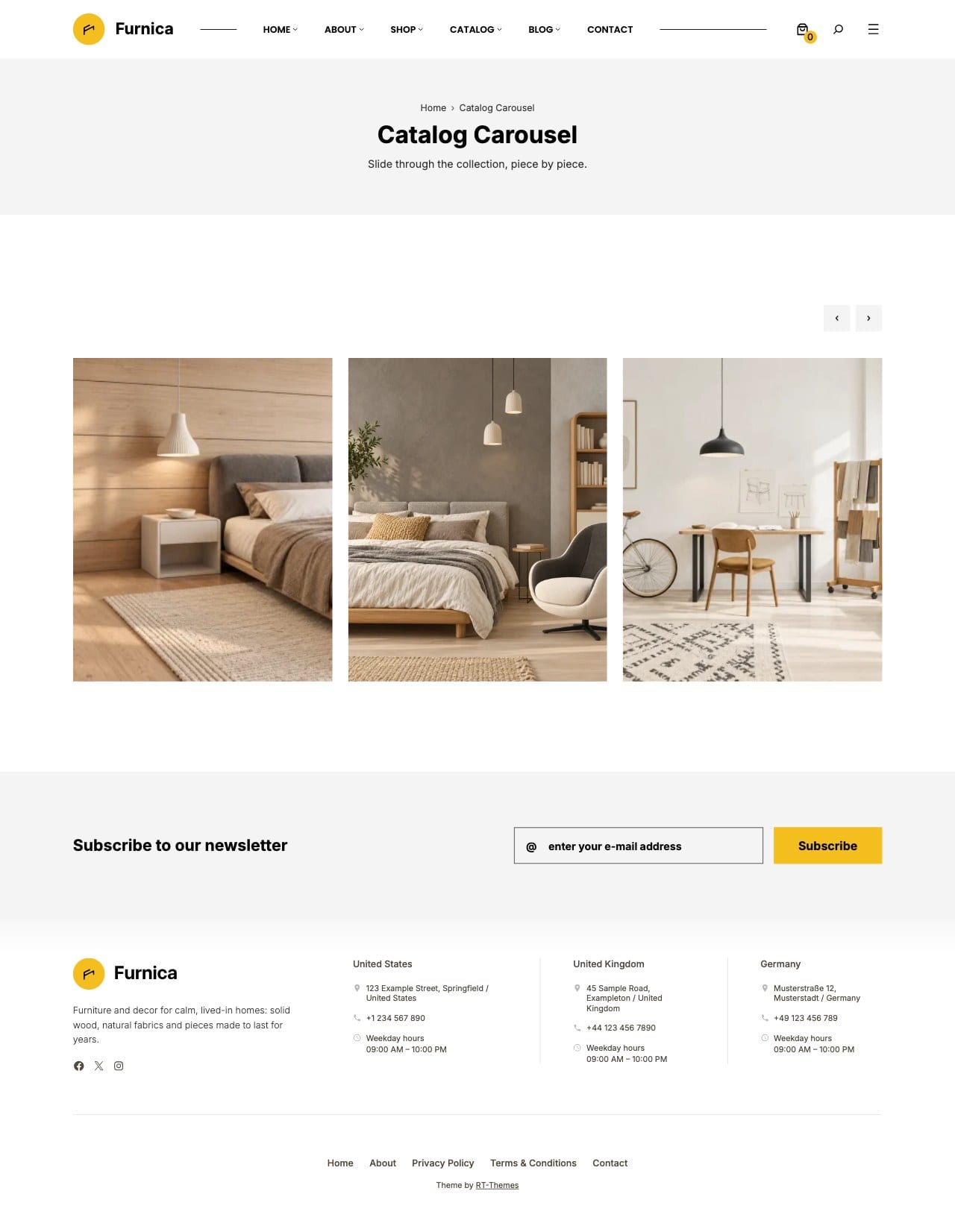
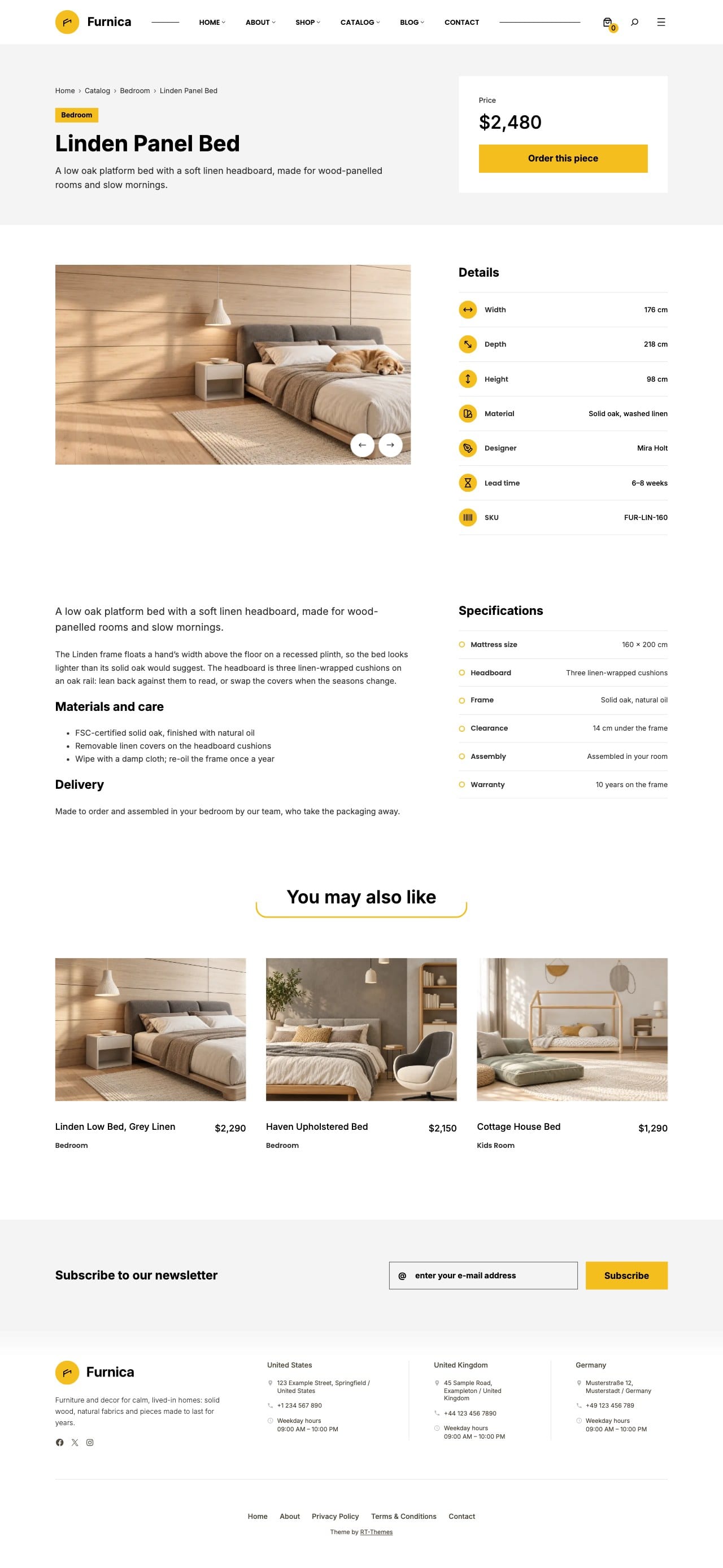
Furnica | Furniture Catalog & Store WordPress Theme
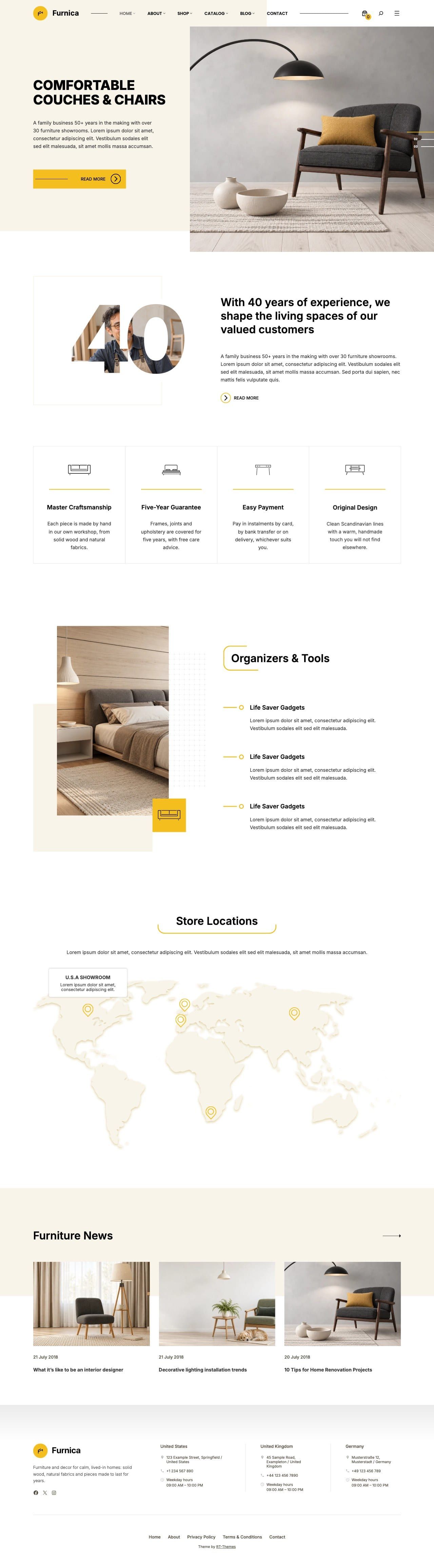
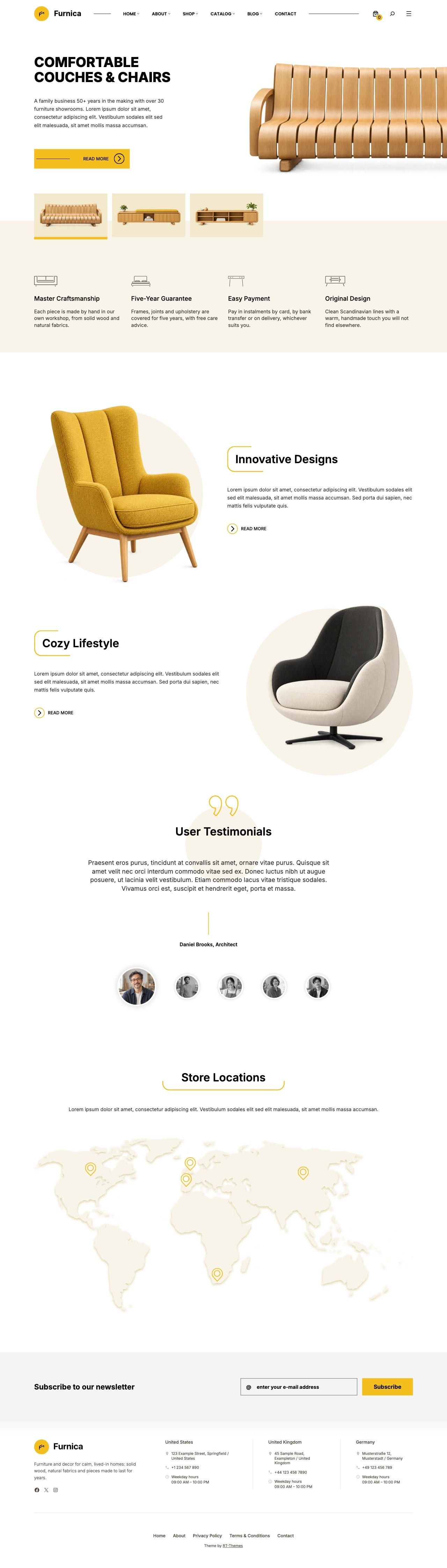
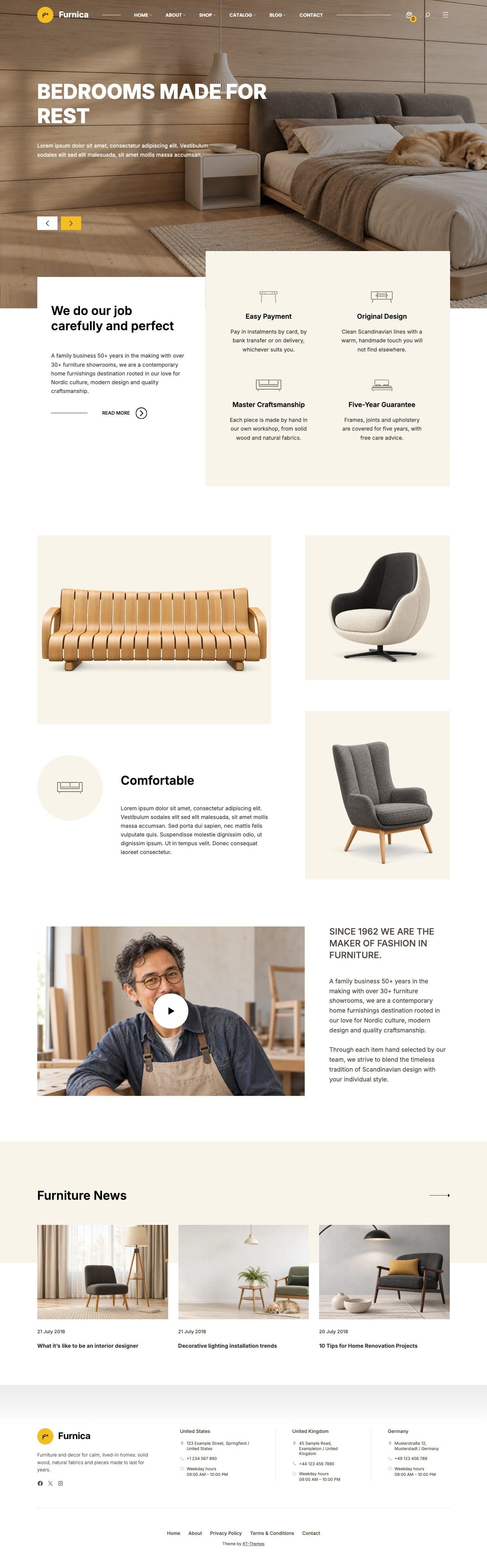
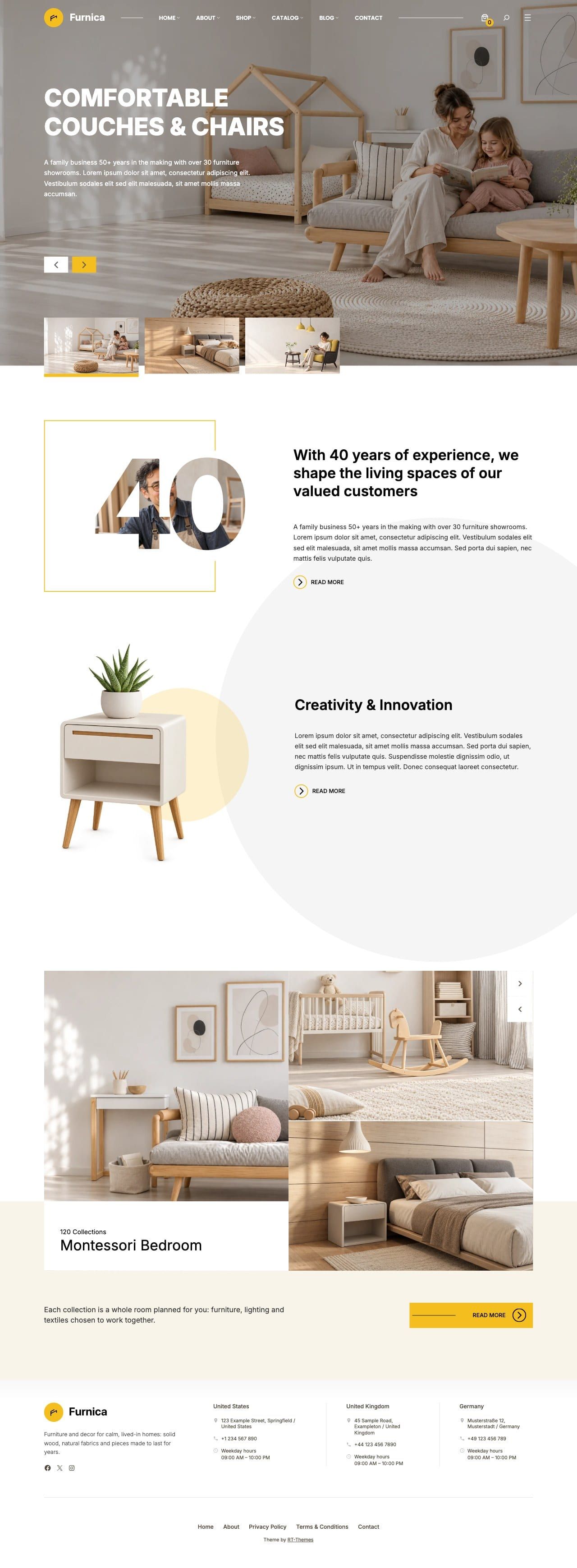
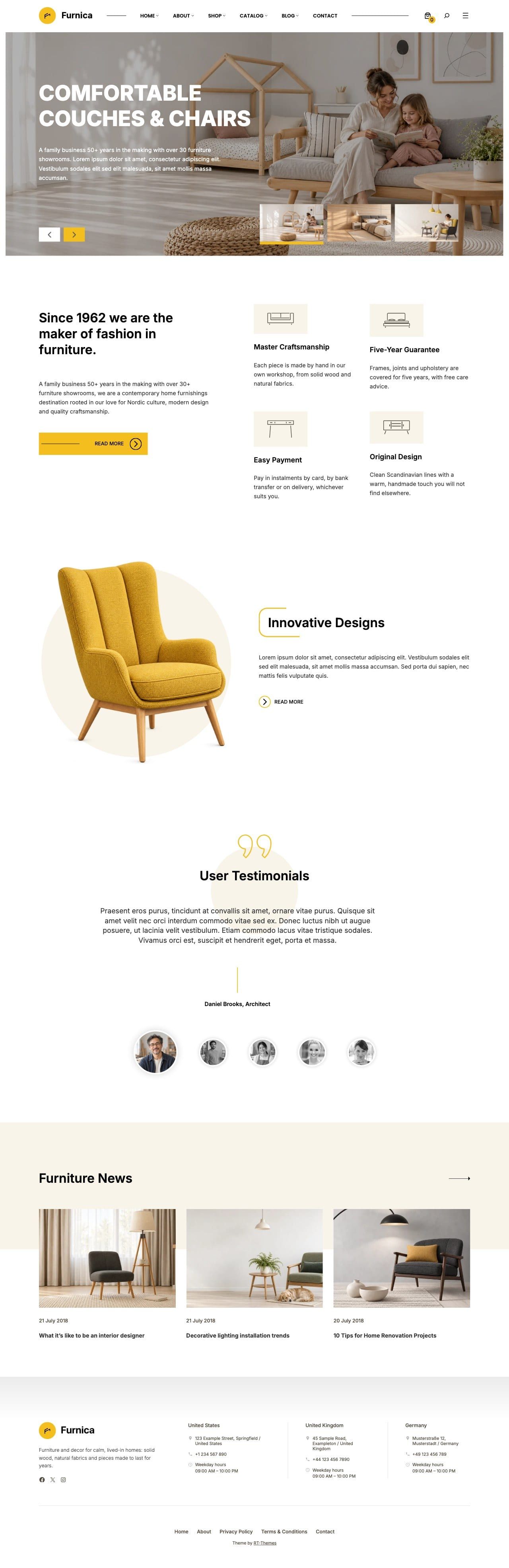
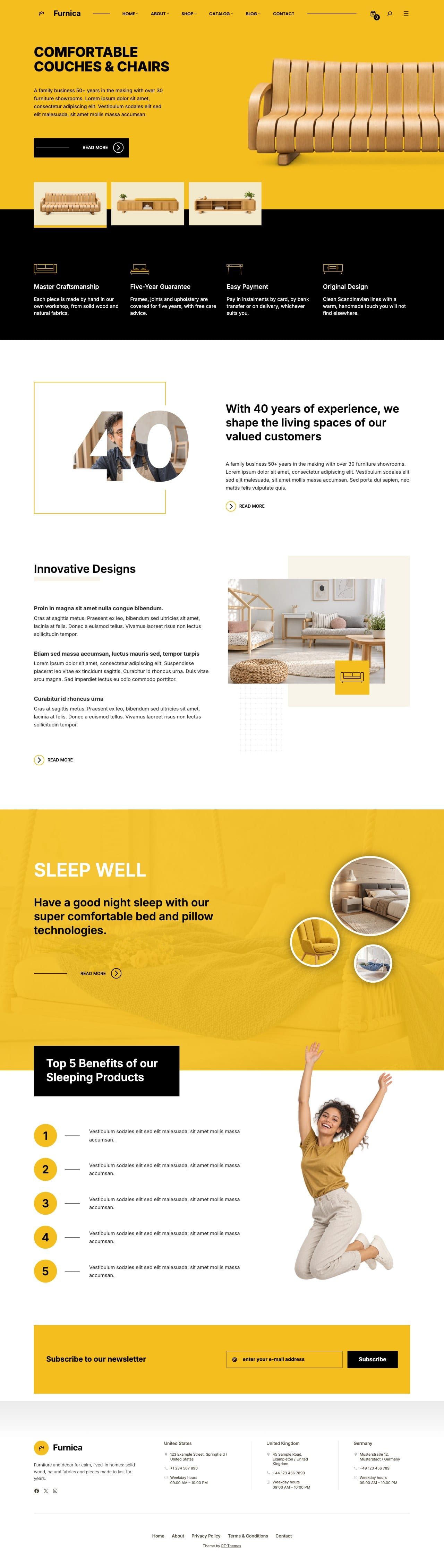
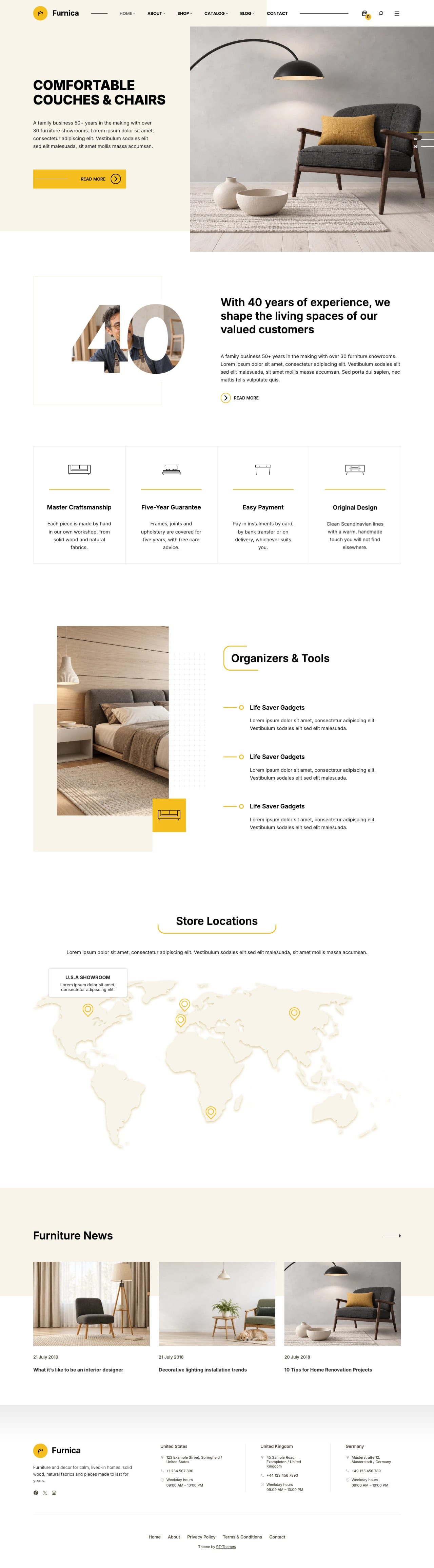
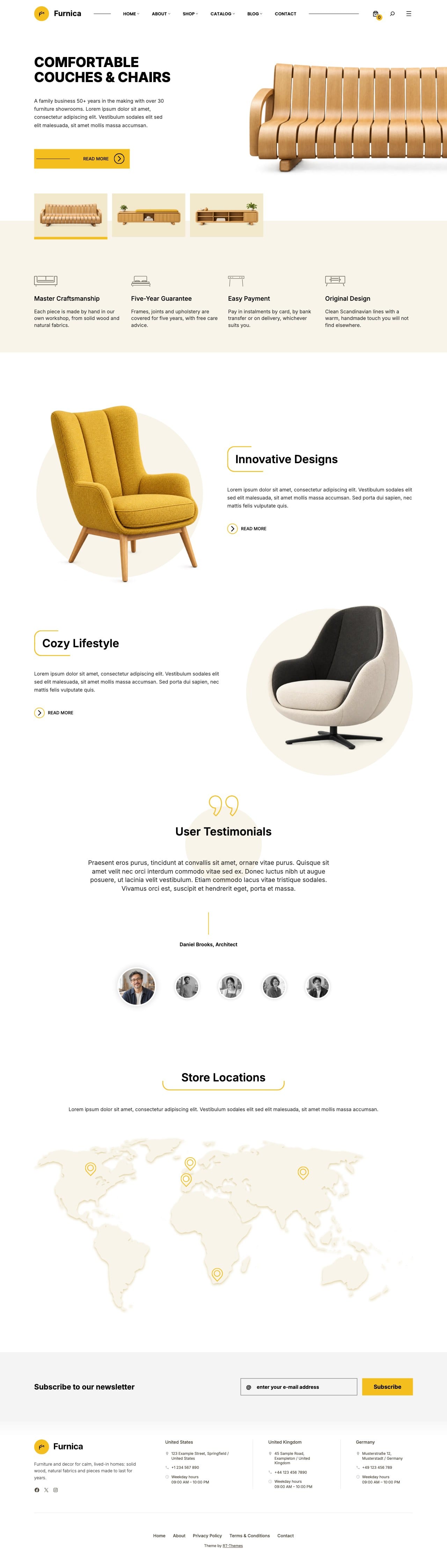
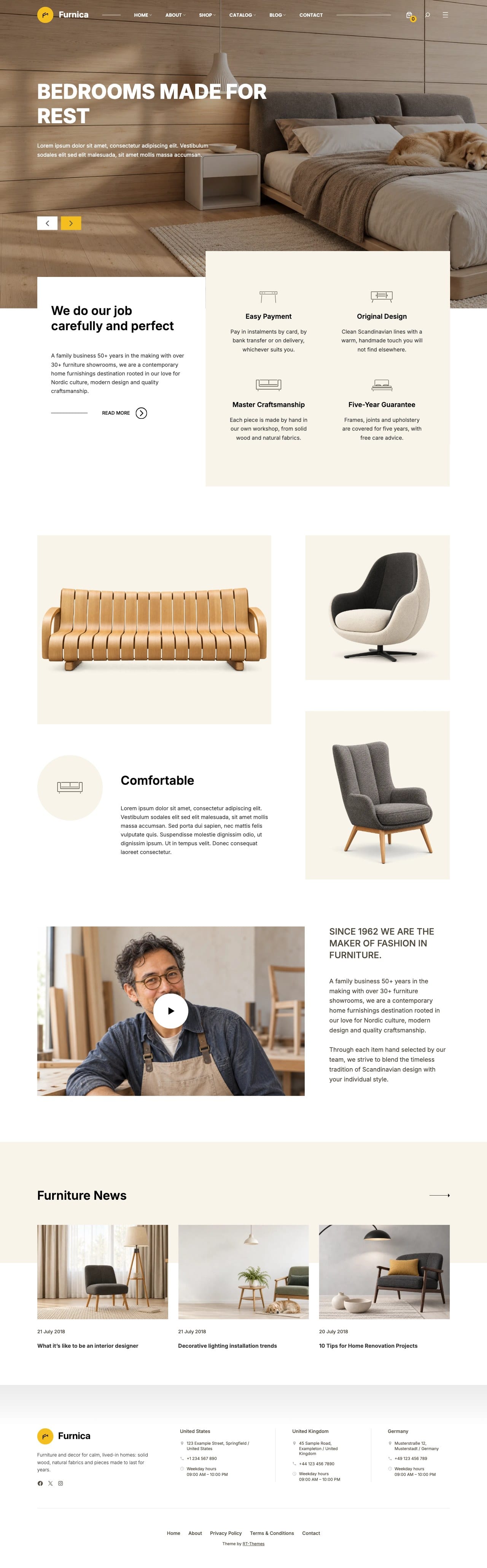
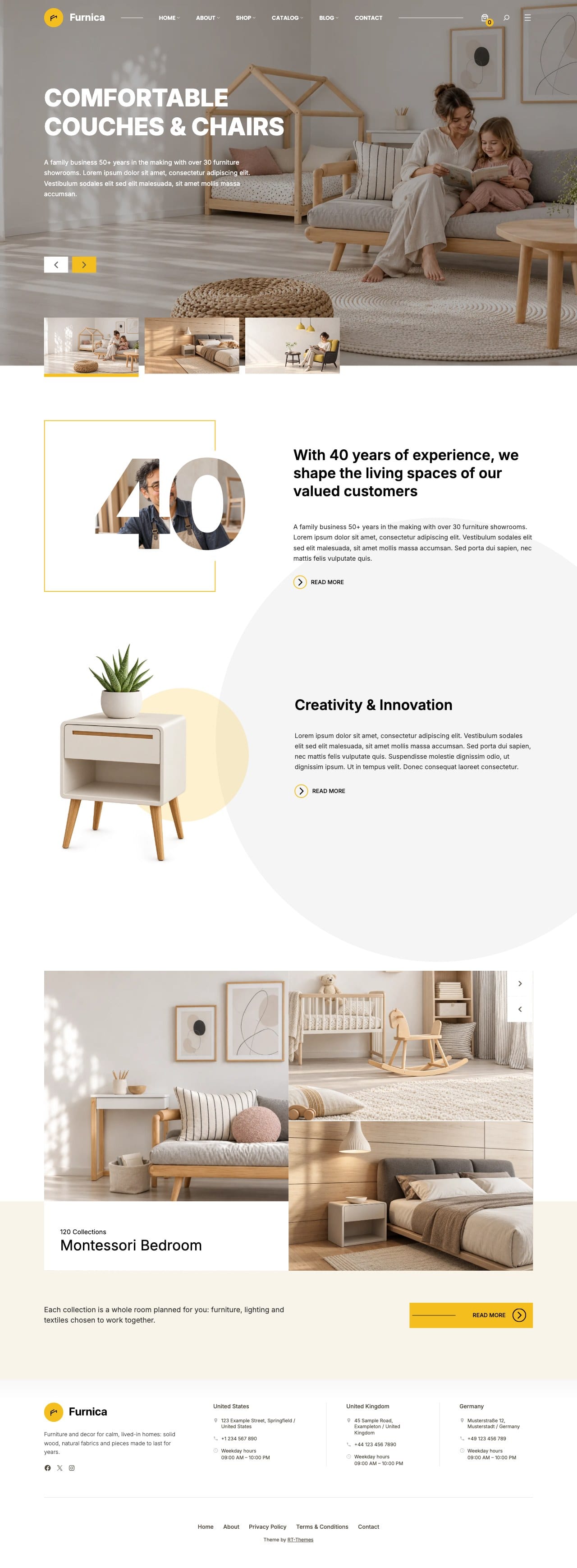
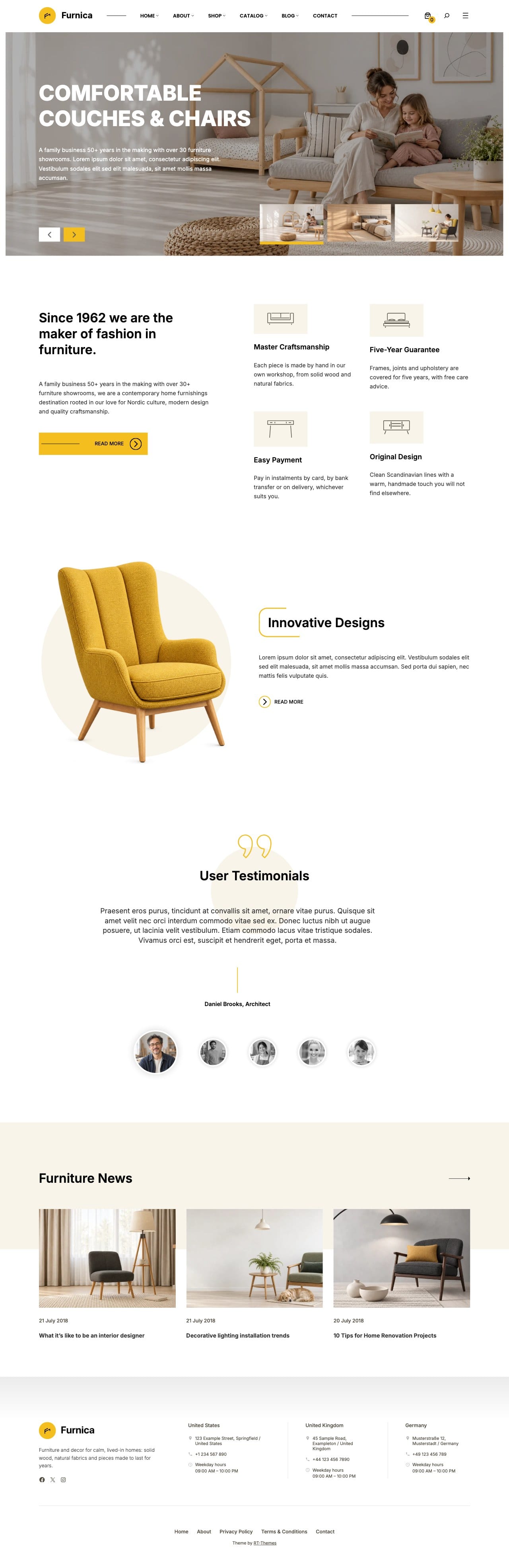
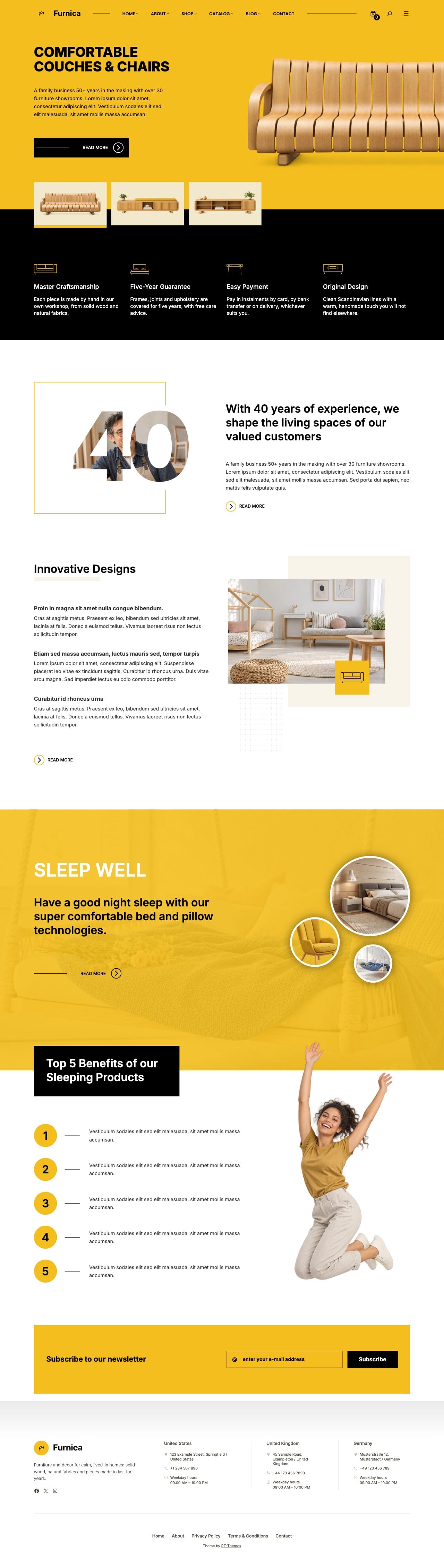
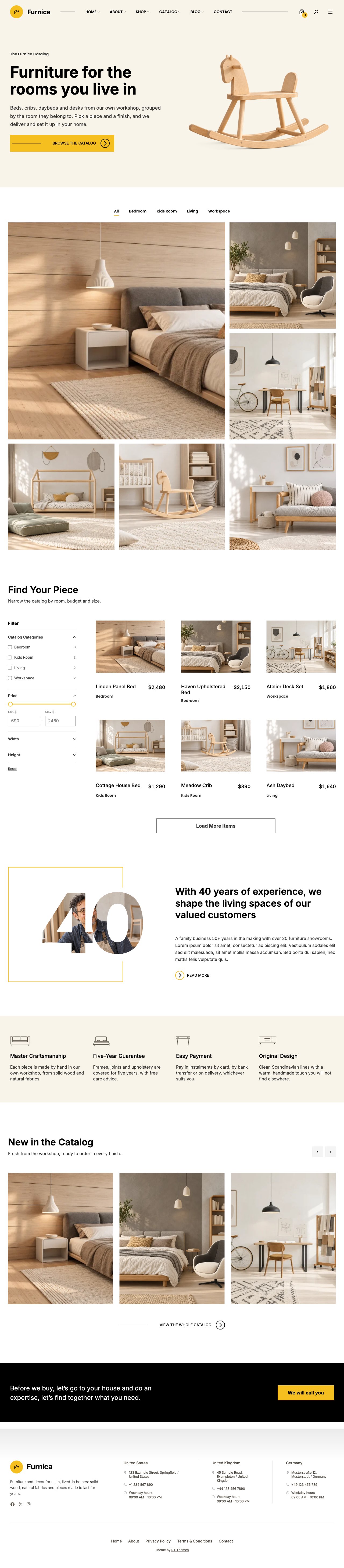
Furnica is a furniture catalog and store theme for WordPress. Most furniture brands use their website to present collections and bring visitors to the showroom, so Furnica starts with a product catalog: category and custom field filters, grid, metro, masonry and carousel layouts, detail pages with dimensions and materials, and quote request forms. When you want to sell online, the same design extends to a WooCommerce shop. Six home pages, the inner pages a furniture business needs and patterns for every section are installed by the setup wizard.
A WordPress block theme for furniture makers, showrooms and home decor brands. Present your collections in a product catalog with category and custom field filters, dimensions, galleries and quote requests, and add a WooCommerce shop only if you sell online. Six home pages, a catalog home and a shop home are ready to install with the setup wizard, and everything stays editable in the WordPress Site Editor.
Furnica is a standard WordPress block theme, so it works out of the box with the plugins you already use: SEO, caching, translation and multilingual plugins such as WPML and Polylang, translation tools such as Poedit, forms, analytics and more. Its own blocks and fields live in the bundled plugins, built on WordPress’s block editor.
Features
A catalog to present your furniture, a shop when you are ready to sell, and blocks for everything around them.
01 /
Product catalog
A real online product catalog, ready to take enquiries
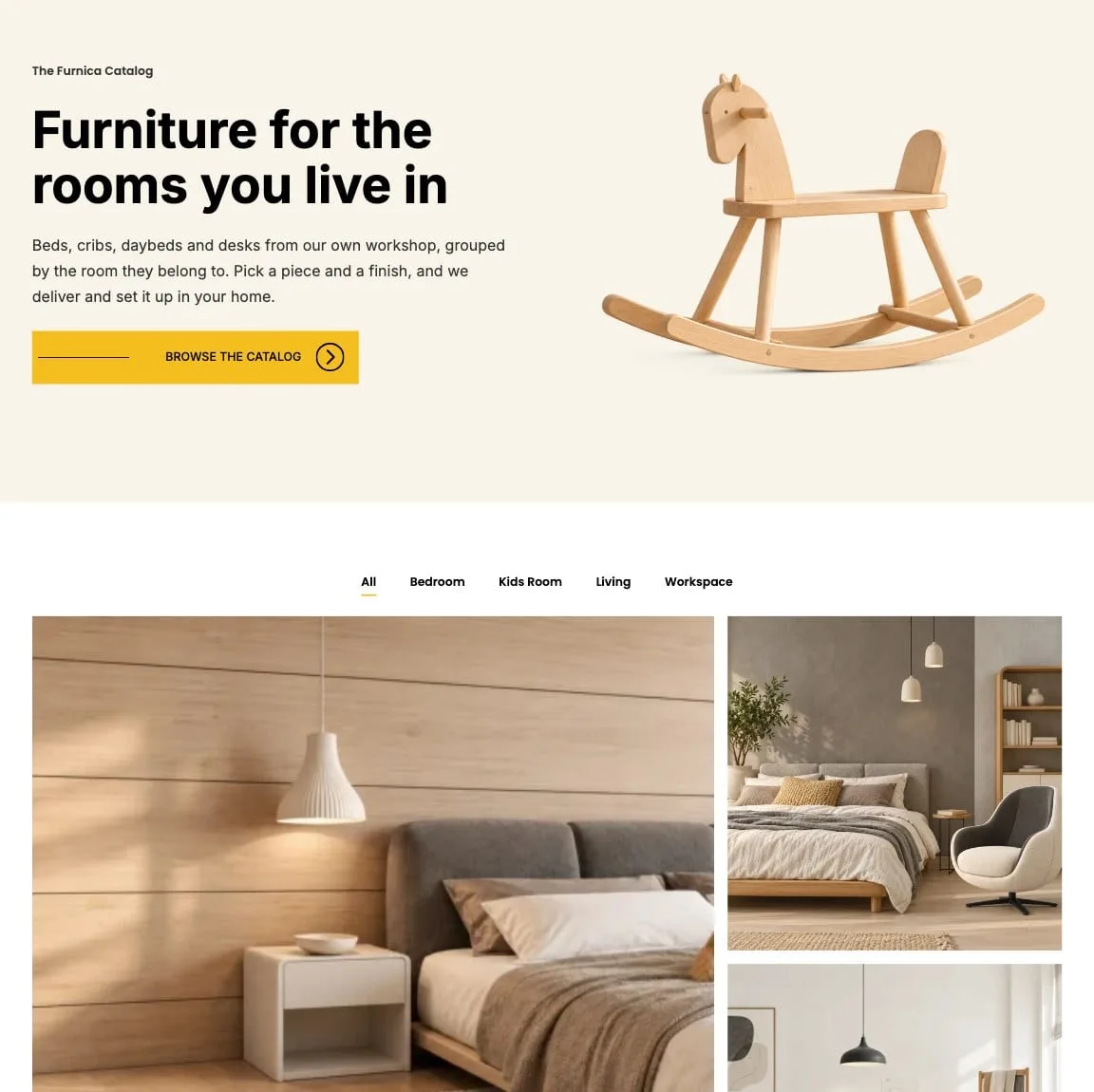
Most furniture brands use their website as a catalog, so Furnica gives you a real one. Flexible grid, metro, masonry and carousel layouts with filters and archive pages, detail pages with price, dimensions, materials and galleries, and a ready pricing enquiry form you can fully customise. Ready for third-party payments too: add a link field to each piece and point its button at a Stripe, PayPal or other payment link.
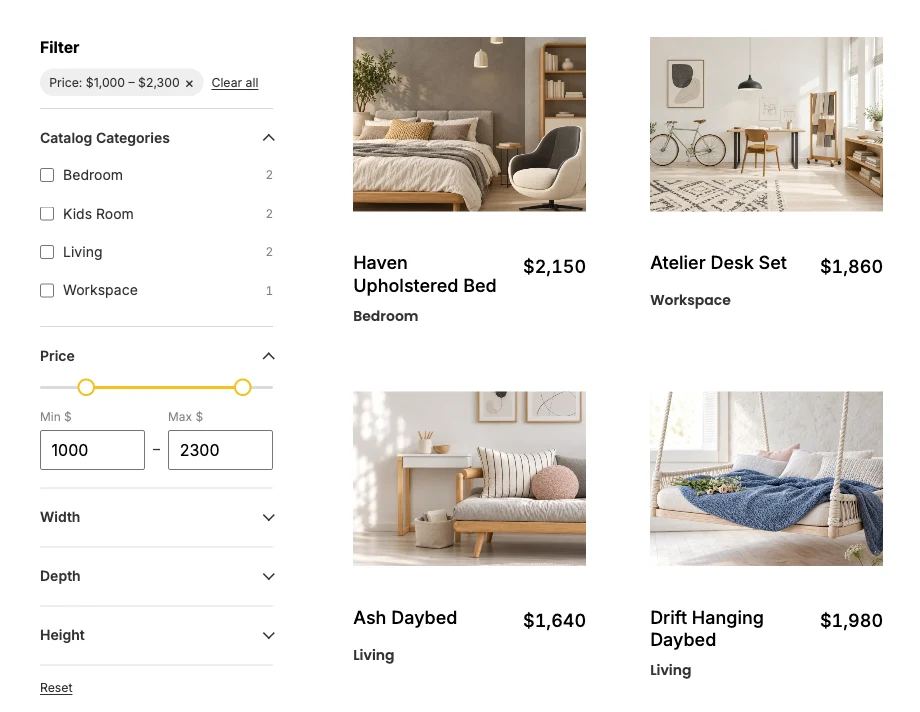
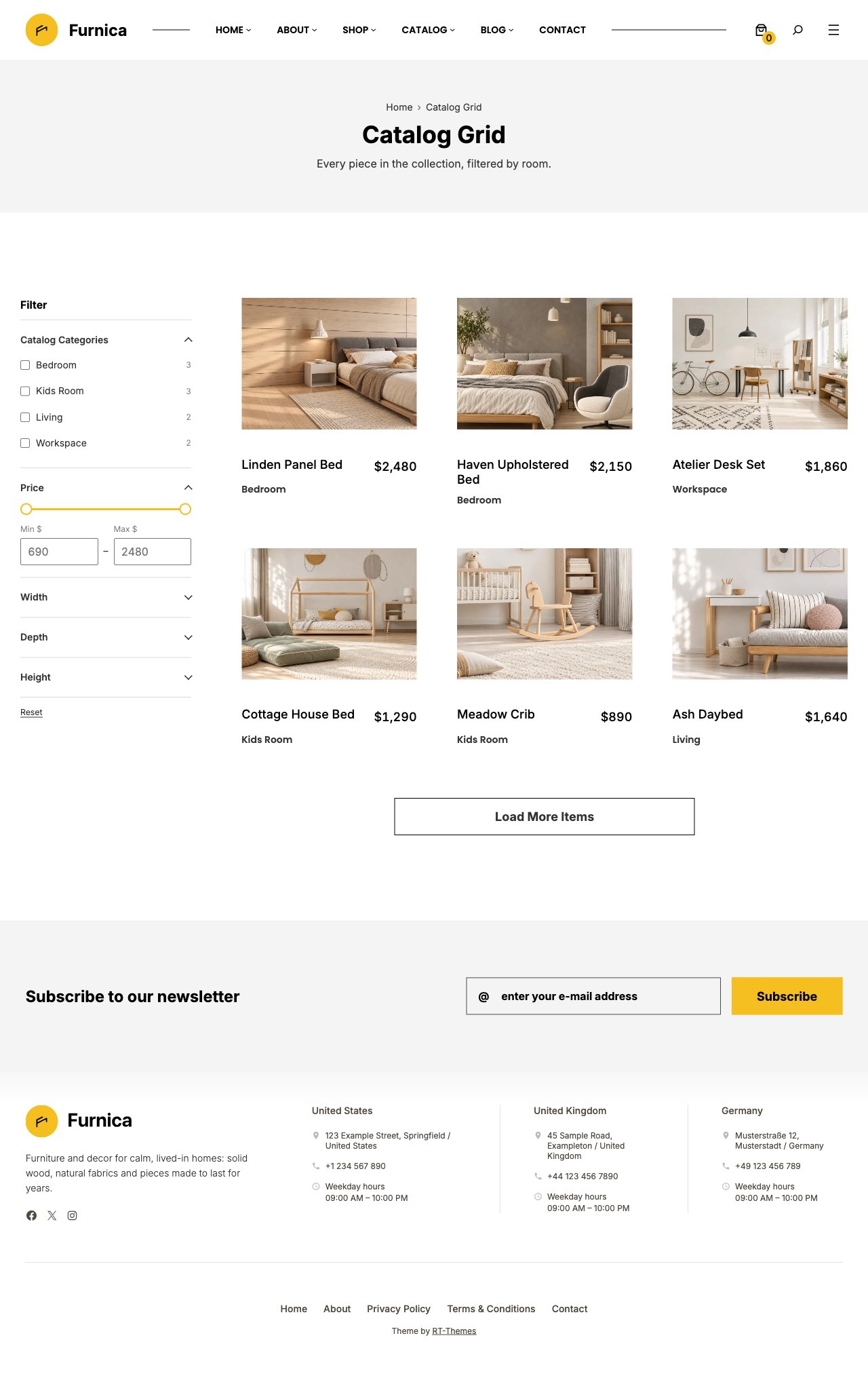
Filter the catalog by categories and custom fields
The Query Filter block adds a filter sidebar to any Query Loop or Post Gallery. Pick the taxonomies and custom fields to filter by: category trees become checkboxes, number fields such as price and dimensions become range sliders, and pills, dropdowns and colour swatches are there too, each option with its post count. Results update without a page reload, active filters show as chips, and every filtered view has a shareable URL. On phones the filters open in a drawer.
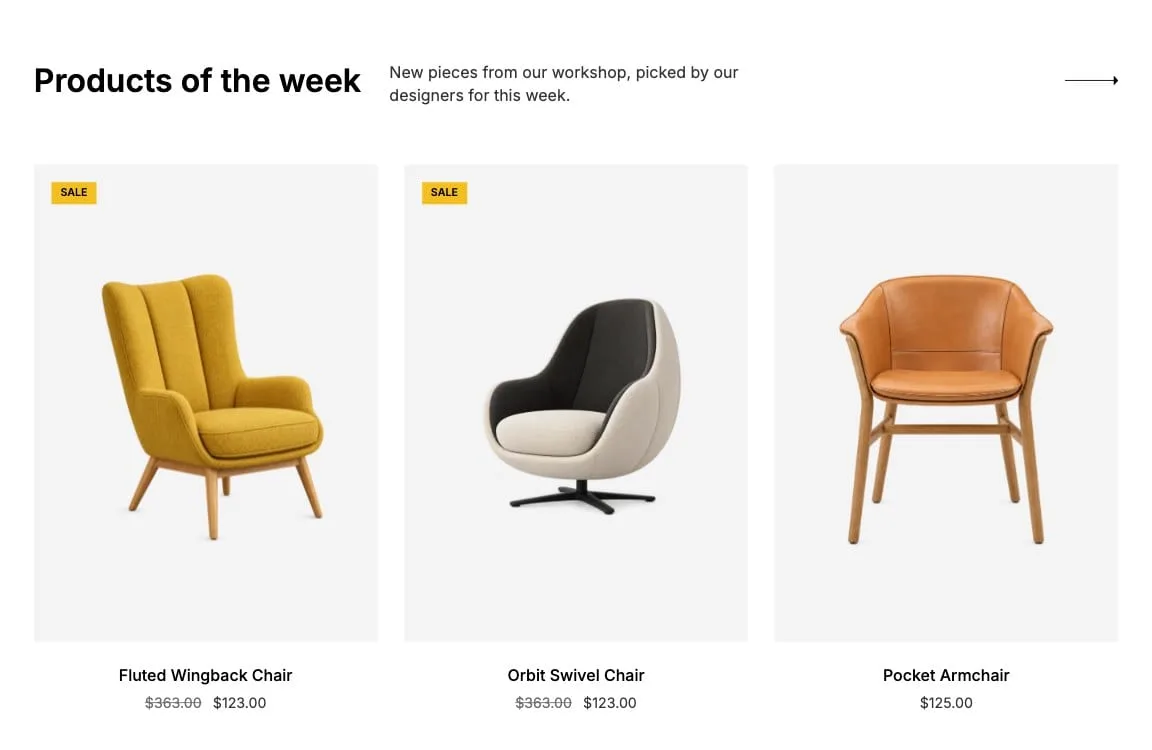
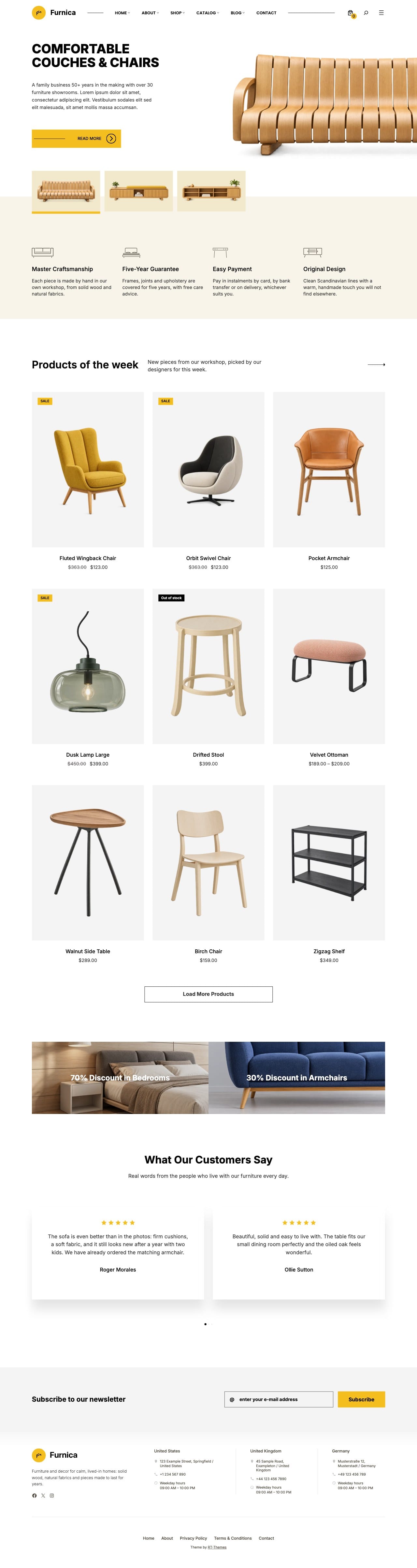
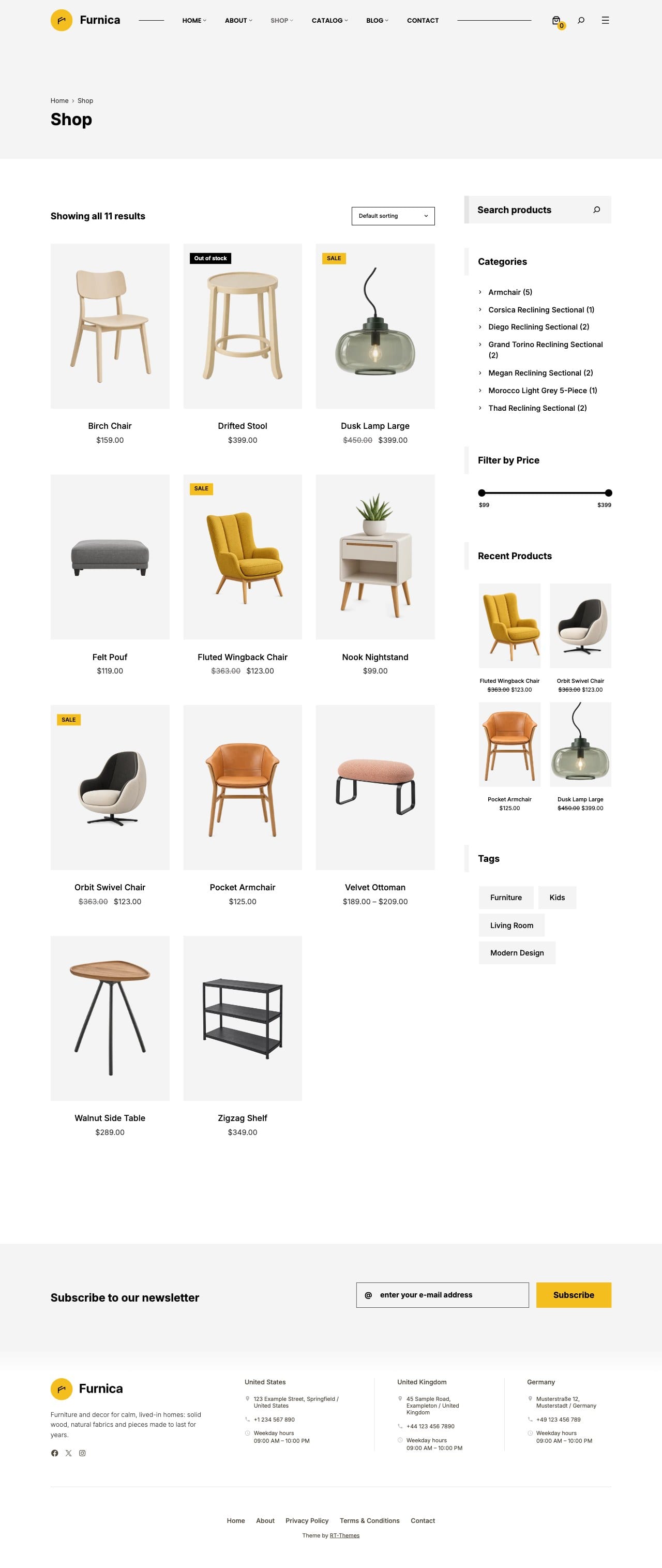
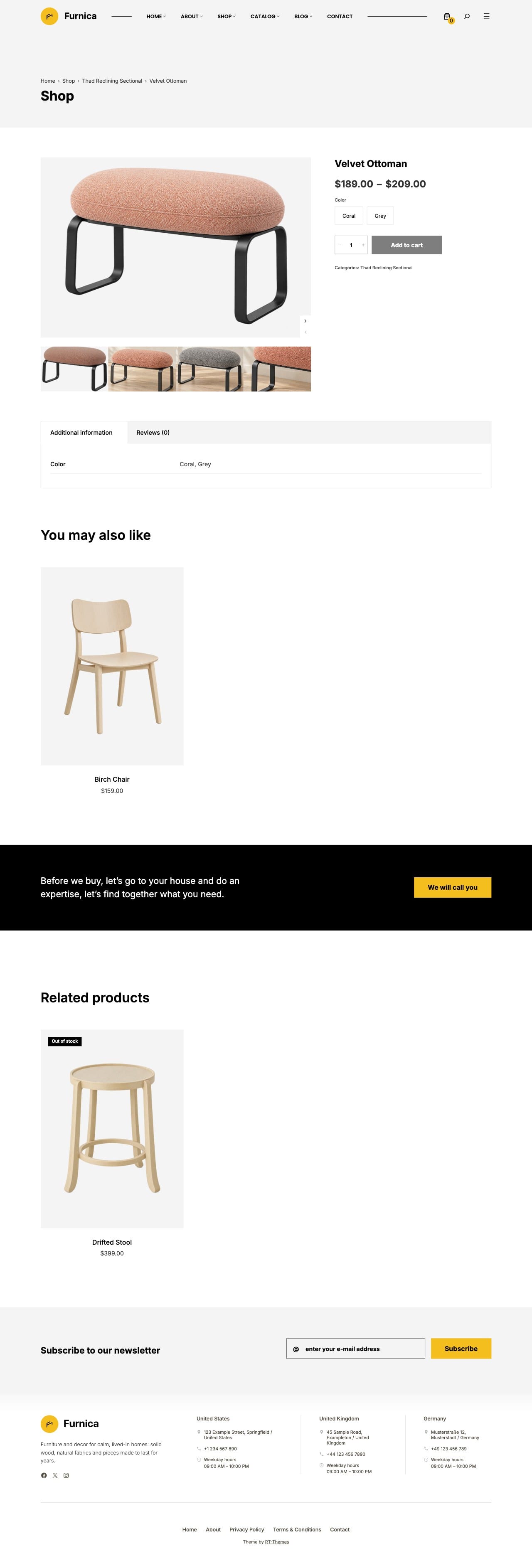
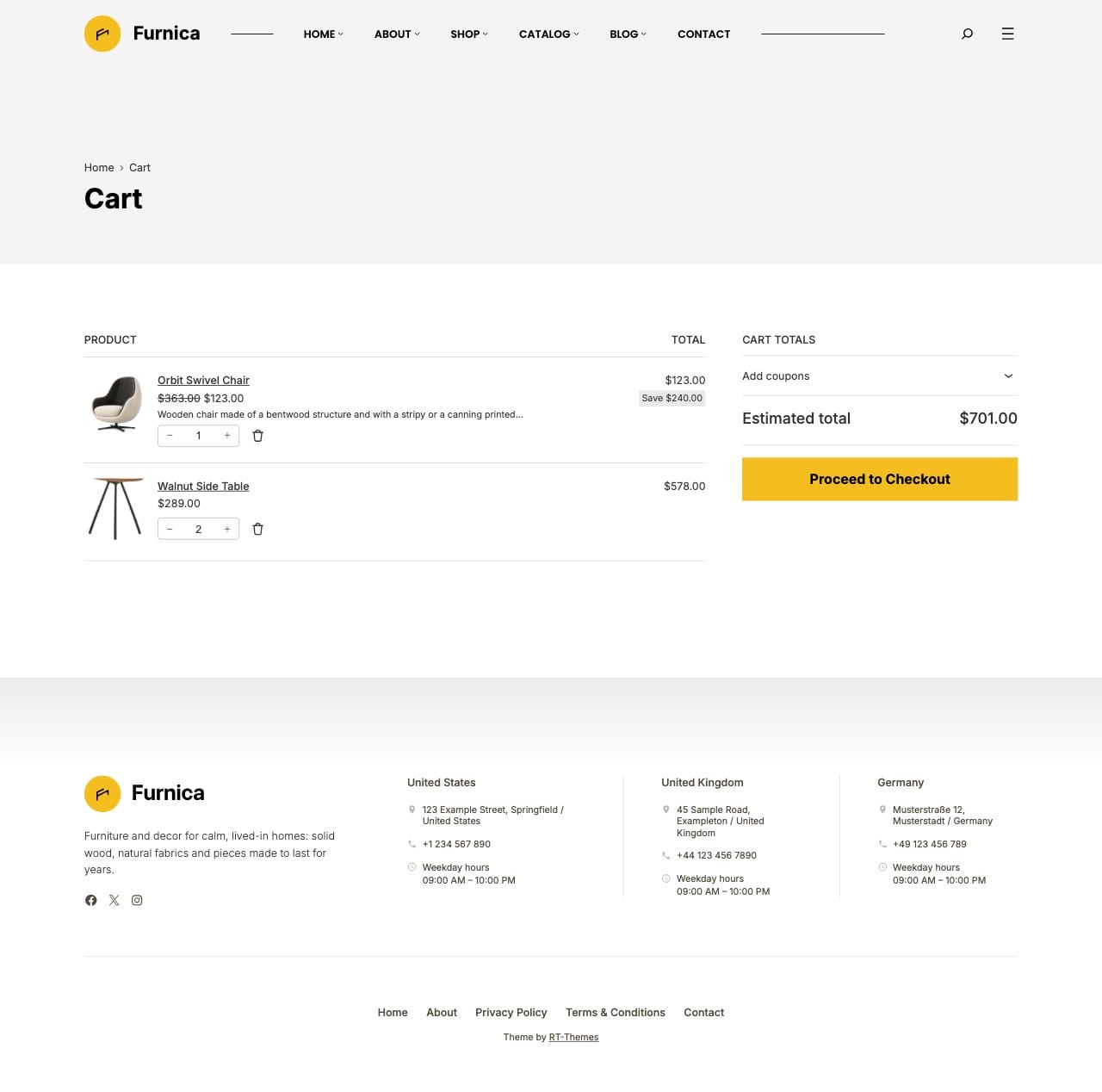
Turn on the Shop feature and Furnica styles the WooCommerce shop, product, cart, checkout and account pages to match your catalog. Products of the week, sale banners, product carousels and a mini cart are ready on the shop home.
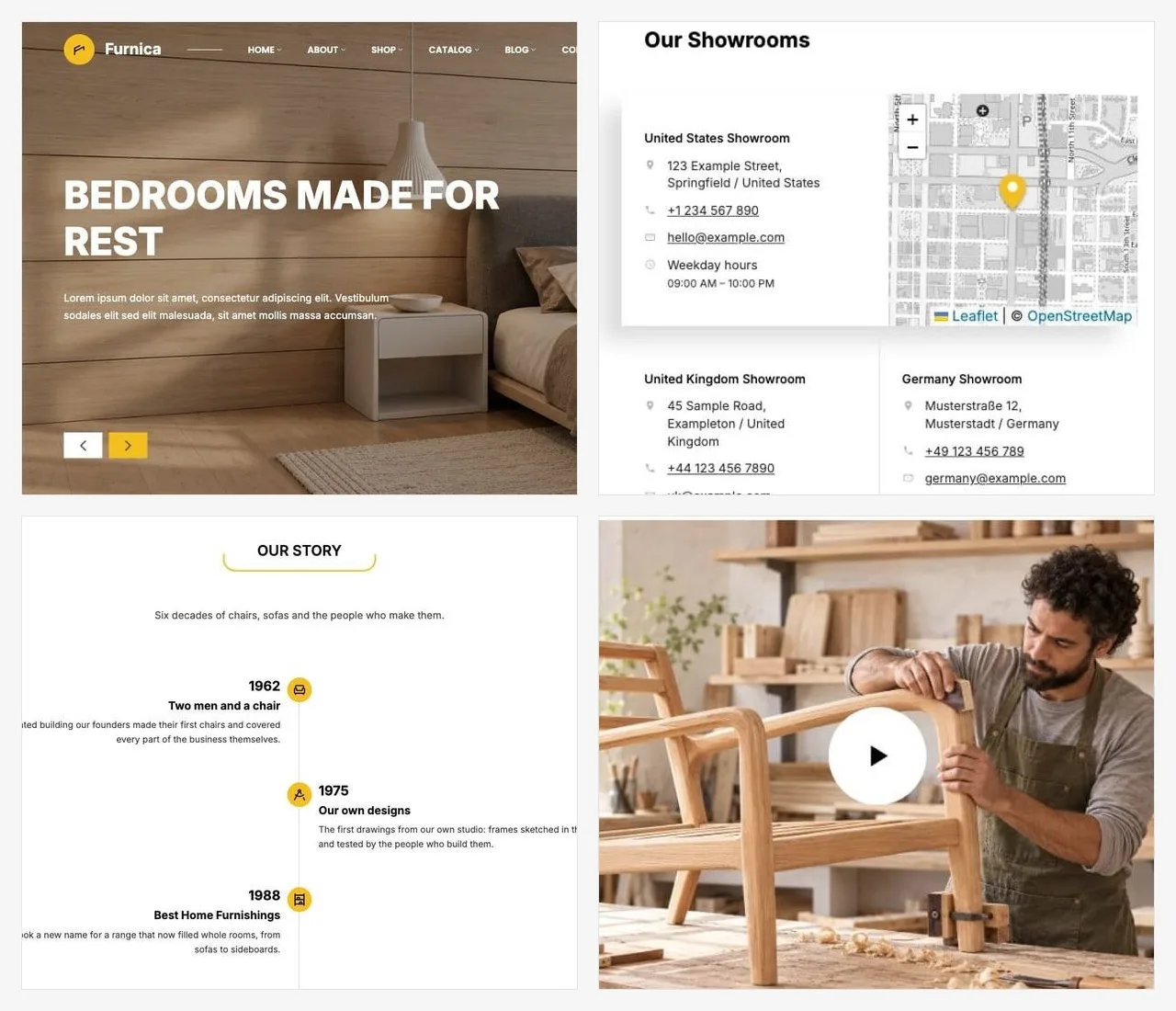
Hero and collection sliders, store maps with every showroom, timelines, testimonials, cards with flip and slide effects, image hotspots, before and after comparisons, countdowns and video lightboxes. Each block loads its files only on the pages that use it.
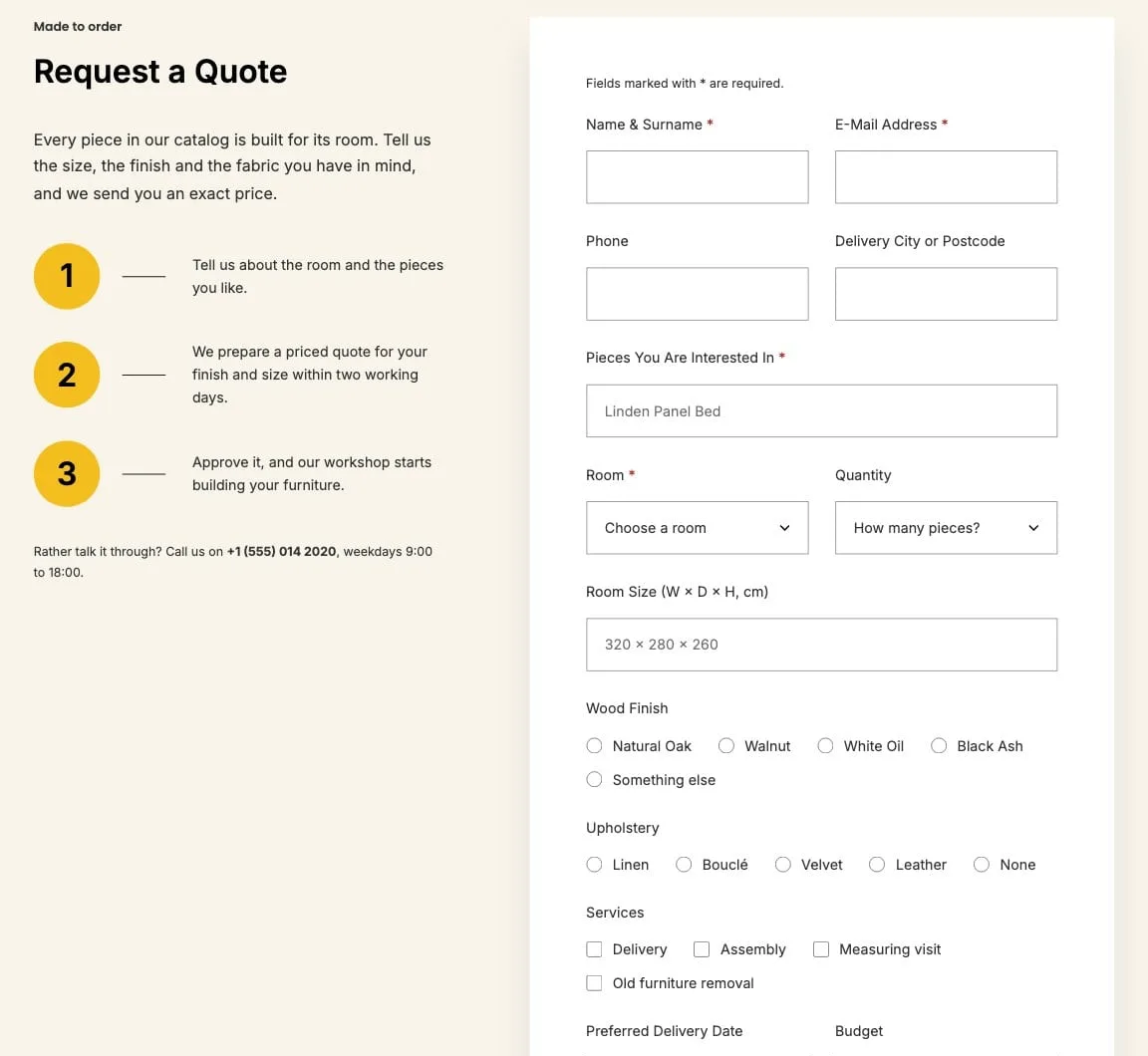
Build forms in the block editor with text, email, date, choice and checkbox fields. Messages arrive by email at the address you choose, with a hidden spam trap and a limit on repeated sends, and no form plugin to install. A newsletter block connects to your mailing list.
Every page a furniture business needs, built from patterns
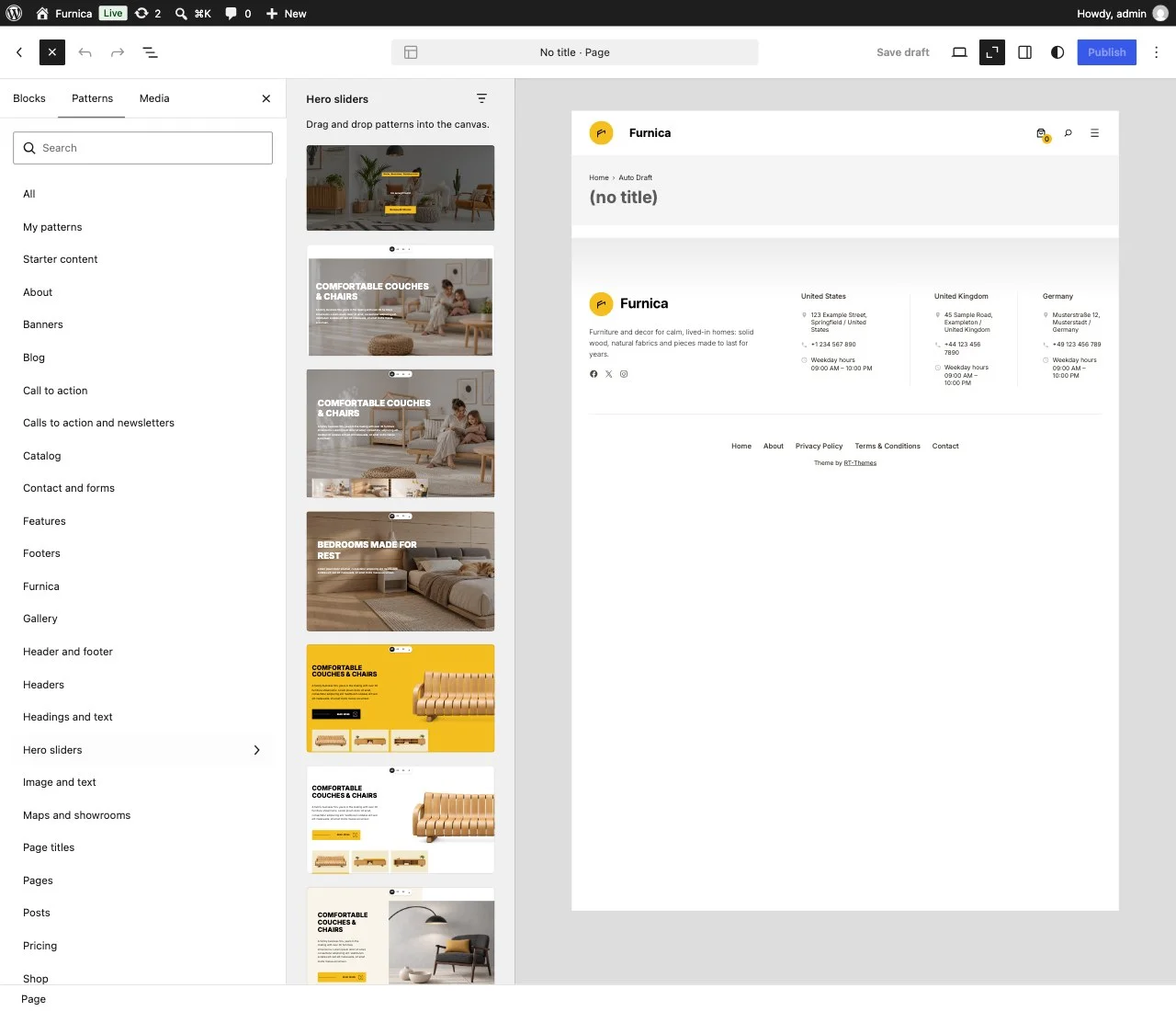
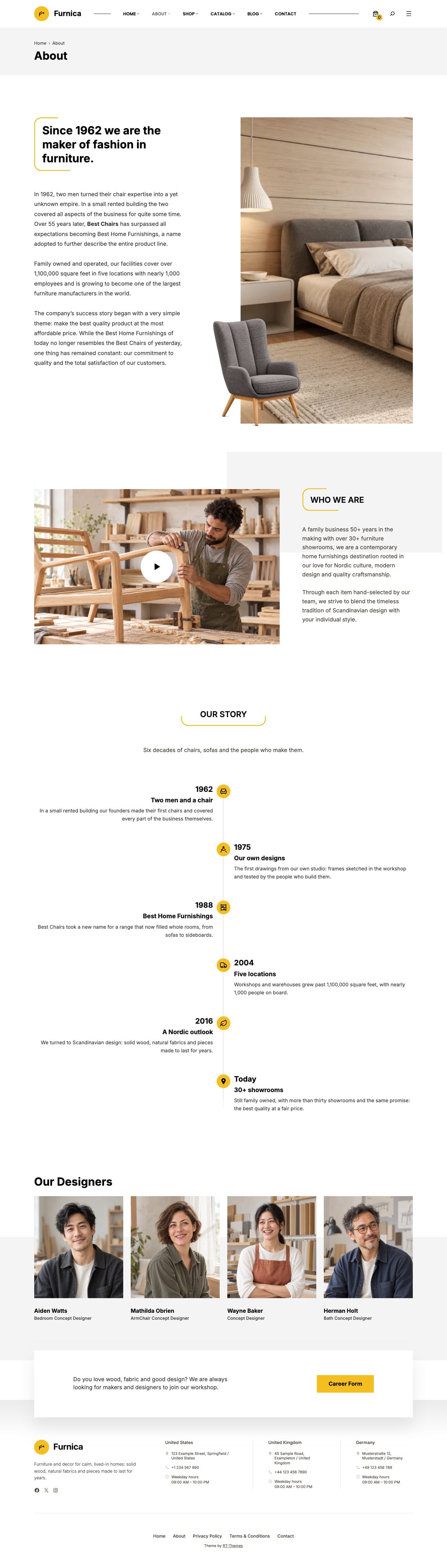
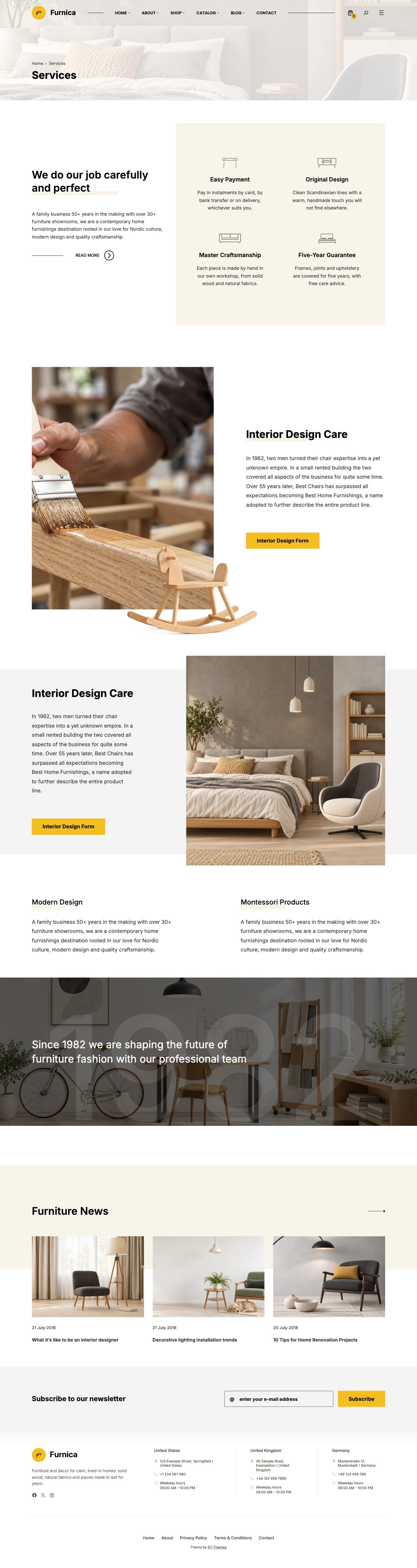
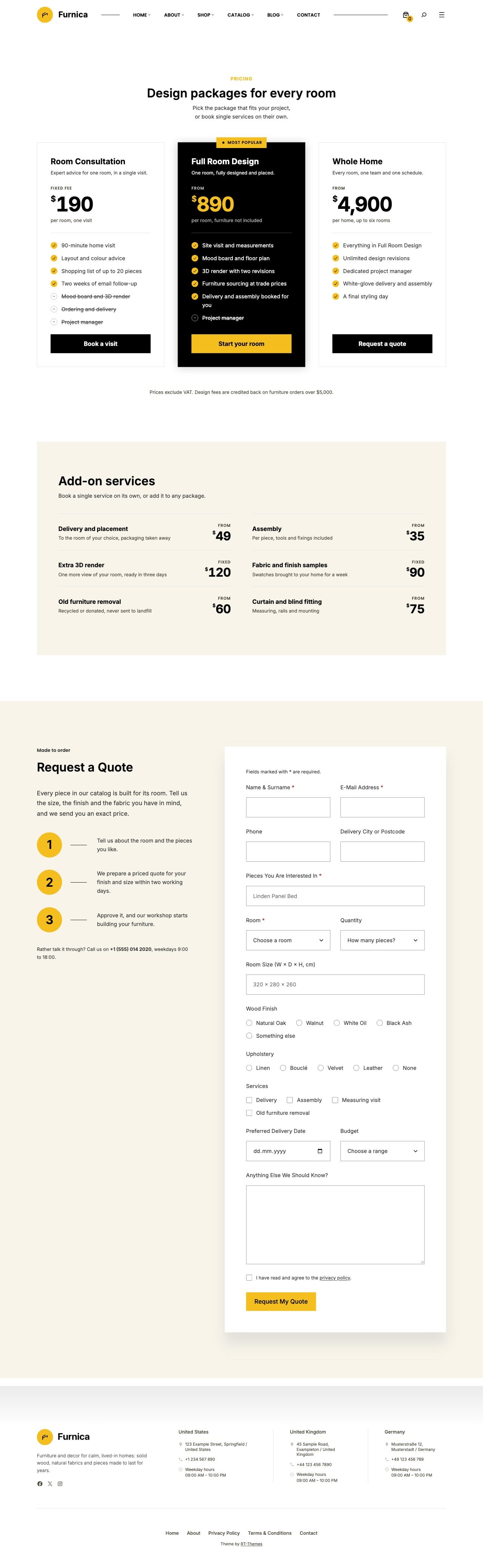
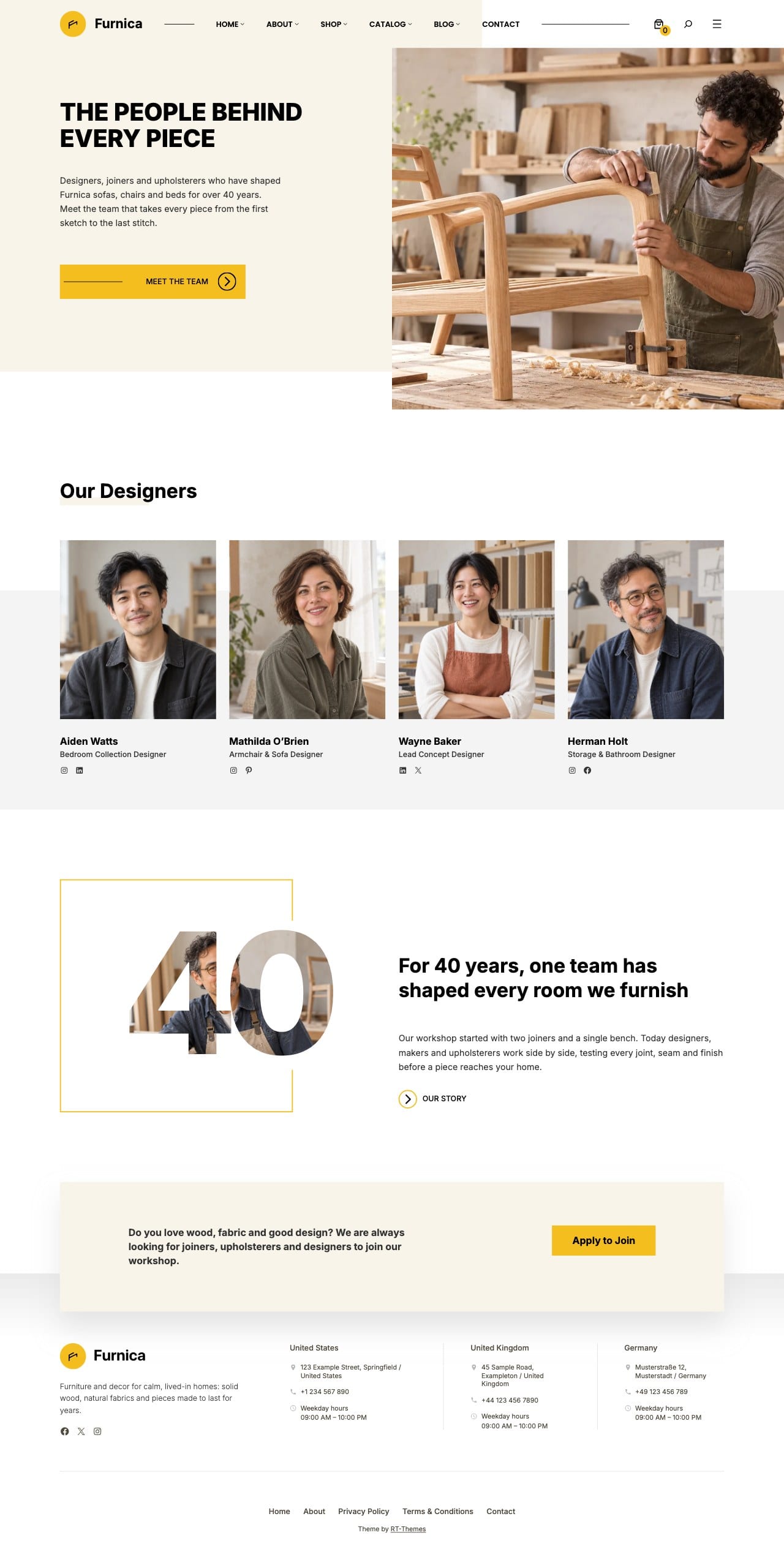
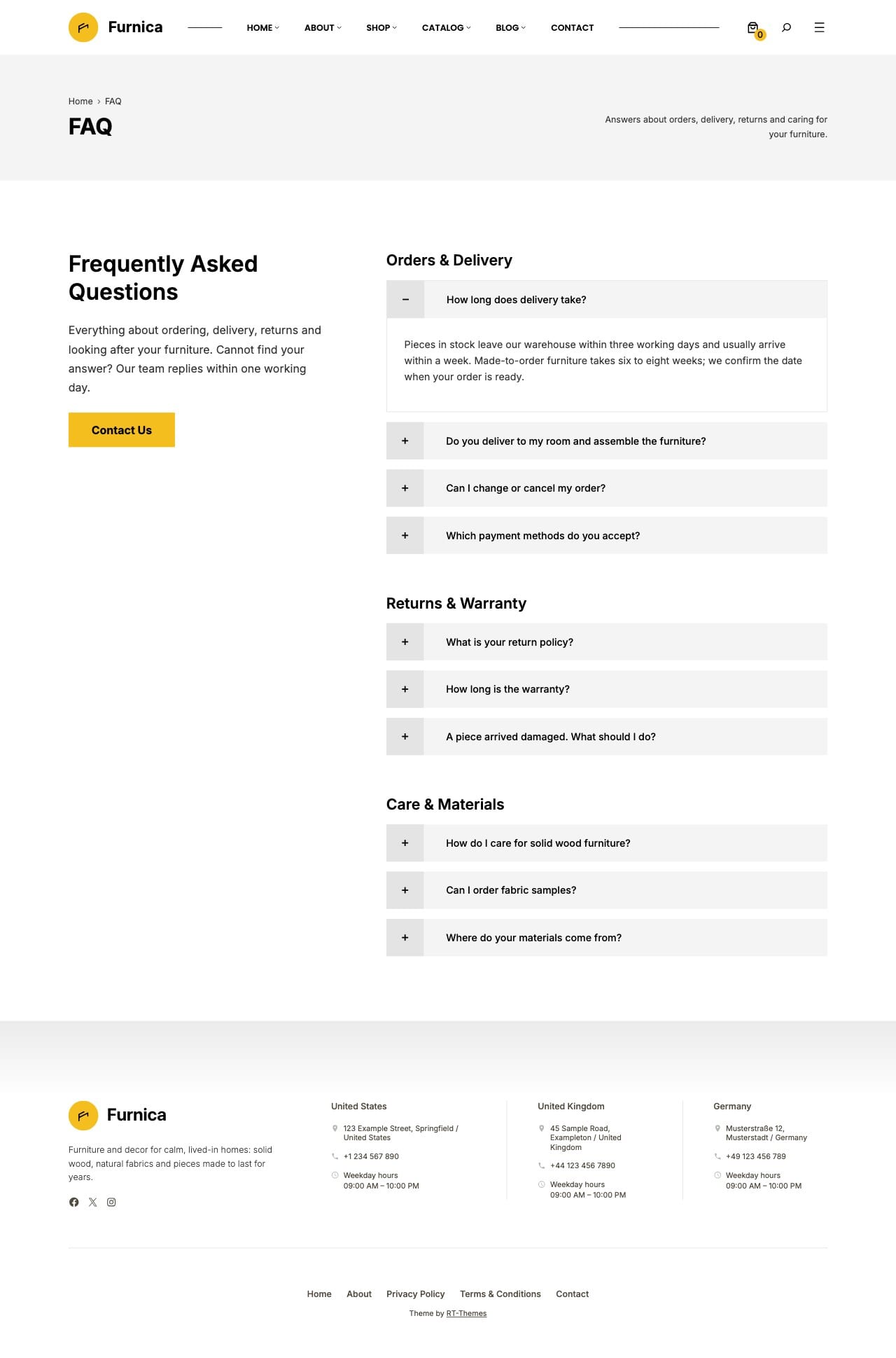
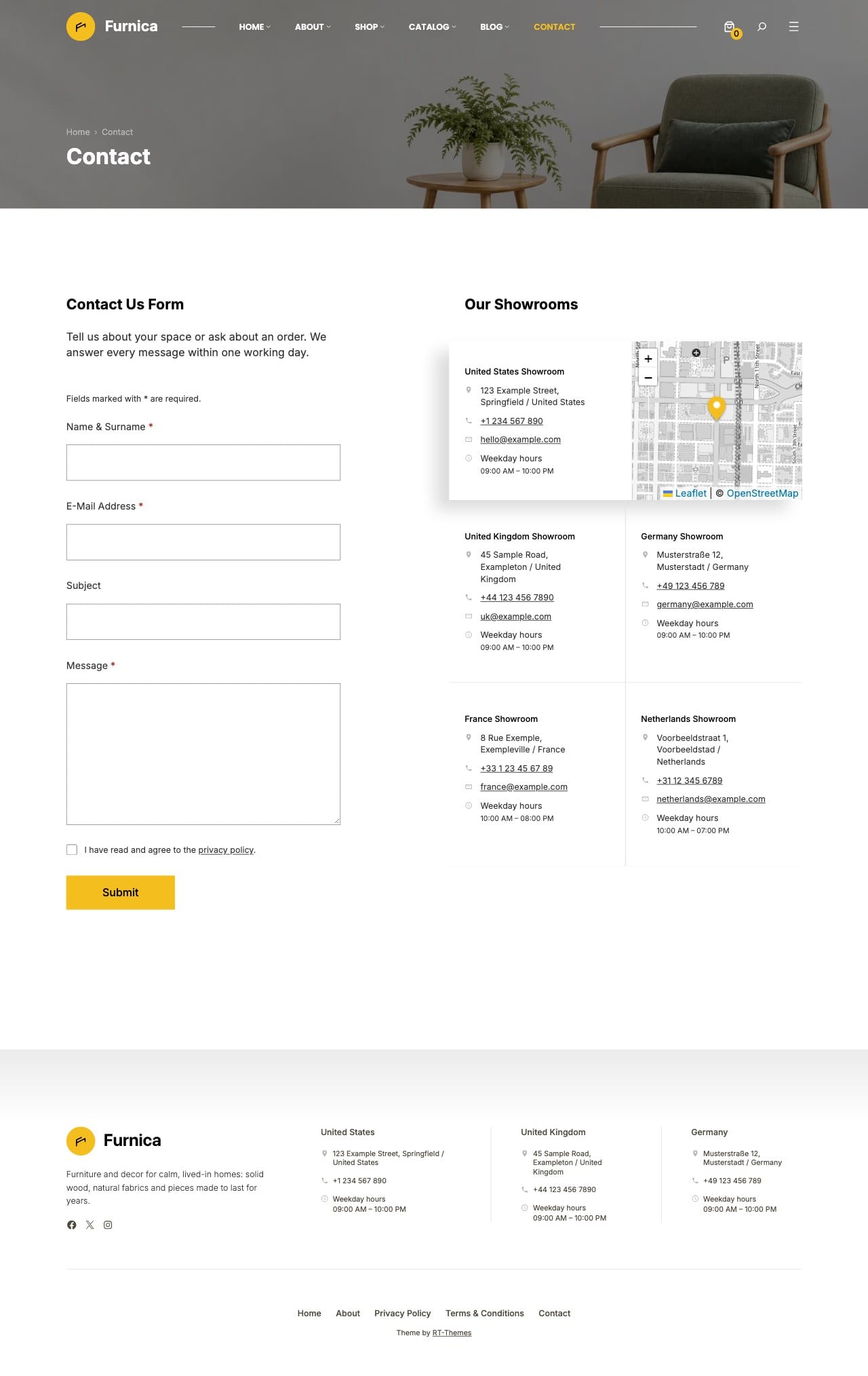
About, services, pricing, team, FAQ, contact and blog pages come ready to install. Each section is also a pattern in one of Furnica’s categories, so you can add a hero slider, a pricing table or a showroom map to any page.
RT-Themes › Setup activates your license, installs the bundled plugins and the features you pick, such as Catalog and Shop, with their pages, menus and demo content. Run it again later, or remove what it installed.
A block theme for the Site Editor
Edit pages, templates, headers and footers with WordPress blocks, without a page builder. Templates, template parts and styles all stay editable in Appearance › Editor.
Patterns for every section
Insert hero sliders, features, image and text, testimonials, team, pricing, maps, forms, catalog and shop sections from Furnica’s pattern categories, then replace the content with your own.
Header and footer layouts
Choose between four header looks, including a header over the hero, a light header and an accent header, and set the header, footer and page title widths for the whole site.
Style variations
Switch the site’s colours with the Night and Sage palettes, its type with the Classic and System font sets, or both at once with Evening, from Styles in the Site Editor.
Custom blocks
The bundled RT-Themes Blocks plugin adds a hero slider, collection slider, testimonials, cards, maps and store maps, contact and newsletter forms, a countdown, timeline, image hotspots, image compare, post gallery and table of contents.
Block styles for core blocks
Give core blocks extra looks: post and product carousels, a video lightbox, share links, load more pagination and coloured section styles.
Motion on every block
Add scroll-driven or timed entrance movements from the Motion panel. The effects use CSS only, and visitors who prefer reduced motion see the content without them.
Working forms
Contact and quote request forms send each message by email, with validation, a hidden spam trap and a limit on repeated sends. No form plugin needed.
Mega menus
Organise catalog, shop and blog links in wide menu panels with columns, labels and a promotion panel.
Filters for any content
The Query Filter block adds a filter sidebar to a Query Loop or Post Gallery for any post type. Pick the categories and fields to filter by; filtered views get shareable links, work without JavaScript and stay out of search results while category archives remain indexable.
Custom fields and content types
The bundled RT-Themes Toolkit plugin manages the catalog post type, its categories and fields such as dimensions and materials, shows them with the Field List and Field Gallery blocks, and imports or exports the setup.
Content that stays with your site
Your catalog, fields and content types live in the Toolkit plugin, not in the theme, so they stay when you switch themes.
Furniture icon set
Furnica adds 46 icons to the WordPress Icon block: sofas, armchairs, beds, lamps, shelving, dimensions, materials, delivery, warranty and more. Use them for product facts, feature lists and contact details alongside the core icons.
Coming soon and maintenance modes
Show a coming soon or maintenance page to visitors while you prepare the website, with the Toolkit’s site mode.
Demo photos included
The setup wizard downloads the demo photos with the content, under the same GPL license as the theme. Keep them while you build, or replace every image in the editor.
Fast, self-hosted assets
Fonts are bundled with the theme, and each block loads its CSS and script only on pages that use it.
Translation ready
Translate the theme’s text with the supplied translation template, and build sites in right-to-left languages.
Updates with your license
Activate your license key on the RT-Themes › Furnica page to download the bundled plugins and receive theme updates in WordPress.
Documentation and support
Follow the online guides for installation, the setup wizard, the catalog, blocks and WooCommerce pages, and create a support ticket in your dashboard when you need a hand.
Home Pages & Inner Pages
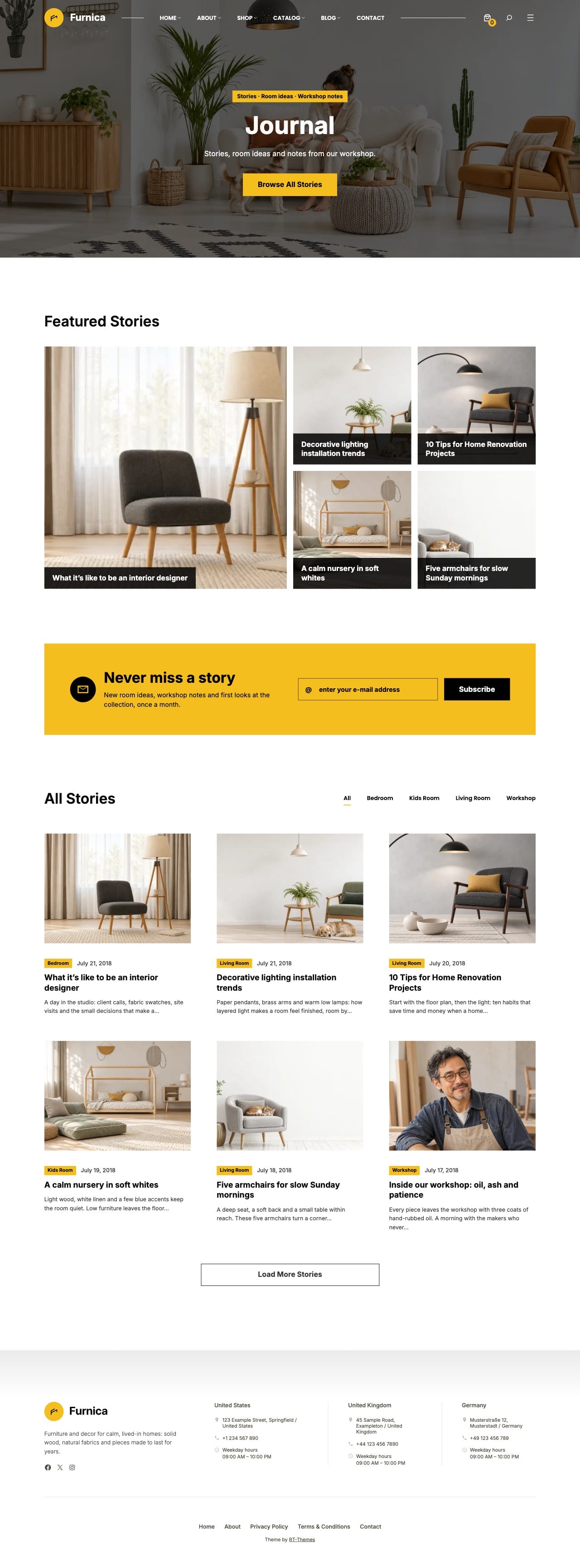
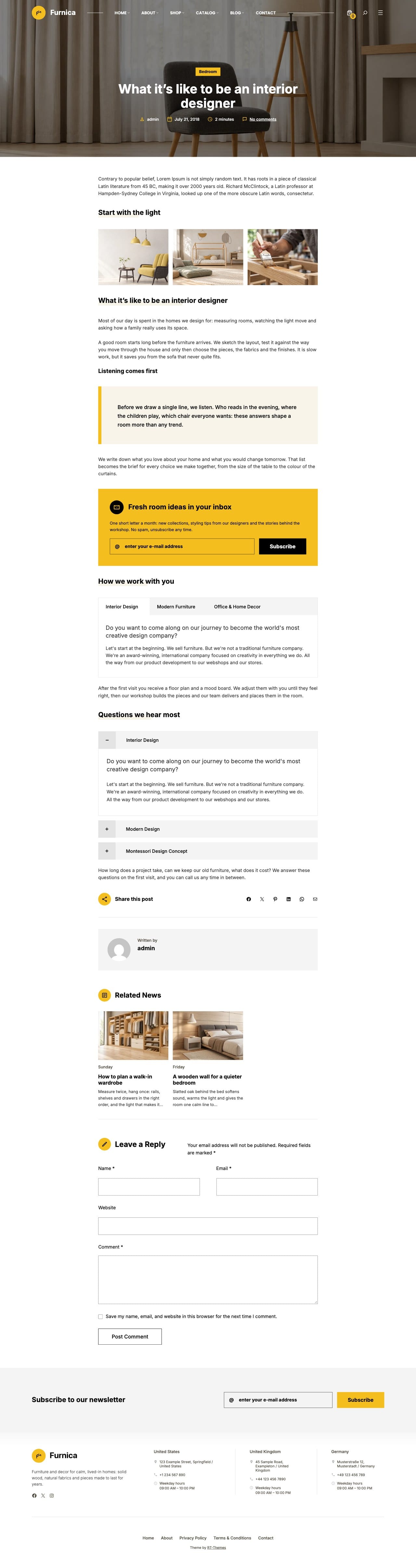
Six home pages, a catalog home and a shop home, with the catalog, shop and inner pages behind them. Every page below is part of the same demo, and the setup wizard installs the ones you pick.
Both, and you choose. Furnica’s product catalog presents your furniture by room and collection with dimensions, materials, galleries and quote requests, without a checkout. If you also sell online, turn on the Shop feature and the same design extends to a WooCommerce store. Use the catalog, the shop or both.
Yes. The Query Filter block adds a filter sidebar to a Query Loop or Post Gallery. In the block settings you pick which taxonomies and custom fields to filter by: category trees become checkboxes, number fields such as price or dimensions become range sliders, and each option shows its post count. It works with any post type, results update without a page reload, every filtered view has a shareable URL, and on phones the filters open in a drawer.
Do I need WooCommerce?+
Only if you sell online. The catalog, home pages, forms and inner pages work without WooCommerce. When you turn the Shop feature on in the setup wizard, it installs WooCommerce and the shop, product, cart, checkout and account pages. Optional paid extensions or third-party services have their own costs.
You get the Furnica block theme with the bundled RT-Themes Blocks and RT-Themes Toolkit plugins: six home pages, a catalog home and a shop home, the product catalog, WooCommerce templates, a blog, inner pages, header and footer layouts, style variations, custom blocks, forms and patterns for every section. Updates and support depend on the license you choose; the purchase card shows the options, with final pricing and terms at checkout.
What do I need to run Furnica?+
WordPress 7.1 or later (7.1.4 or later is recommended) and PHP 8.1 or later. WooCommerce is needed only for the shop pages. You’ll need your own WordPress installation and hosting.
Upload and activate Furnica, then open RT-Themes › Setup. The setup wizard activates your license key, installs the bundled plugins, the features you pick (such as Catalog and Shop), their pages and menus, and the demo content and images if you want them. You can run it again later or remove what it installed.
Yes. The contact form block sends each message by email to the address you choose, with required fields, dates, choices and checkboxes, a hidden spam trap and a limit on repeated sends. The newsletter block posts to your mailing list service, such as Mailchimp.
Do I need a page builder?+
No. Furnica is a block theme: you edit pages, templates, headers and footers with the WordPress block editor and Site Editor. Insert ready-made sections from Furnica’s pattern categories, then replace the text and images with your own.
Should I choose a Single License or Club Membership?+
Choose Single License for Furnica, or Club Membership for access to all RT-Themes. Compare the billing period, updates, and support in the purchase card. If you’re buying for a client project, review the applicable license terms before checkout.
Our documentation covers installation, the setup wizard, the catalog, templates, blocks and WooCommerce pages. If you need help with Furnica, create a support ticket in your dashboard. Your selected license determines the support period.