Blog
Creating a blog
Section titled “Creating a blog”To create a blog list, you first need individual blog posts. You can group them by category and then show them on an overview page, the blog list.
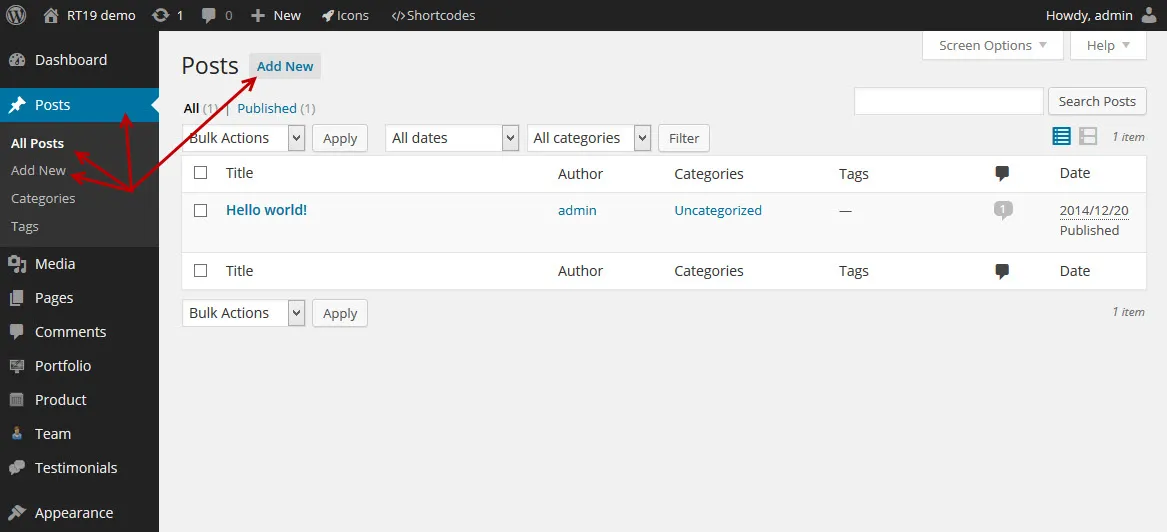
Use the WordPress Posts screen to create your blog posts.
Things you should know
Section titled “Things you should know”-
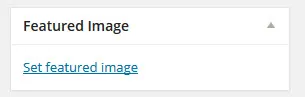
Upload a featured image with the Set featured image link in the Featured Image box.
-
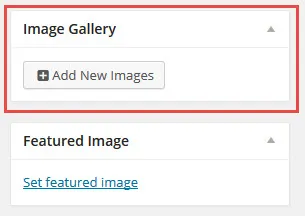
Attach gallery images the same way: click Add New Images in the Image Gallery box.
-
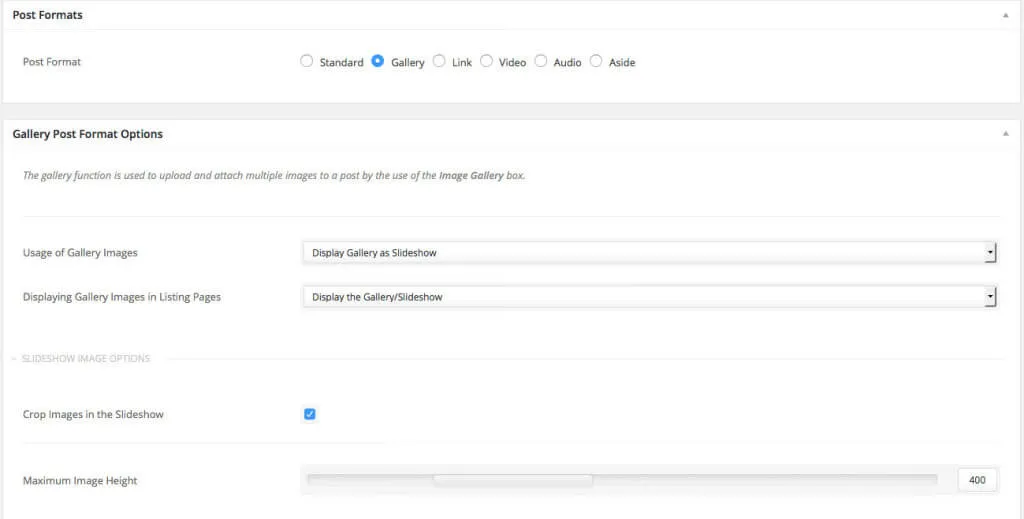
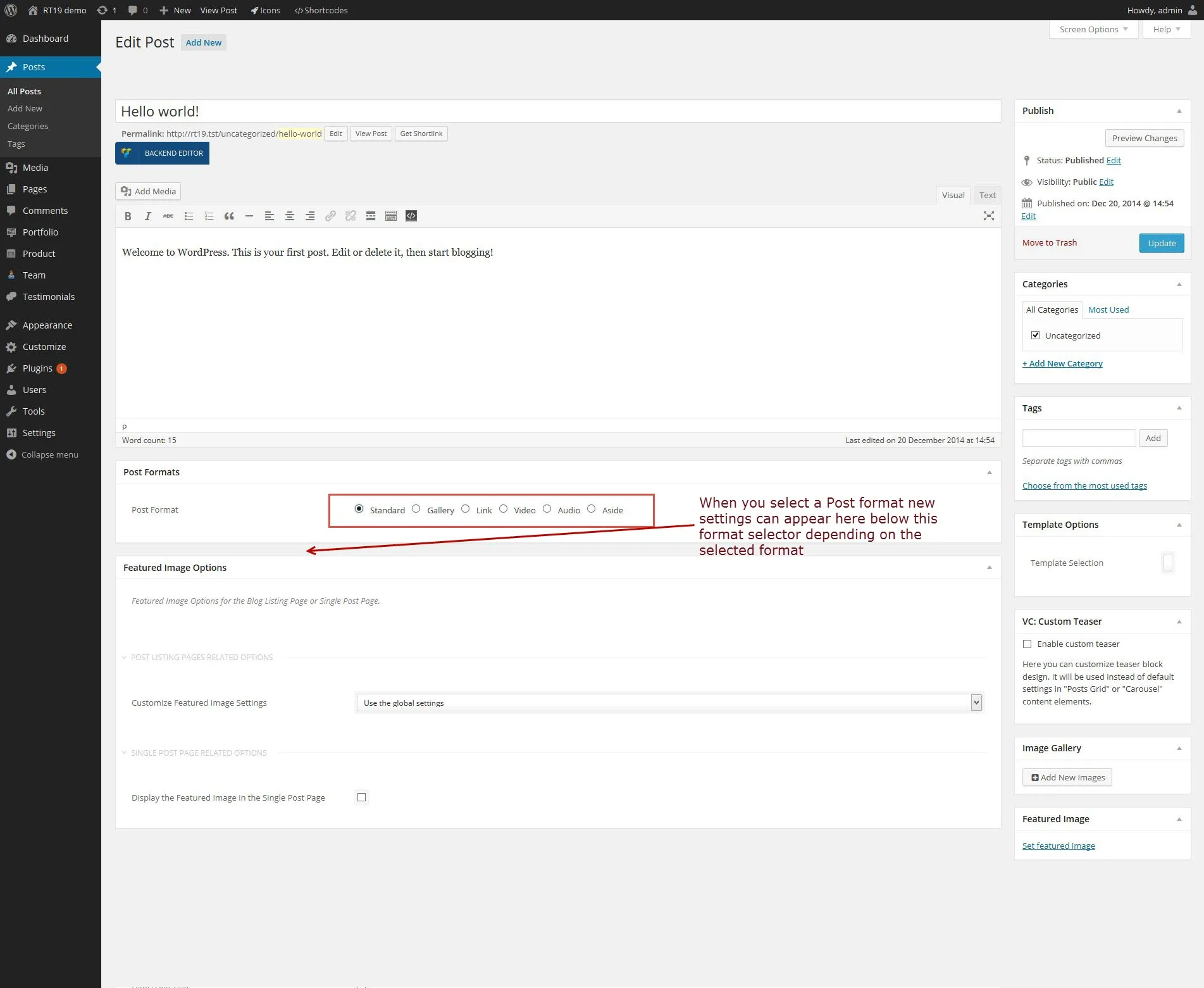
Every post has a format. Depending on the format you choose, more settings become available. Each setting has a help text that explains what to enter. The format decides how the post behaves on your site.

Post format options
Section titled “Post format options”Nixe supports six post formats. Choose one in the Post Format options:
- Standard: shows the featured image.
- Gallery: shows one or more images as a gallery or a slider.
- Link: tells something about a subject and adds a link to another site.
- Video: shows and plays a video.
- Audio: plays an audio file.
- Aside: the post appears in the blog list but cannot be opened as a single post.
When you select a post format, the options for that format appear in the post, below the post format setting.
Creating a blog listing page
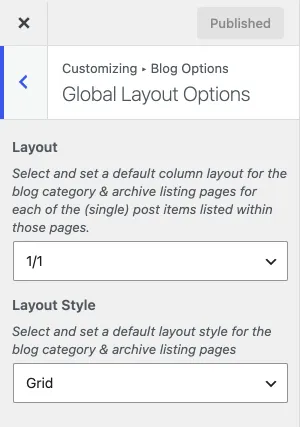
Section titled “Creating a blog listing page”Any page can be your blog listing page. With WPBakery Page Builder and the blog list element, you can create several blog listing pages, each showing posts from different categories. Blog category and archive pages use the column layout and layout style in Customize › Blog Options › Global Layout Options.
-
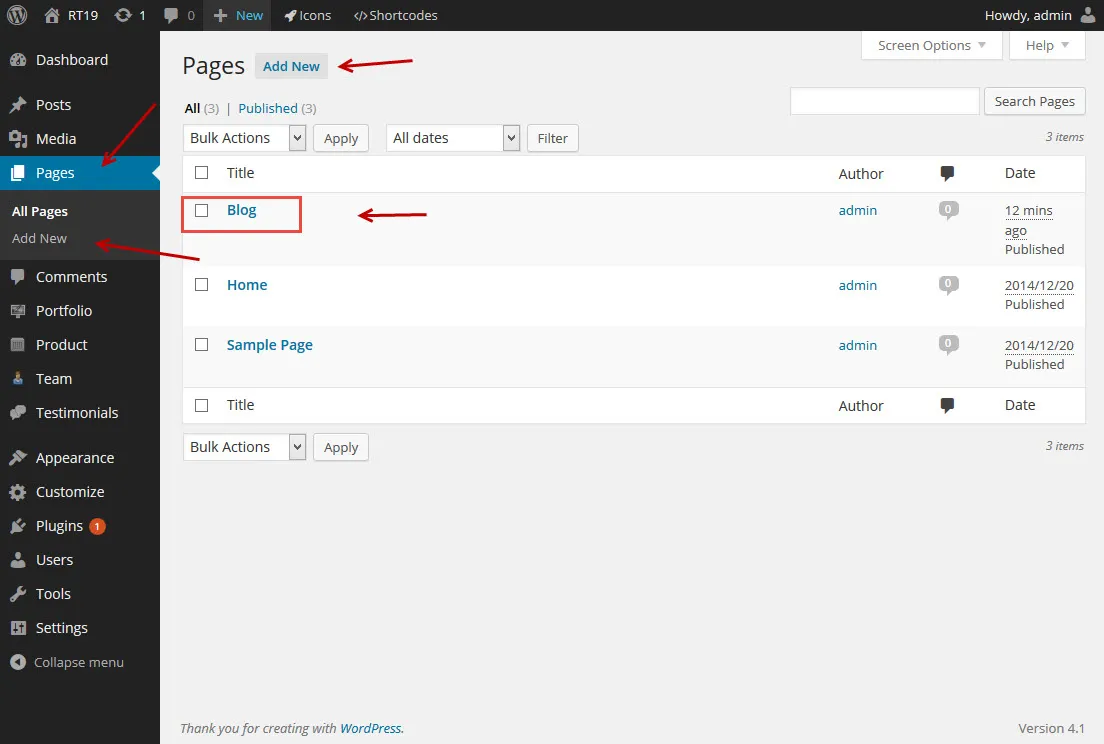
Create a page called “Blog”.
-
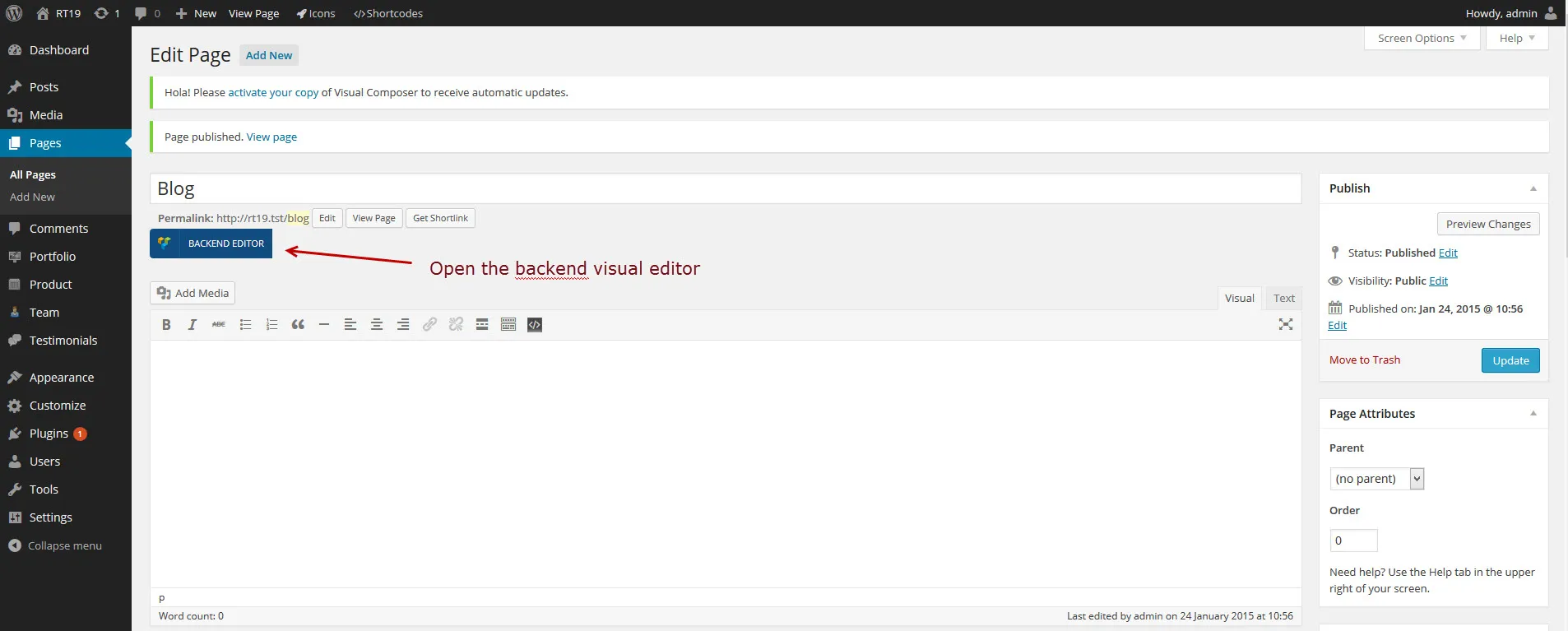
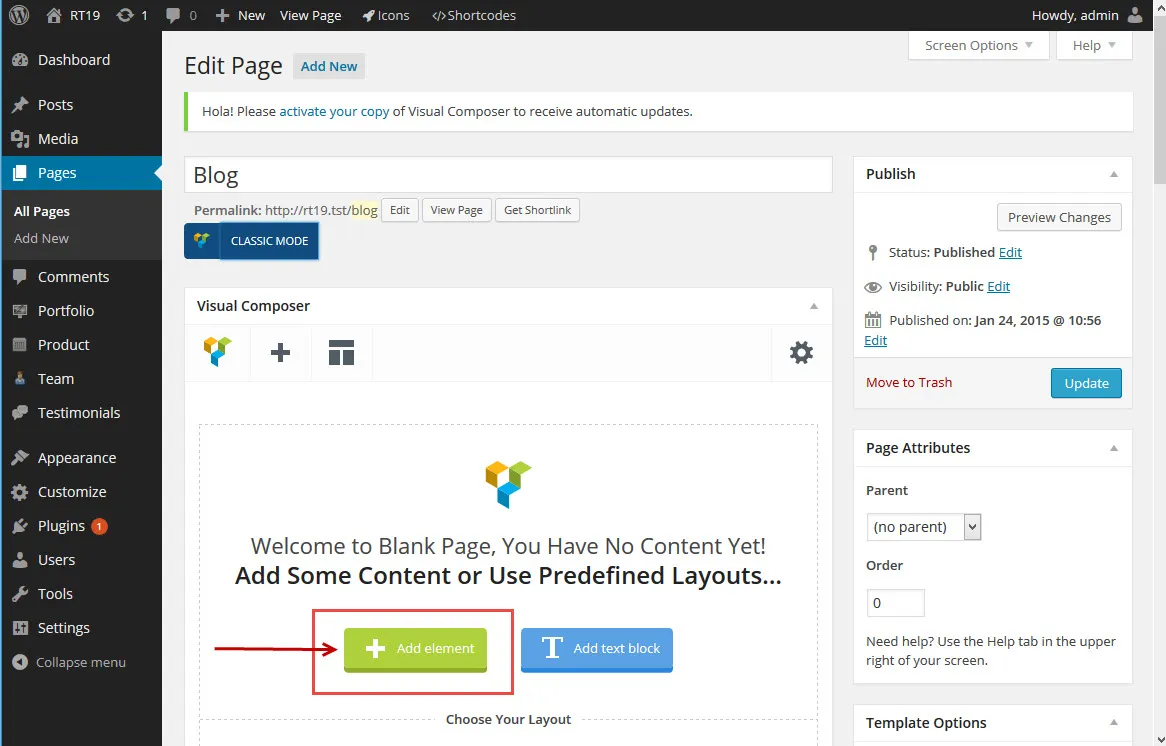
Open the page and switch to the WPBakery Page Builder editor.
-
Click Add Element.
-
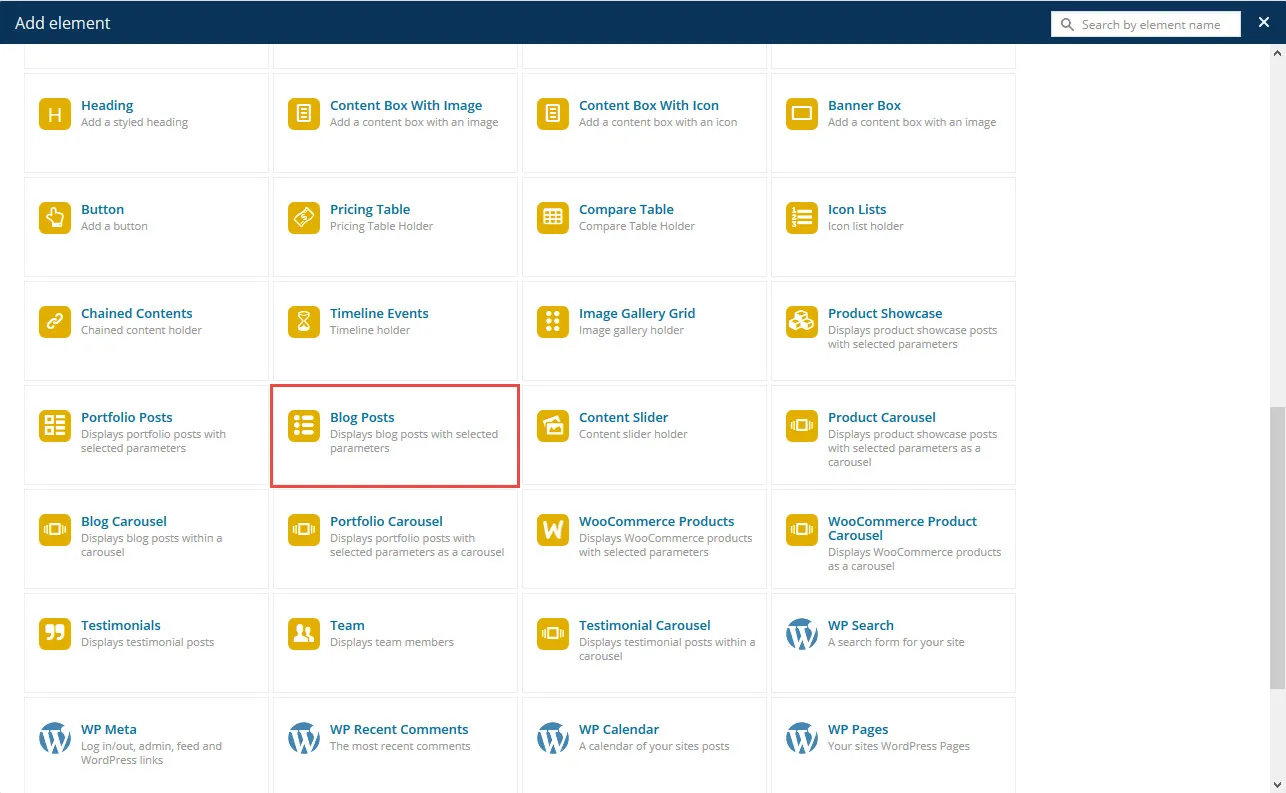
In the dialog, choose the theme’s Blog Post element.
-
A settings window opens for the element you chose.
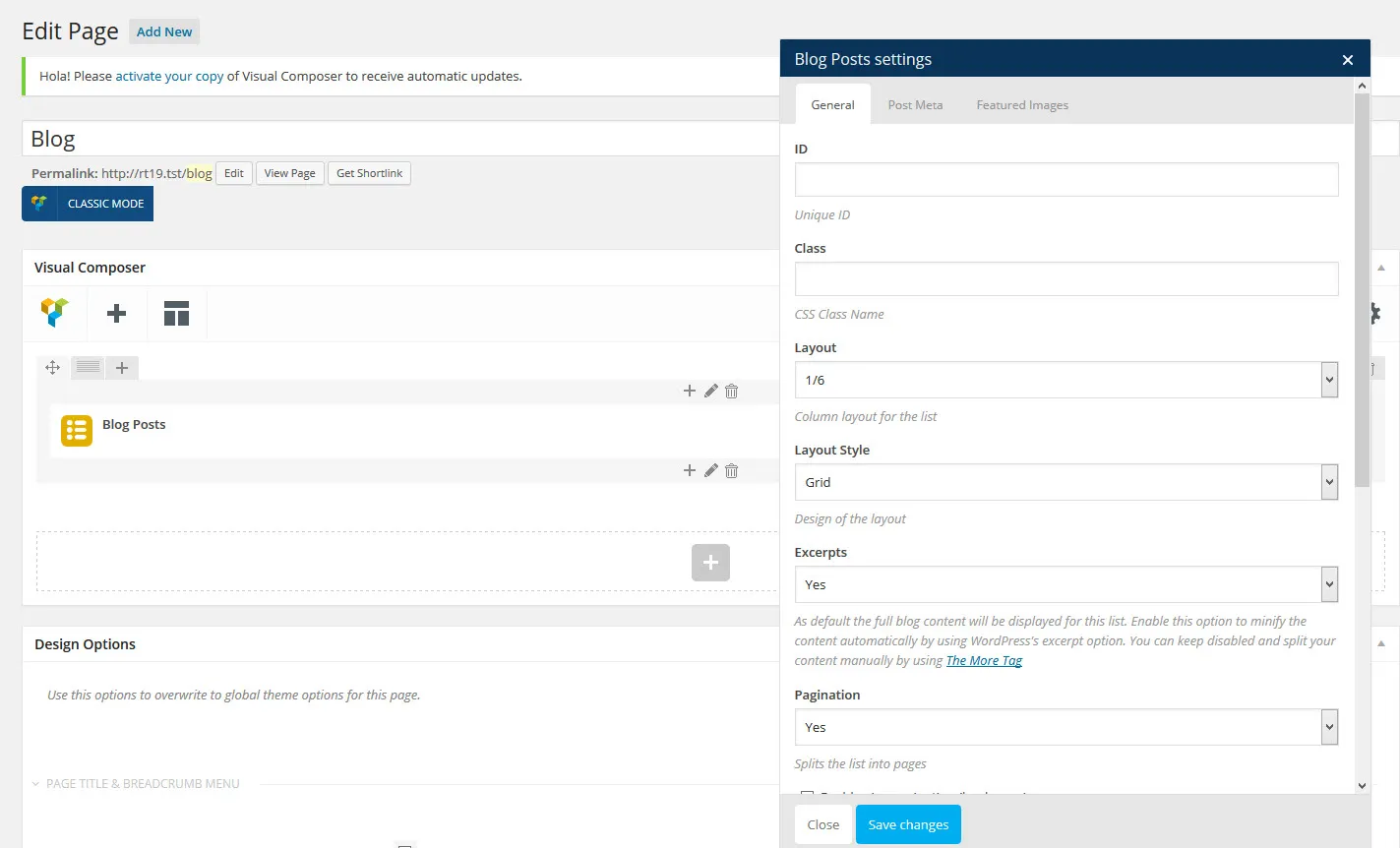
Adjust the settings to get the blog list you want, then save them.
Blog listing page with a shortcode
Section titled “Blog listing page with a shortcode”You can do the same without WPBakery Page Builder. Create a page and add the theme’s “Blog Lists” shortcode. Use the shortcode generator button above the editor to insert it.
Creating a single blog post
Section titled “Creating a single blog post”Create your posts in the admin with Posts › Add New Post. If you are new to WordPress posts, read the WordPress guide Write posts in the Classic Editor.
Post formats
Section titled “Post formats”The theme comes with six post formats, so you can create different kinds of posts. You can see them on the Nixe demo. Change a post’s format in the Post Formats section of the post’s edit screen. When you click a format, its options appear in a second section below it.