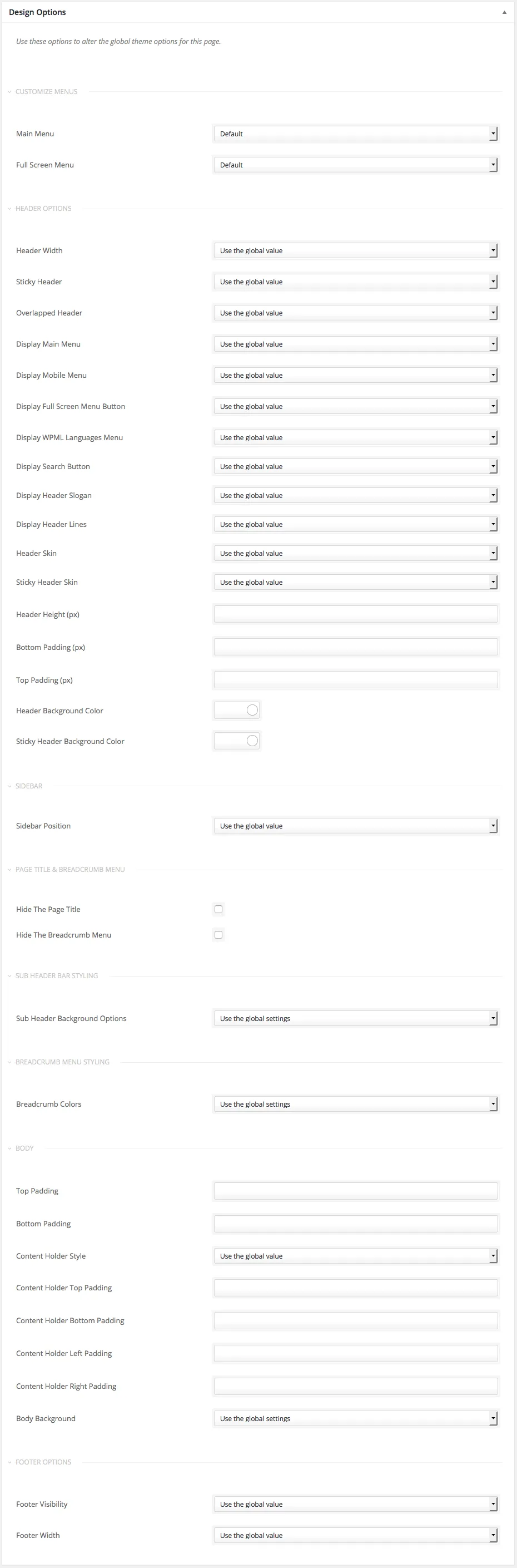
Individual Design Options
Design options for a single page or post
Section titled “Design options for a single page or post”The Design Options box sits in the edit screen of every page and post. Use it when one page needs to look different from the rest of your site, without changing the global settings.
Ava’s global design settings are in Customize › Styling Options. Some of them are also available per page or post in the Design Options box. When you change an option there, it overrides the global setting for that page only.
The box also has a few options that the Customizer does not have, such as Customize Menus and Sidebars.
For example, say you chose Boxed for Content Holder Style in the Customizer, so your whole site uses it. If one page needs Full width, change it in that page’s Design Options box.