Side Panel
Setting up the side panel
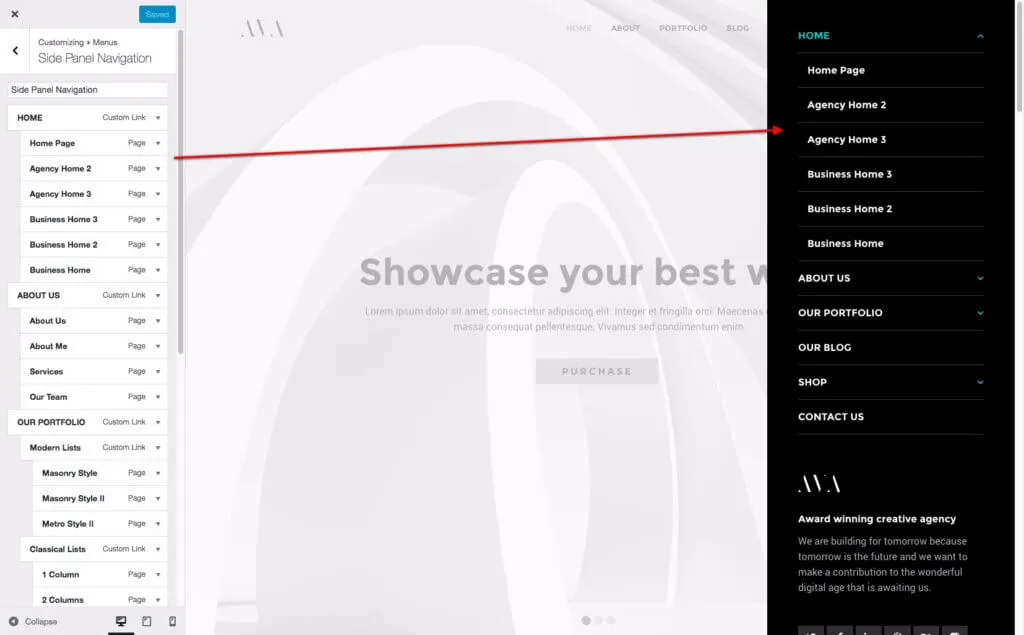
Section titled “Setting up the side panel”The side panel opens from the header and holds its own menu and widgets. Use it for extra links or contact details that should not crowd the header.
-
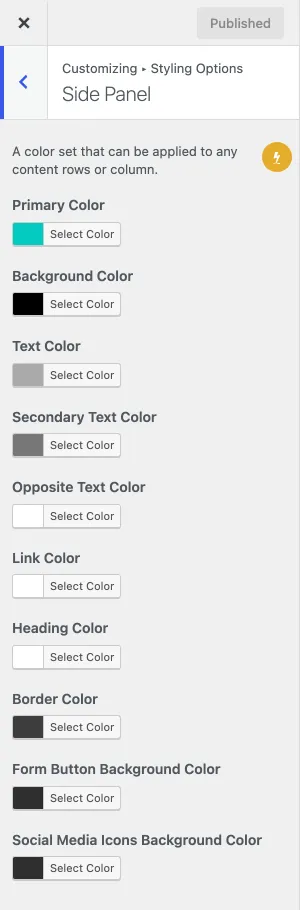
Turn on Display Side Panel Icon under Customize › Styling Options › Header, and set the colours of the panel under Customize › Styling Options › Side Panel.
-
Assign a menu to the Side Panel Navigation location (Appearance › Menus).
-
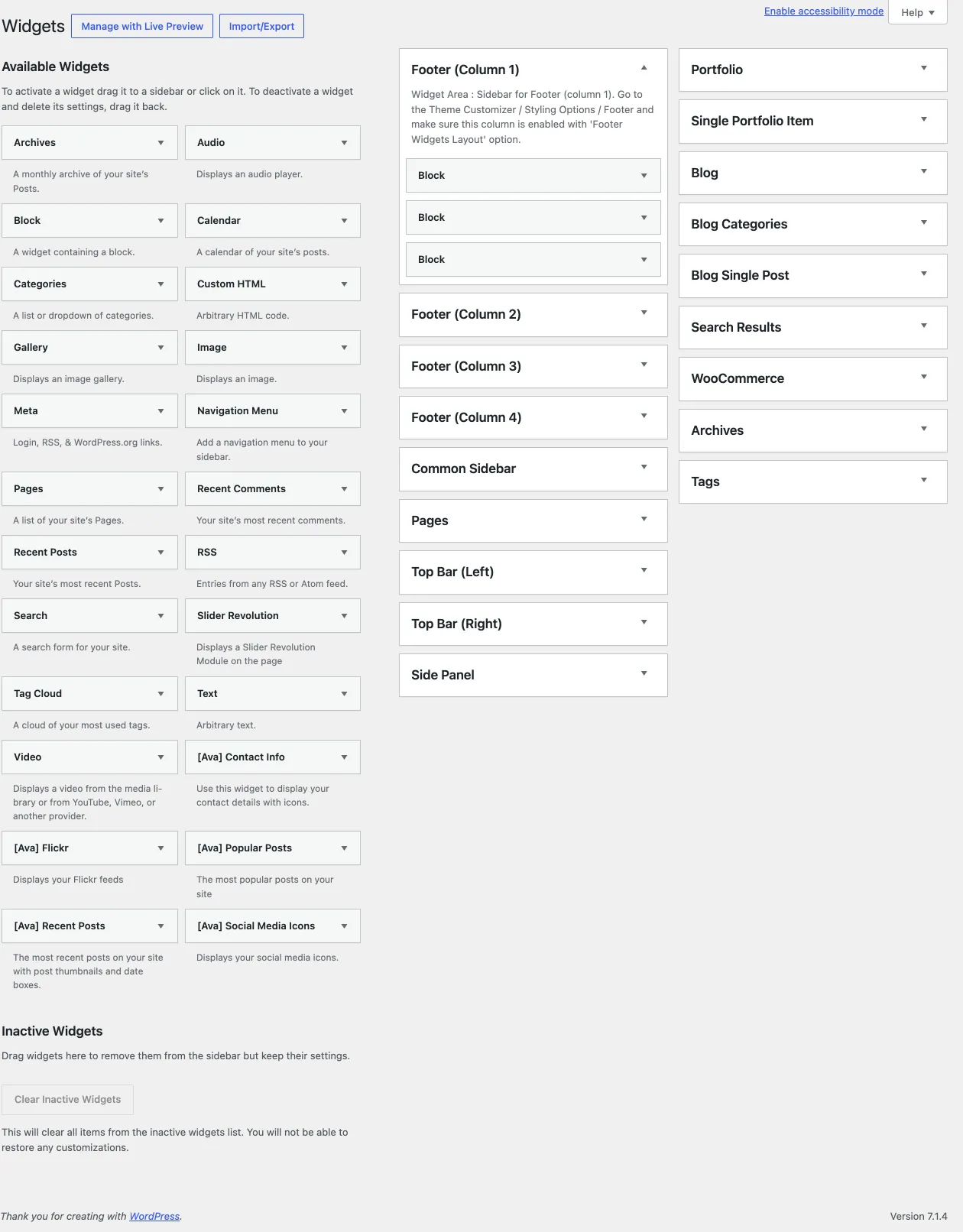
Go to Appearance › Widgets and add widgets to the Side Panel widget area.
-
You can show the side panel on one page while it is off for the site, in the Design Options box of the page or post.