Tools
Utilities
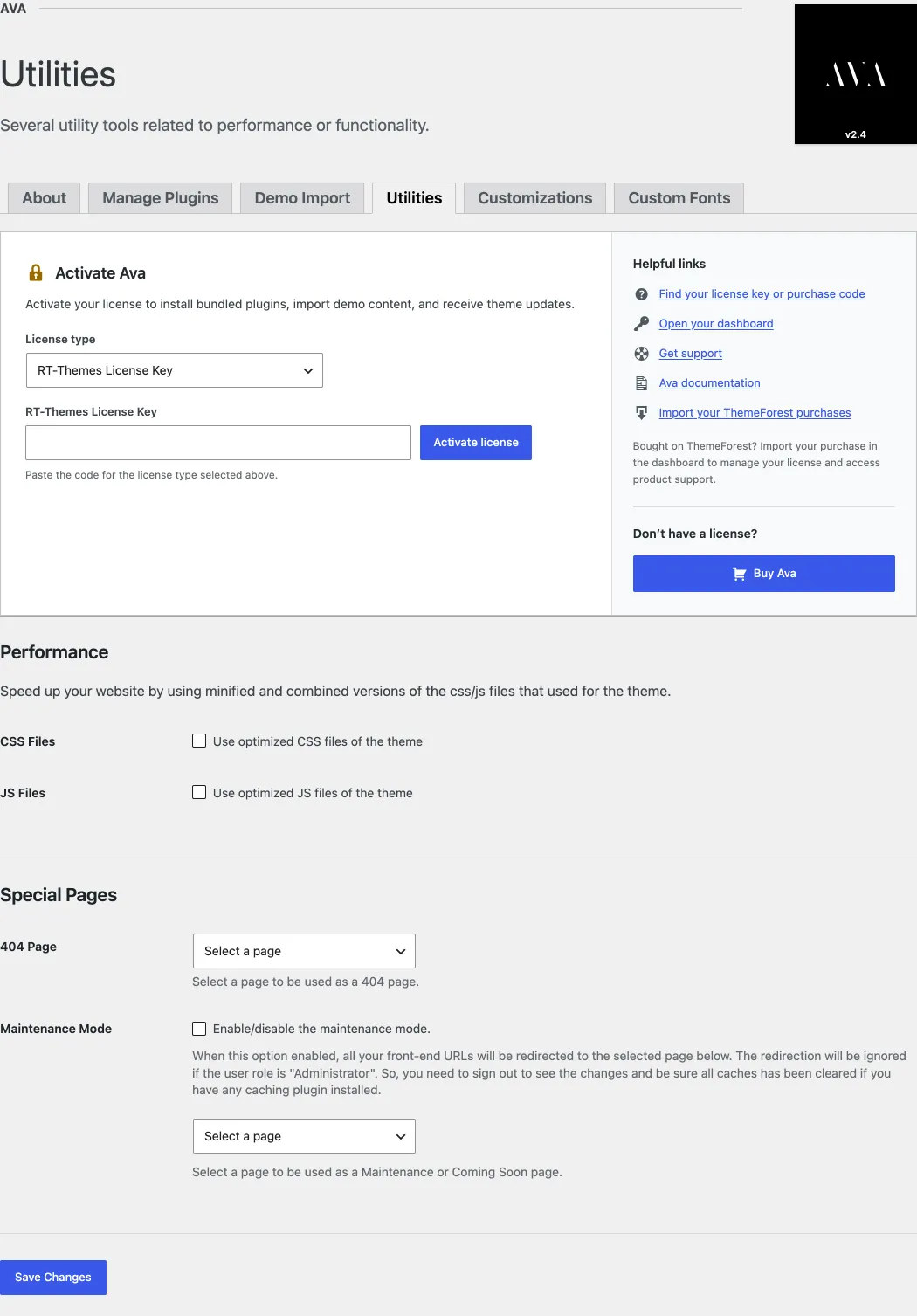
Section titled “Utilities”Ava adds tools to its own admin menu: Ava › Utilities, Ava › Custom Fonts and Ava › Customizations, which imports, exports and resets your settings. Use them to speed up your site, set special pages, add fonts and move your settings.
Ava › Utilities has two groups of settings:
- Performance: speeds up your site with minified and combined versions of the CSS and JavaScript files that the theme uses.
- Special Pages: choose a page as your 404 page, or turn on maintenance (under construction) mode, without a third-party plugin. Maintenance mode sends visitors to the page you select; logged-in administrators still see the site.
Custom fonts
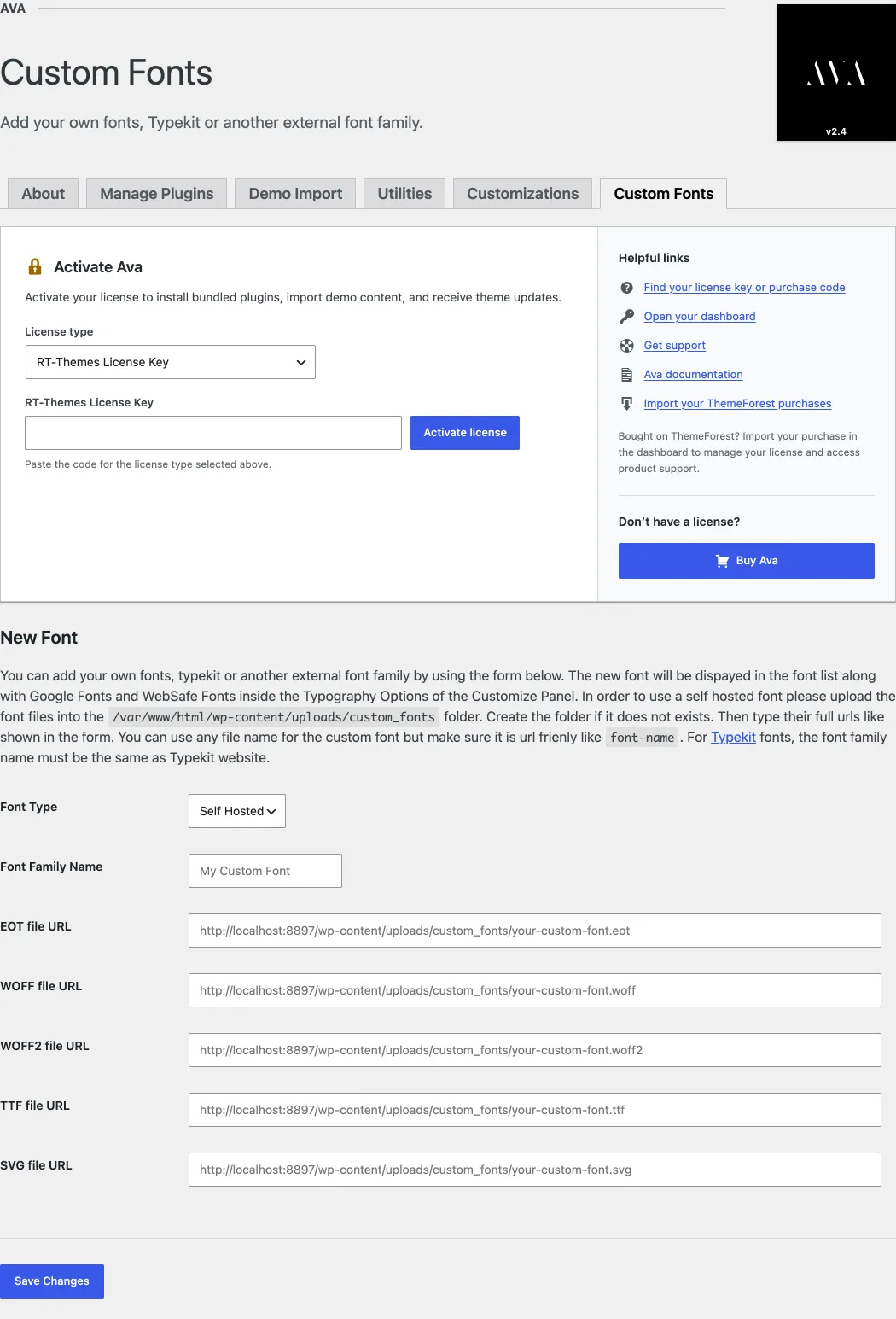
Section titled “Custom fonts”You can use self-hosted fonts or Adobe Fonts (formerly TypeKit) with the theme. Add custom fonts under Ava › Custom Fonts by following the instructions on the screen. For a self-hosted font, upload the font files to wp-content/uploads/custom_fonts and enter their URLs. The new font appears at the top of the font lists in Customize › Typography Options.
Import and export theme settings
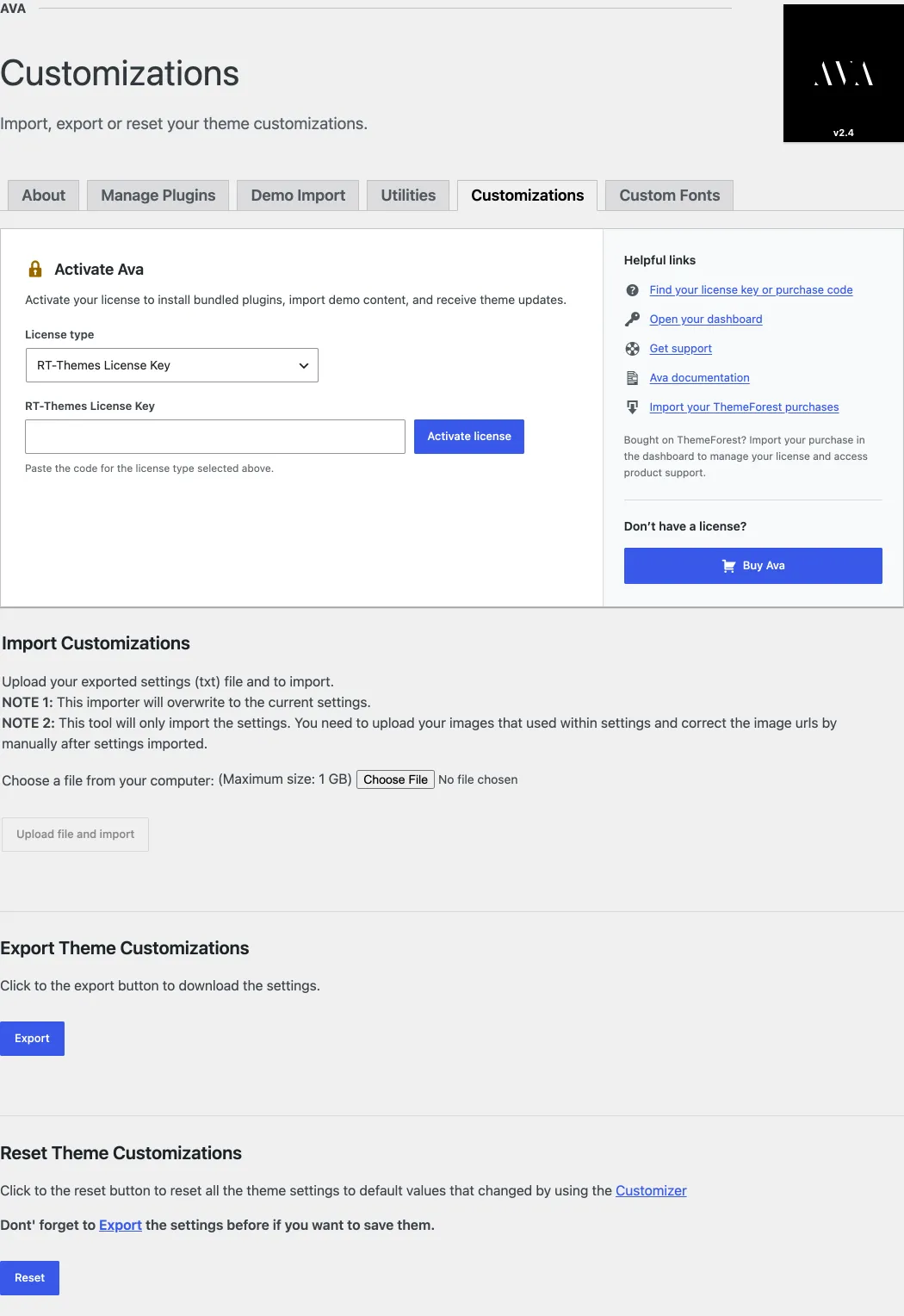
Section titled “Import and export theme settings”You can export and import your theme settings, including the Customizer settings, under Ava › Customizations. The same page also resets the settings. If you want to switch to a child theme, export your settings first and import them after you activate the child theme. Why this is needed is explained in Child themes and Customizer settings.