
Header
Header layout and options
Section titled “Header layout and options”The header is the area at the top of every page of your site. In RT-Theme 18 it is built from several parts, and each part has its settings in a different place in the WordPress admin. Use this page to find out where to change the part you want.
Header elements
Section titled “Header elements”The header has four parts, from top to bottom:
- Top bar: the top navigation menu and an optional search link.
- Header area: the logo, the top slogan and the two header widget areas, First Top Widget Area and Second Top Widget Area, which sit next to, below or before the logo.
- Navigation area: the main navigation menu.
- Sub header area: sliders or any other module you add to the header of a template in the Template Builder.
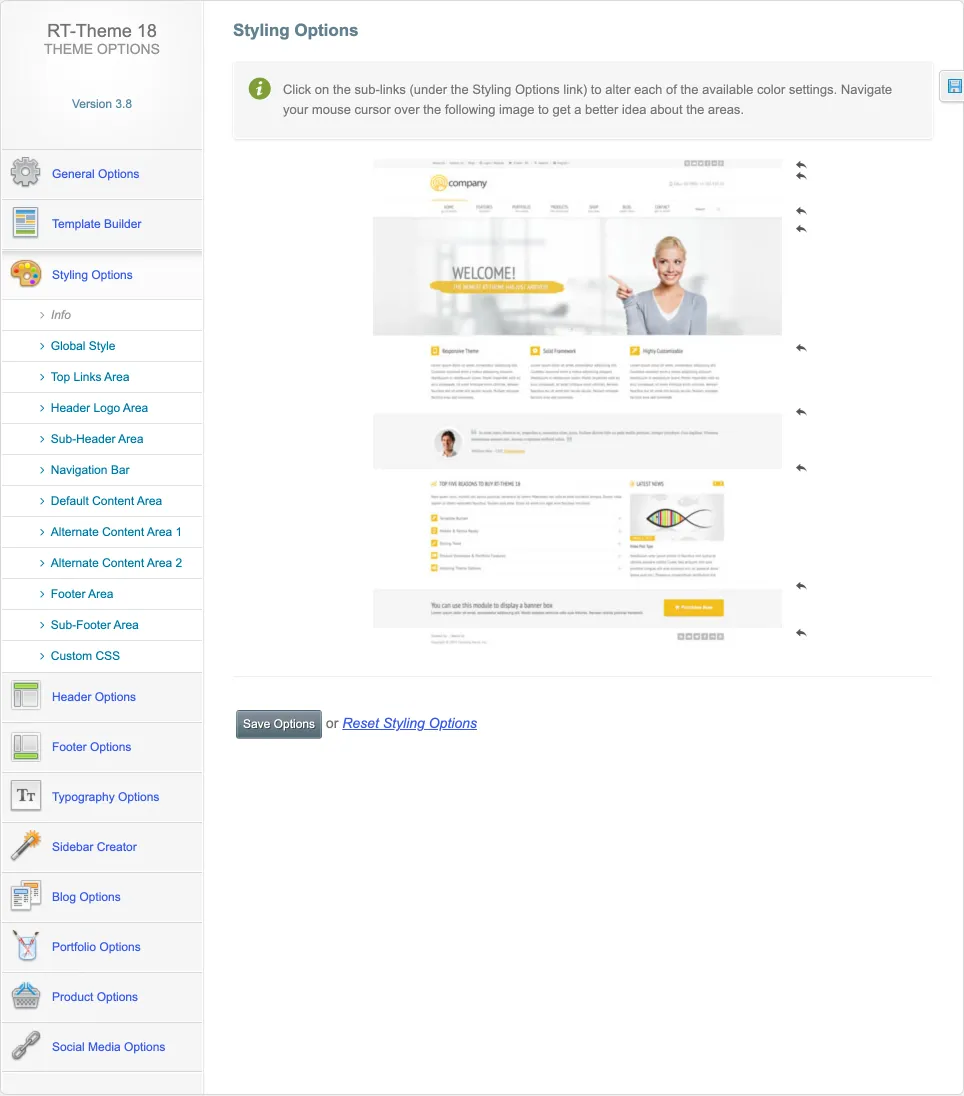
RT-Theme 18 › Styling Options has a color sub-link for each of these parts: Top Links Area, Header Logo Area, Navigation Bar and Sub-Header Area, next to Global Style, the content and footer areas and Custom CSS.
Where you control the header
Section titled “Where you control the header”| You want to change… | Where |
|---|---|
| The global header settings | RT-Theme 18 › Header Options |
| The header colors and backgrounds | RT-Theme 18 › Styling Options |
| The colors and backgrounds of one template, or the modules in its header | The header module of the template in RT-Theme 18 › Template Builder |
| The menus in the header | Appearance › Menus: create a menu, add items and assign it to the RT Theme Main Navigation or RT Theme Top Navigation location |
| Which widgets show in the header on a page, category or post | A widget logic plugin from WordPress.org |
Together, these theme and WordPress settings create the look and layout of your header.
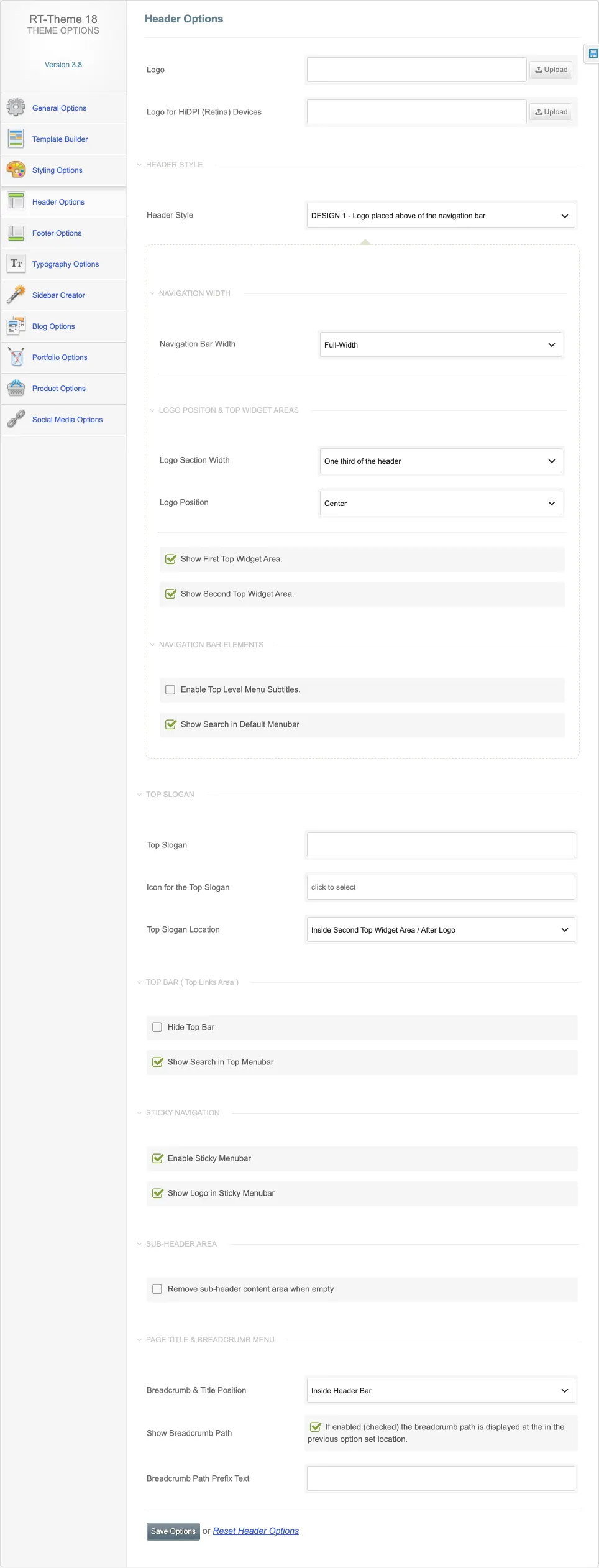
RT-Theme 18 › Header Options holds the logo and the HiDPI (Retina) logo, the header style, the navigation bar width, the logo section width and position, the two top widget areas, menu subtitles and search, the top slogan with its icon and location, the top bar, the sticky menu bar, the sub-header area and the breadcrumb and page title settings.
Different headers on different pages
Section titled “Different headers on different pages”You can vary many header elements per page or post. Create templates with different header settings in the Template Builder, and assign each template to the pages or posts that need it. See Template Builder.
Some settings stay global and cannot change per page, such as the top bar and the content of the main navigation. A plugin that adds display logic to WordPress menus can show different menu items on different pages.