Team List / Post
Creating a team listing page
Section titled “Creating a team listing page”Team members are a post type of RT-Theme 18, one post per member of your staff. A team listing page shows them on your site. Any page can hold a team list, and you can create as many as you want, each with its own settings.
With Elementor
Section titled “With Elementor”-
Create a new page or edit an existing one.
-
Click Edit with Elementor.

-
Find the Team element and add it to the page.
-
Adjust the element settings and save the page.
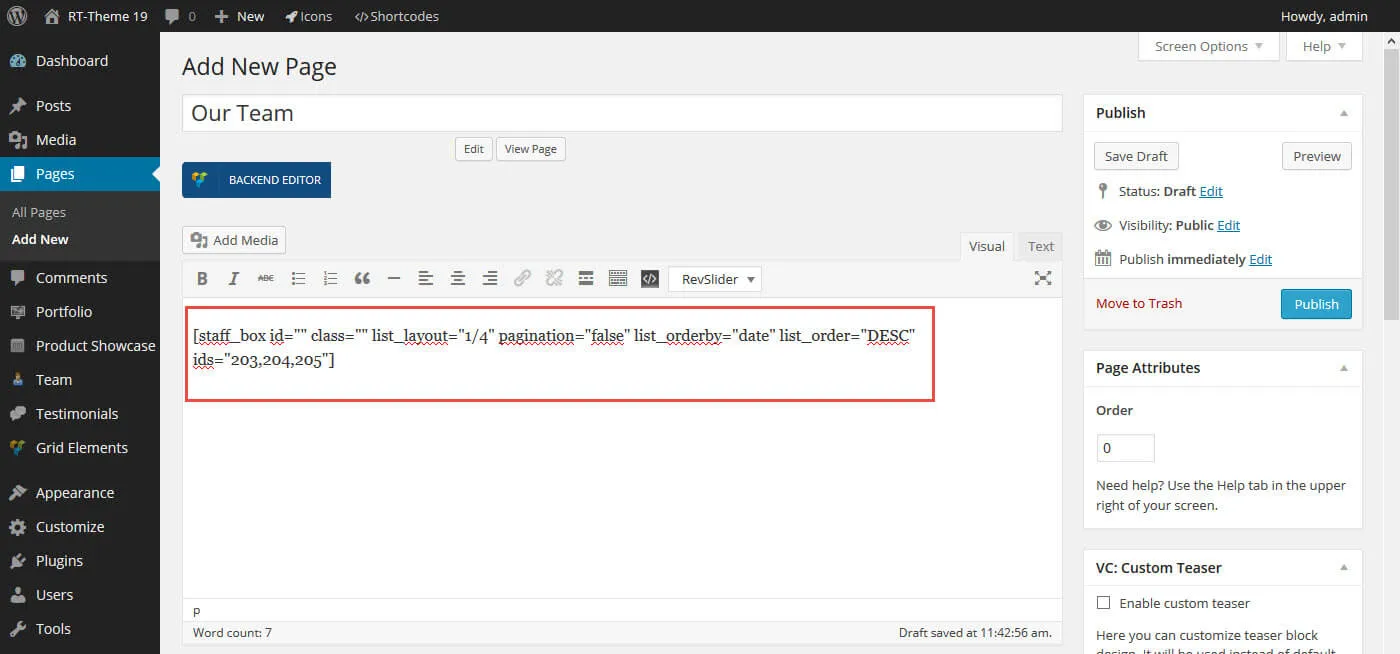
With a shortcode
Section titled “With a shortcode”You can also build the list without a page builder. Create a page and add the theme’s Staff Posts shortcode. See Shortcodes for details.