
Product Showcase
Creating a product showcase
Section titled “Creating a product showcase”Product Showcase is a post type of RT-Theme 18 for presenting products without a shop. You add products in the WordPress admin, group them in Product Categories and show them on an overview page, the product showcase. Use it for a catalog; use WooCommerce when you want to sell online.
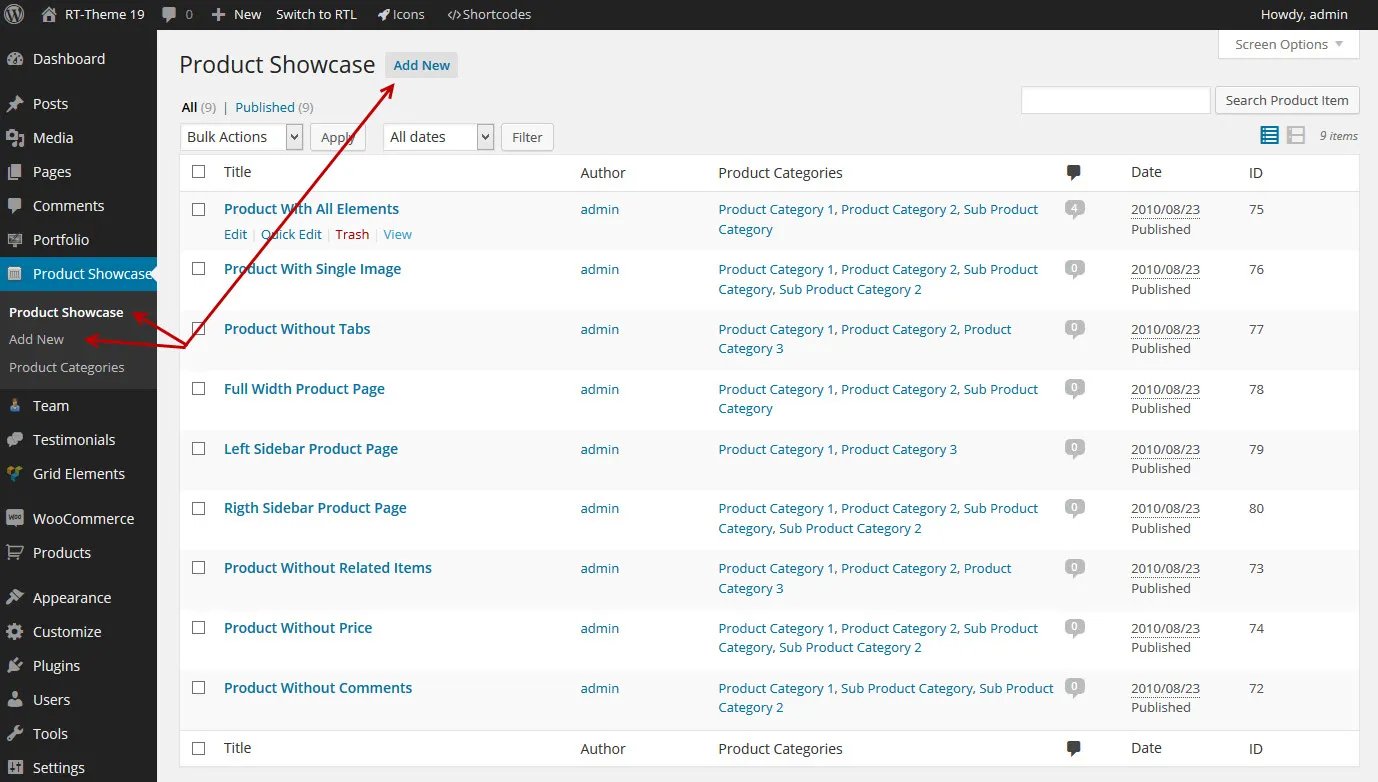
Things you should know
Section titled “Things you should know”-
A product can have a featured image and extra images for a gallery.
-
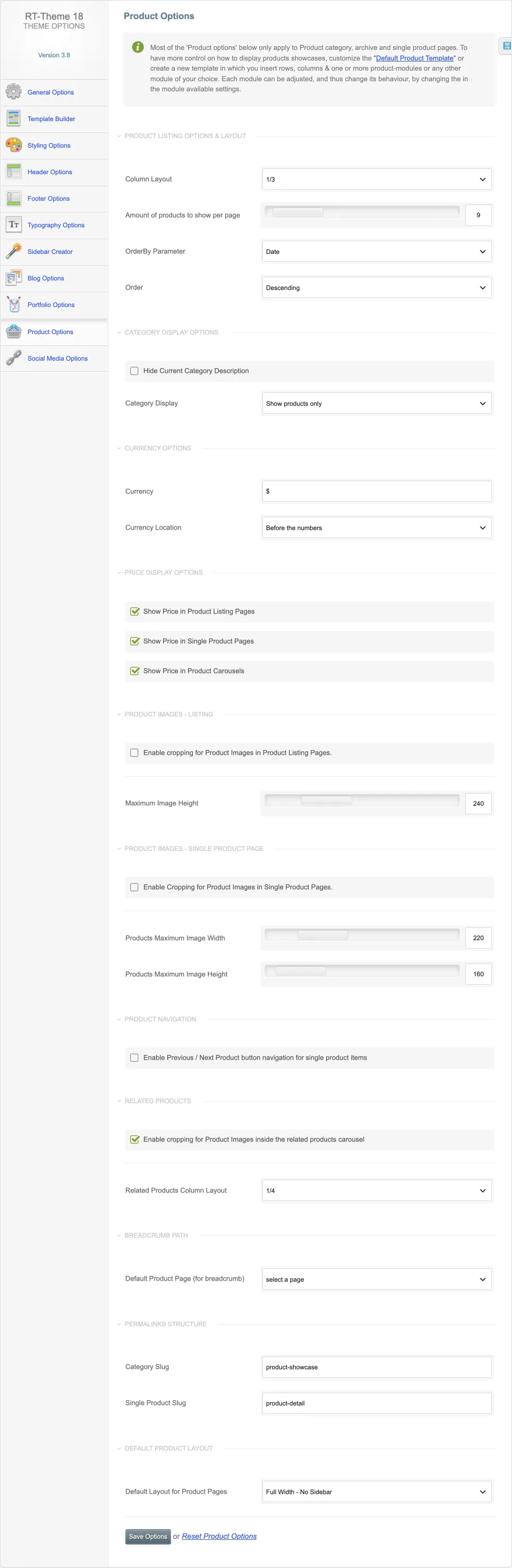
You set the product layout for all products in RT-Theme 18 › Product Options. You can override it on a single product to give it a different look. The page also sets the products per page and their order, the category display, the currency, where prices show, image cropping and sizes, the related products, the breadcrumb page and the category and product slugs.
-
Assign every product to at least one category.
-
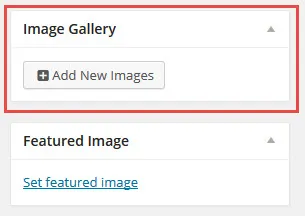
Upload a featured image with Set featured image in the Featured Image box.

-
Add gallery images with Add New Images in the Product Image Gallery box.
-
A product has its own options, which apply only to this post type:
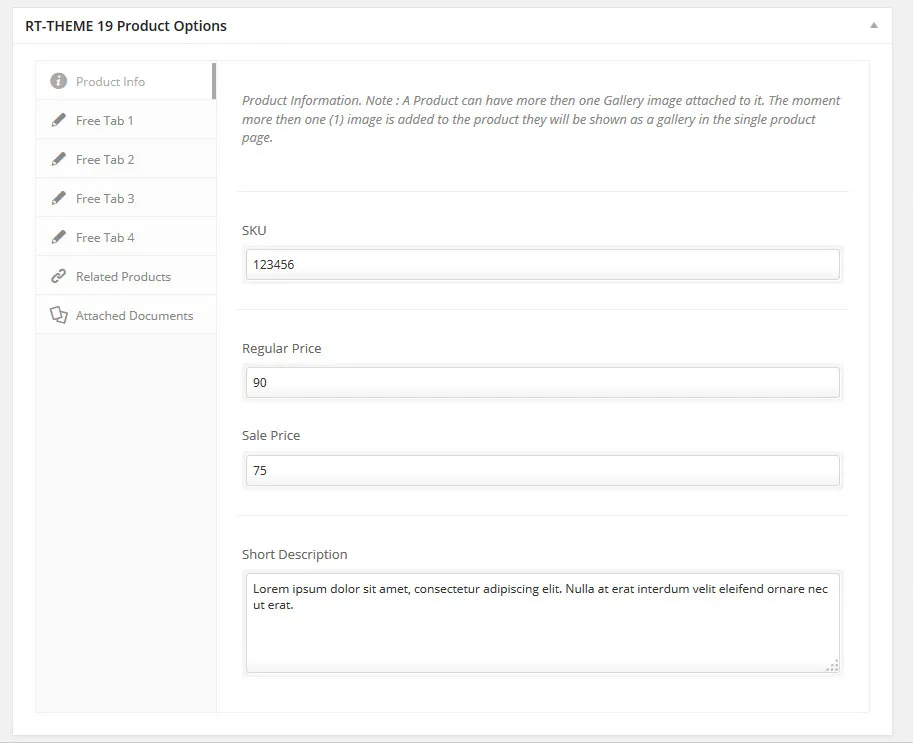
- Product information: SKU or article number, price, sale price and short description.
- Four free tabs, each with a title, an icon and content: HTML, shortcodes or even a contact form.
- Related products: select any number of related products to show with the product.
- Attached documents: add documents, spreadsheets, PDFs, manuals and other files to a product.
For more about featured images, see Featured and content images.