
Elementor
Building pages with Elementor
Section titled “Building pages with Elementor”Elementor is the main page builder of BusinessLounge. It is a front-end builder: you create complex layouts on the page itself, without writing code. BusinessLounge adds 30 widgets of its own and a template library.
- Install and activate Elementor.
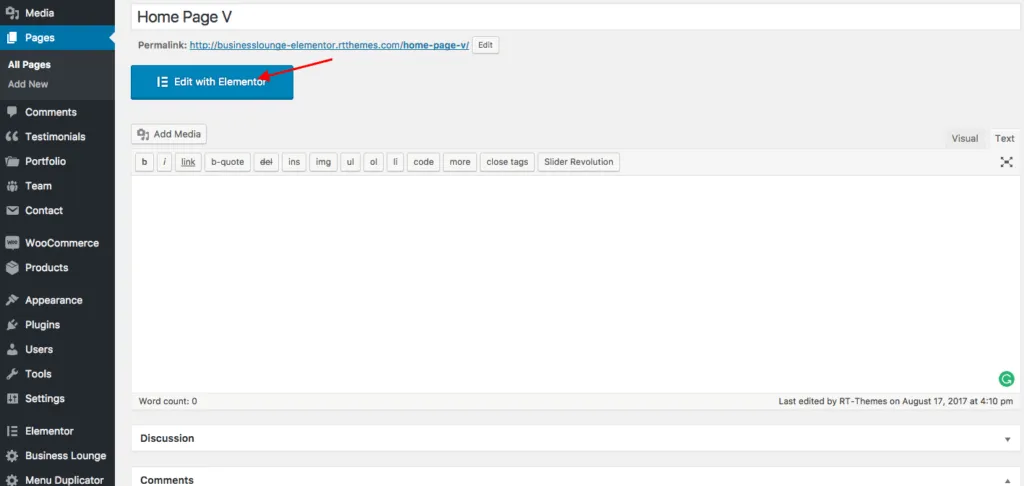
- Open a page or post for editing.
- Click Edit with Elementor at the top of the screen.

Elementor documentation
Section titled “Elementor documentation”Read the Elementor help center to learn more about Elementor. These two videos show the basics. They were recorded with an older Elementor version, so the editor looks different today.