Side Panel
Setting up the side panel
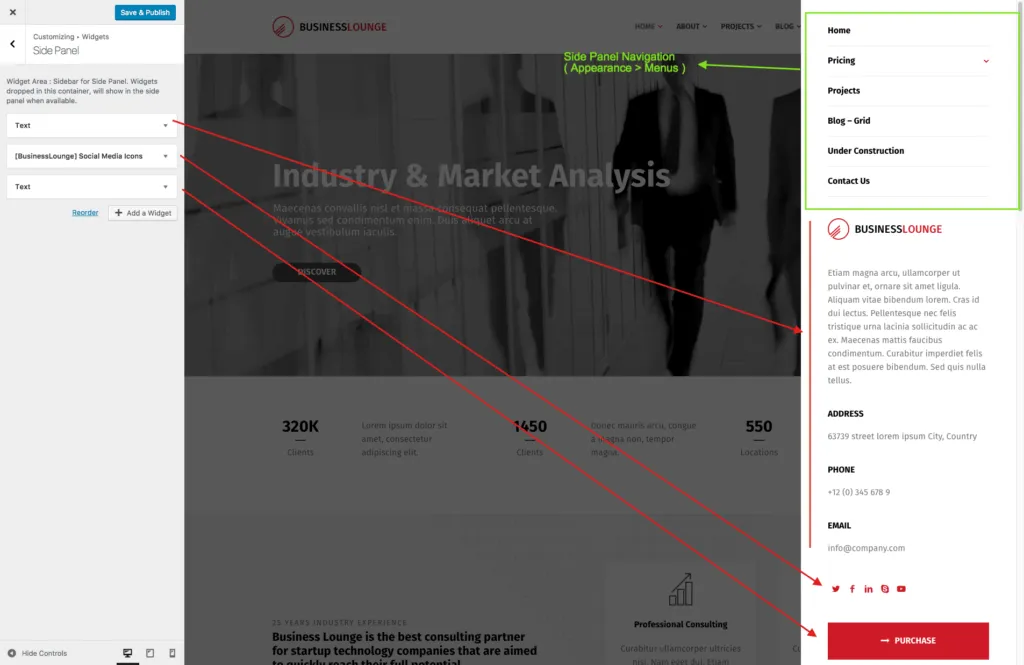
Section titled “Setting up the side panel”The side panel opens from the menu icon at the top right of the header. It holds its own menu and the widgets of the Side Panel widget area.
-
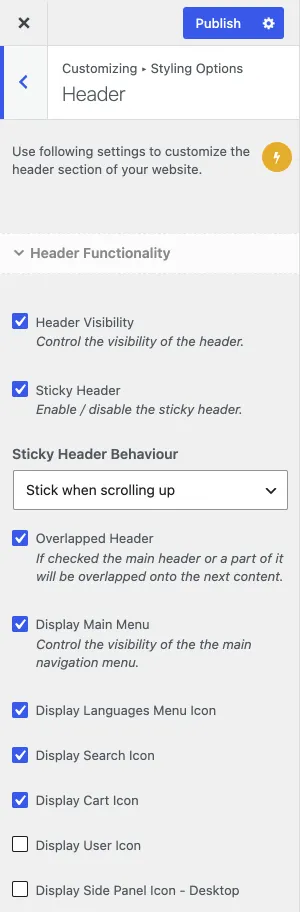
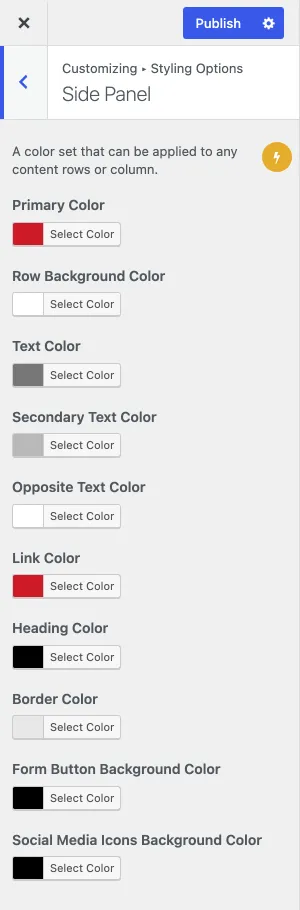
Turn the side panel on with Display Side Panel Icon - Desktop in Appearance › Customize › Styling Options › Header. The colours of the panel are in Styling Options › Side Panel.
-
In Appearance › Menus, assign a menu to the Side Panel Navigation location.
-
In Appearance › Widgets, add widgets to the Side Panel widget area.
-
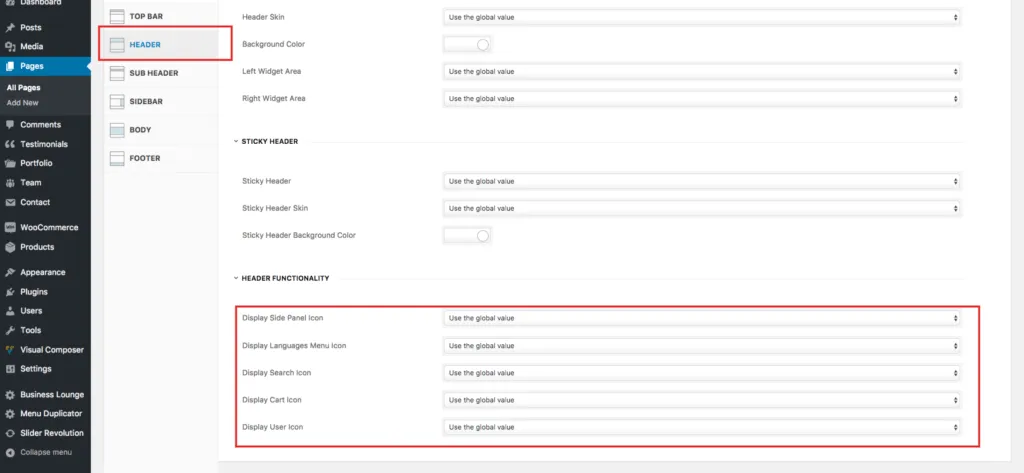
You can show the side panel on a single page or post even when it is off for the whole site. Use the Design Options box of that page or post.
You can also show or hide the side panel icon on one page or post in its Design Options box.