Footer
Footer settings
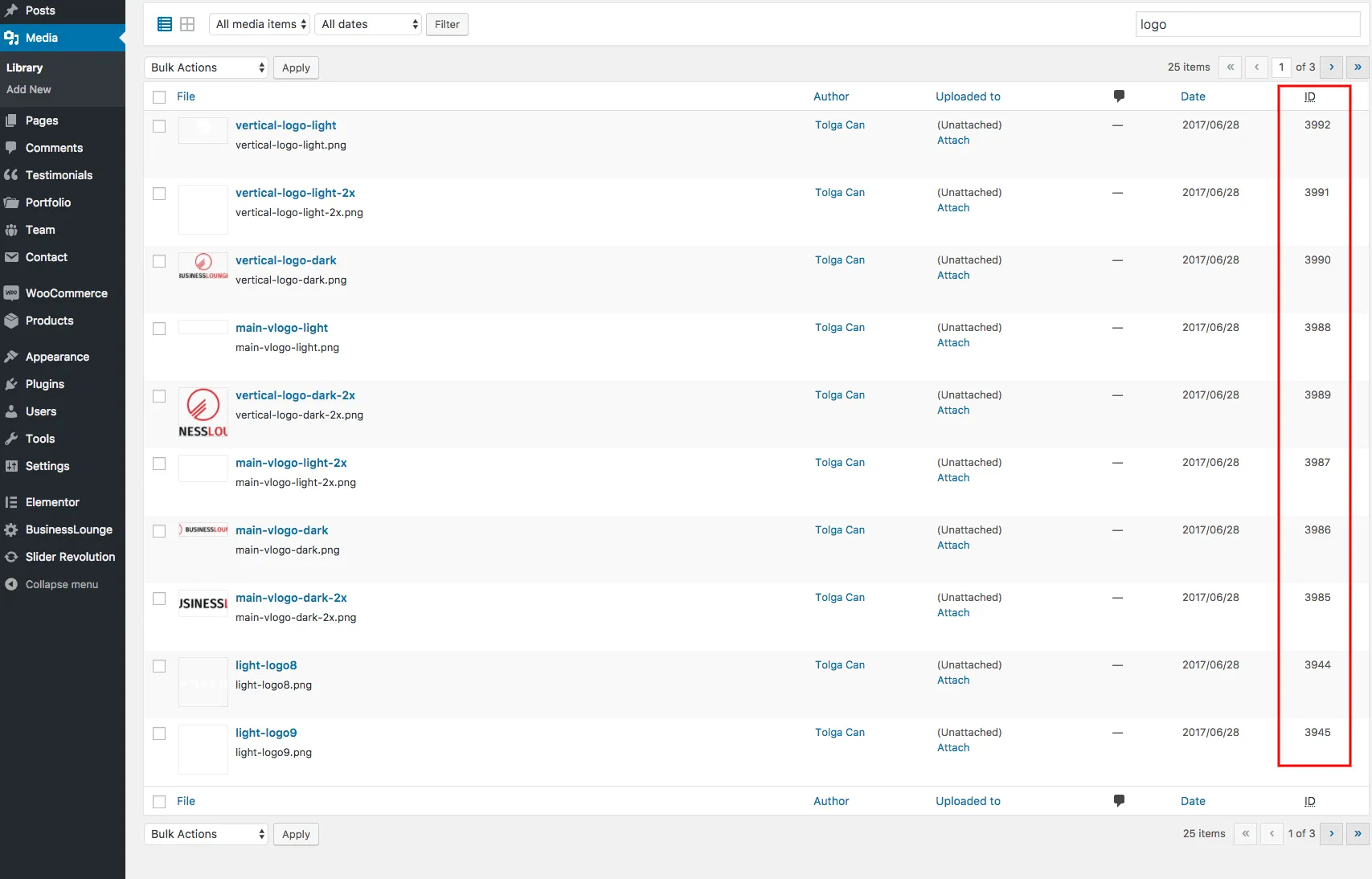
Section titled “Footer settings”The footer at the bottom of every page shows the widgets of the footer widget areas. Its visibility, width, column layout and colours are in Appearance › Customize › Styling Options › Footer. Footer Column Count sets how many columns the footer widgets use, from 1 to 4, and each column has its own layout for desktop and tablet screens.
Footer widgets
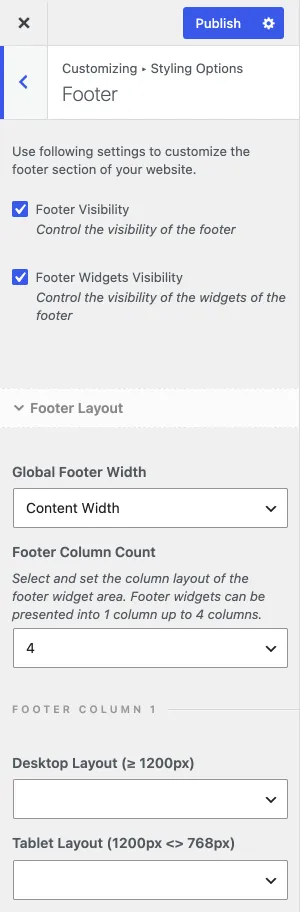
Section titled “Footer widgets”- Go to Appearance › Widgets.
- Add widgets to the footer widget areas, starting with Footer (Column 1).
- To show an image, use an HTML
<img>tag (see the W3Schools reference) or the theme’s image shortcode, as shown below. The shortcode generator lists its details. - The image shortcode needs the image ID. See Finding the image ID.
Finding the image ID
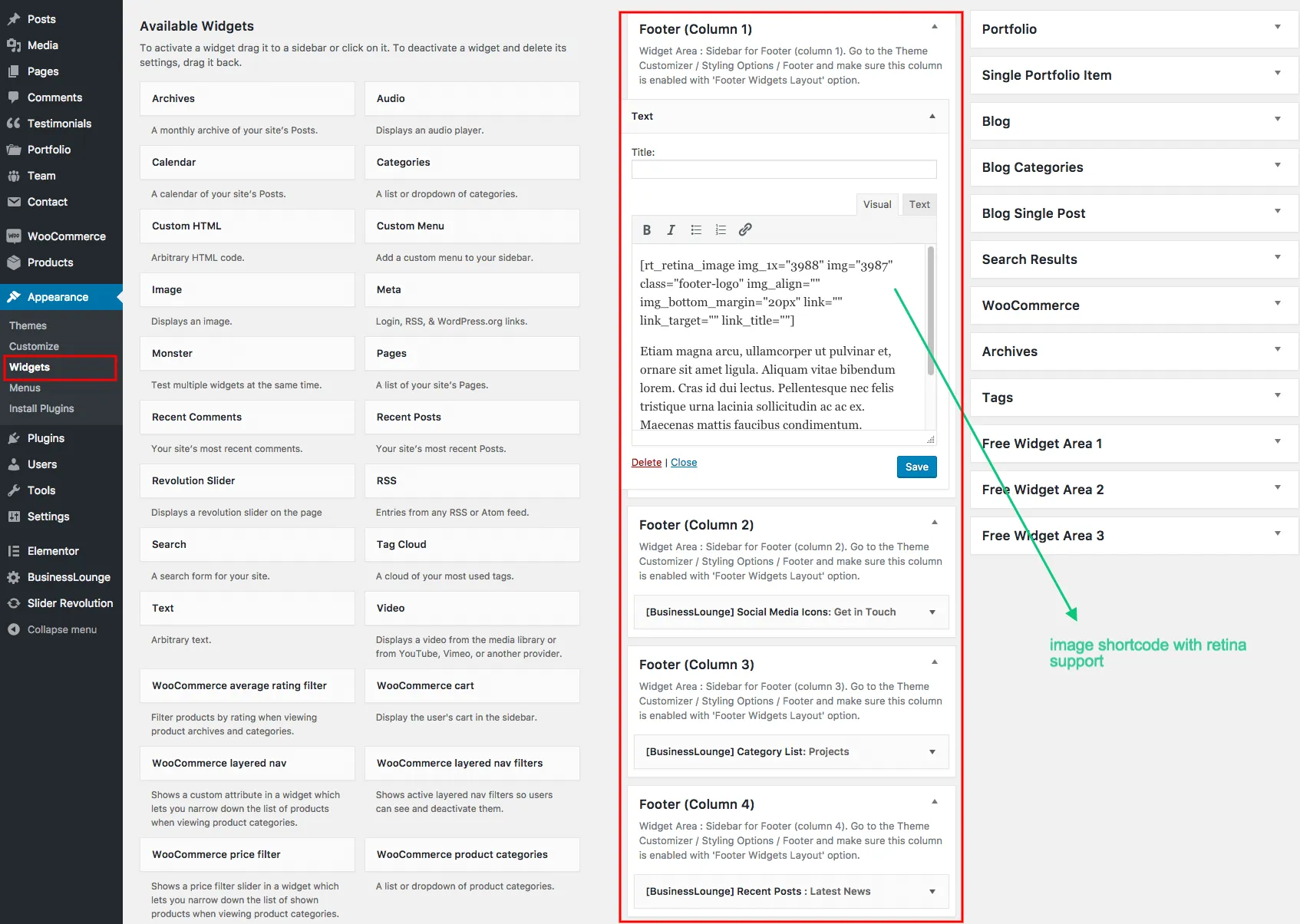
Section titled “Finding the image ID”You can read the ID of an image or post in the URL of its edit link, after post=. The free Reveal IDs plugin also shows the IDs in the admin lists.