
Blog
Creating a blog post
Section titled “Creating a blog post”A blog list is built from single blog posts. You can group the posts into categories and show them on an overview page, the blog list.
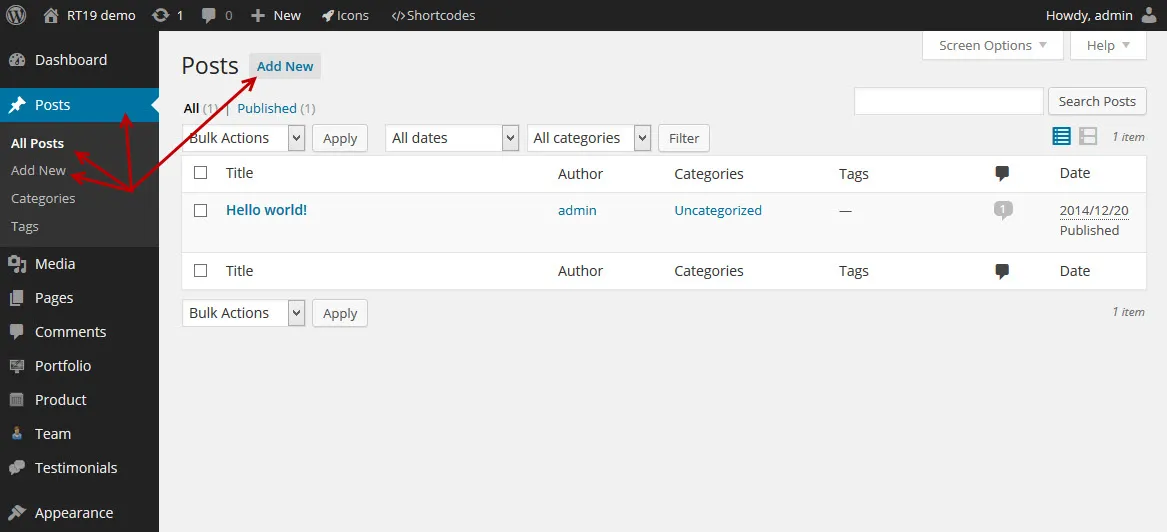
Create your blog posts in Posts in your WordPress admin: click Add New under Posts or at the top of the post list.
What you should know
Section titled “What you should know”-
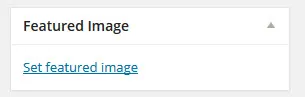
To add a featured image, click Set featured image in the Featured Image box.
-
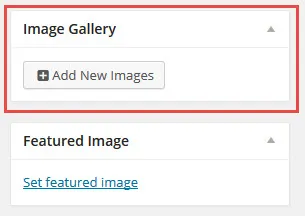
The same way, you attach gallery images to the post: click Add New Images in the Image Gallery box.
-
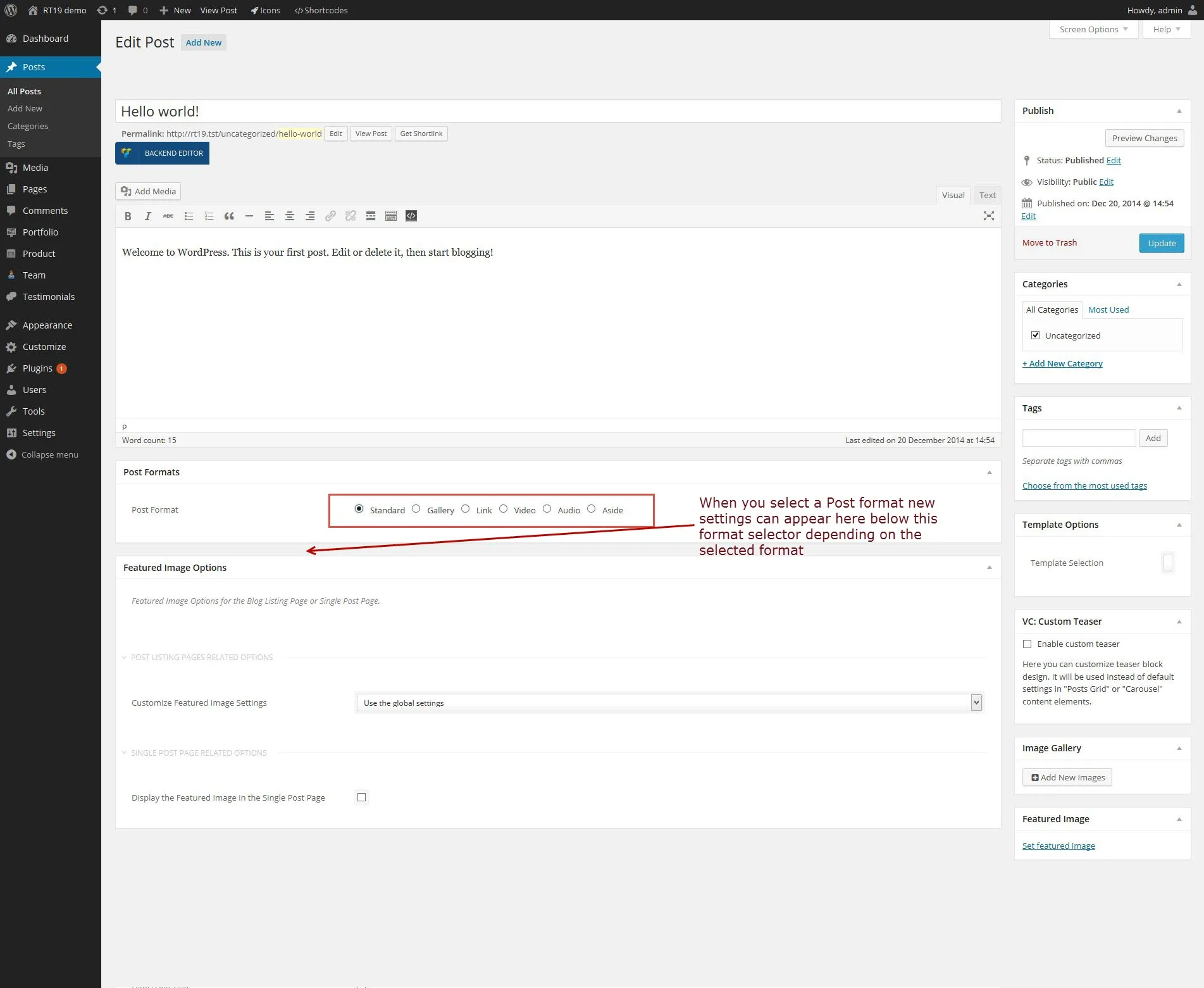
A post has a format. Depending on the format you choose, more settings become available. Each setting has a help text that explains what to enter. The format decides how the post looks and behaves on your site.

Post format options
Section titled “Post format options”Six post formats are available in the Post Formats box:
- Standard: shows the featured image.
- Gallery: shows the images as a gallery or a slider.
- Link: adds an external link to the post.
- Video: plays a video.
- Audio: plays an audio file.
- Aside: the post shows in the blog list but has no single post page of its own.
When you pick a format, its options appear in a box below the Post Formats box.
Creating a blog listing page
Section titled “Creating a blog listing page”Any page can hold a blog list, and you can create as many lists as you like, each with its own settings.
Create with Elementor
Section titled “Create with Elementor”-
Create a new page or edit an existing one.
-
Click Edit with Elementor.
-
Find the NaturaLife Blog widget and add it to the page.
-
Change the widget settings the way you want and save the page.
The default layout of the blog category and archive pages is set in Appearance › Customize › Blog Options (see Theme Customizer).
Creating a single blog post
Section titled “Creating a single blog post”To write a post, go to Posts › Add New in your admin. If you are new to WordPress posts, read the WordPress guide on writing posts.
Post formats
Section titled “Post formats”NaturaLife supports six post formats, so you can create different kinds of posts. Choose the format in the Post Formats box on the post edit screen. When you pick a format, its options appear in a second box below it. The formats are described in Post format options above.