
Bundled Plugins
Plugins that come with NaturaLife
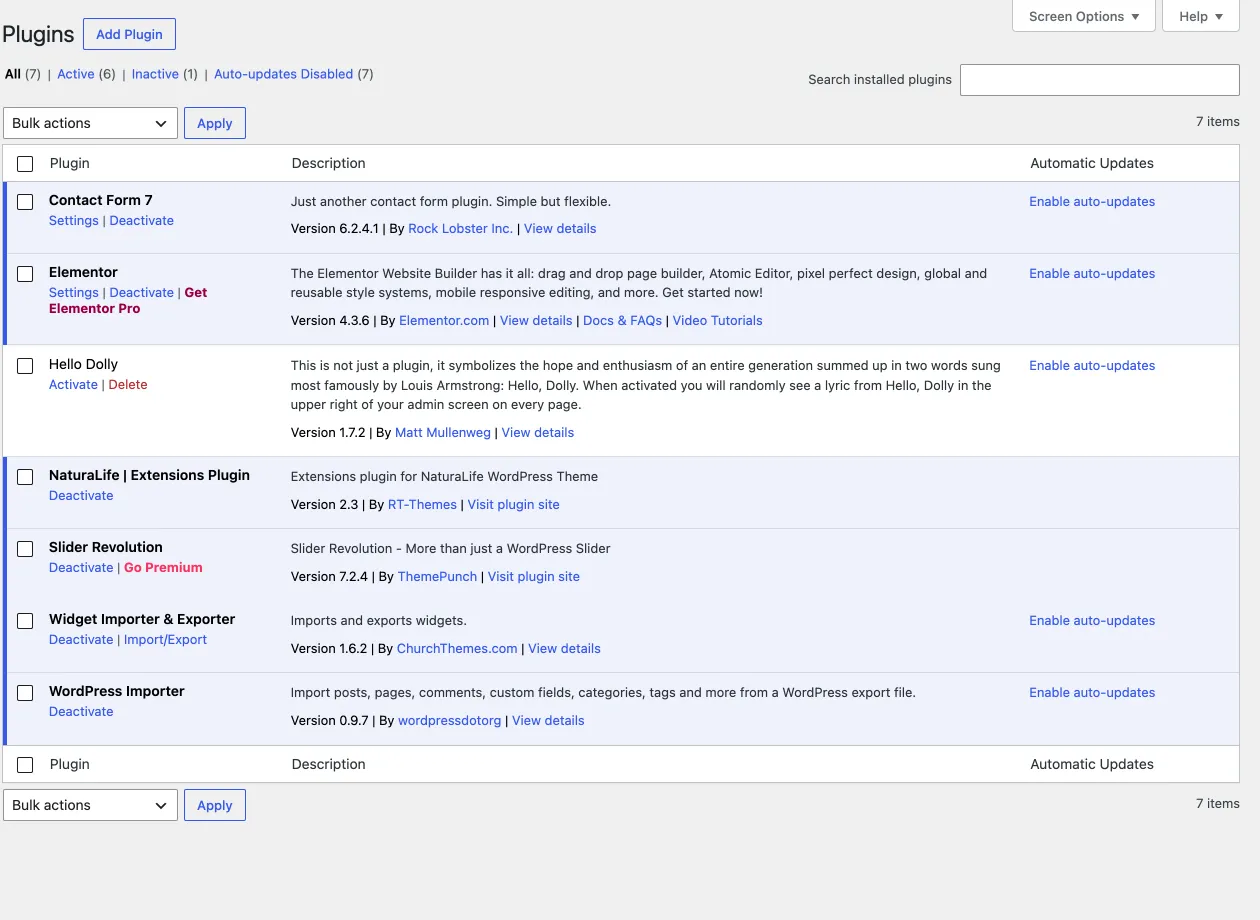
Section titled “Plugins that come with NaturaLife”Two plugins are bundled with the theme:
- NaturaLife Extensions (required): our own plugin, made for this theme only. It adds the theme’s post types, Elementor widgets and many other features.
- Slider Revolution: a third-party premium plugin. We bought a licence that lets you use it without a licence of your own, so you do not need to buy it. Ignore the plugin’s licence messages; they are meant for people who bought the plugin directly.
Three free plugins from wordpress.org are recommended:
- Elementor, the page builder of the theme.
- Contact Form 7, for the contact and newsletter forms.
- WooCommerce, for the shop.
Install the plugins in NaturaLife › Plugins, on the Manage Plugins tab. Installing the bundled plugins needs an activated licence key. See Installing for the NaturaLife steps and Installing bundled plugins for the full workflow.
Updating the bundled plugins
Section titled “Updating the bundled plugins”You do not need a licence of your own to update the bundled third-party plugins. Always use the version that comes with the theme, so it stays compatible with NaturaLife. Each new version of the theme includes the most recent versions of the bundled plugins.
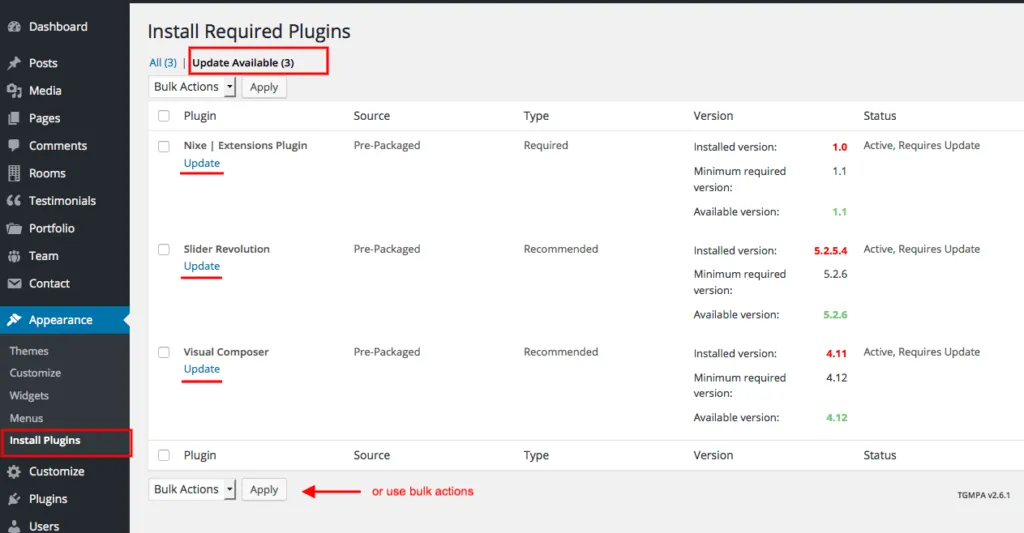
After a theme update, go to NaturaLife › Plugins and open the Manage Plugins tab. It shows the plugins that have a new version, and you update them there. If the tab does not work for you, Appearance › Install Plugins lists the same plugins as a fallback. If a plugin has no update there, no update is available. Older versions of the theme showed an admin notice with a Begin updating plugins link instead; that notice no longer appears. Until your licence is active, the Plugins screen shows a notice with an Activate link.
Updating by hand
Section titled “Updating by hand”To update the plugins by hand, use the ZIP files in the naturalife/rt-framework/plugins/packages/ folder of the theme. Upload each ZIP in Plugins › Add New Plugin › Upload Plugin and confirm Replace current with uploaded, or unzip it and upload the folder by FTP to wp-content/plugins. The WordPress guide Manage plugins explains both ways.