
Tools
Utilities
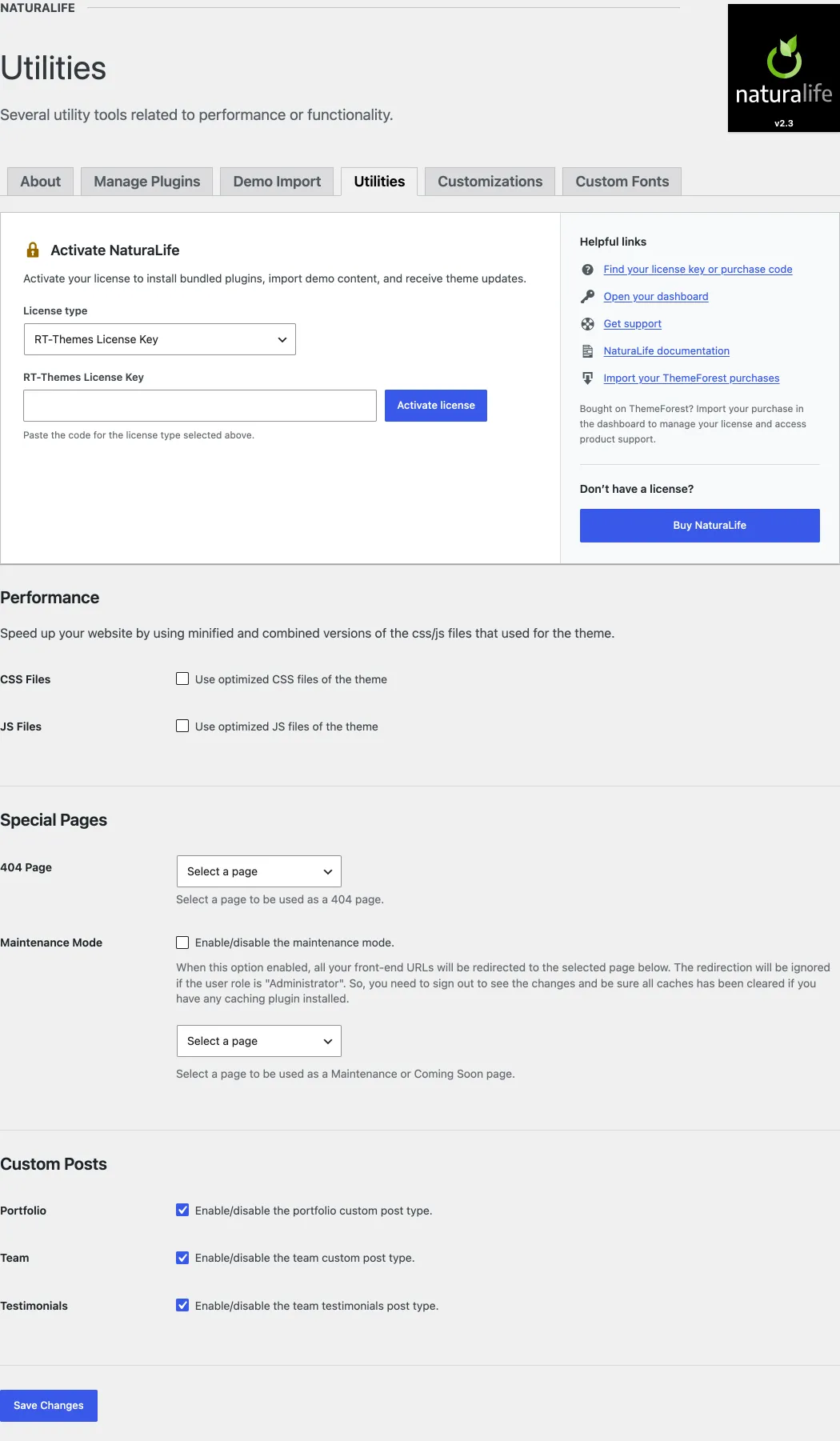
Section titled “Utilities”NaturaLife adds a few tools to its own admin menu, NaturaLife in the admin sidebar. Use them to speed up your site, set special pages, add your own fonts and carry your settings from one site or theme to another. NaturaLife › Utilities has three groups of settings:
- Performance: speed up your site with minified and combined versions of the theme’s CSS and JS files.
- Special Pages: set a page as your 404 page, or turn on a maintenance or under construction mode without a third-party plugin.
- Custom Posts: turn the portfolio, team and testimonials post types on or off.
Custom Fonts
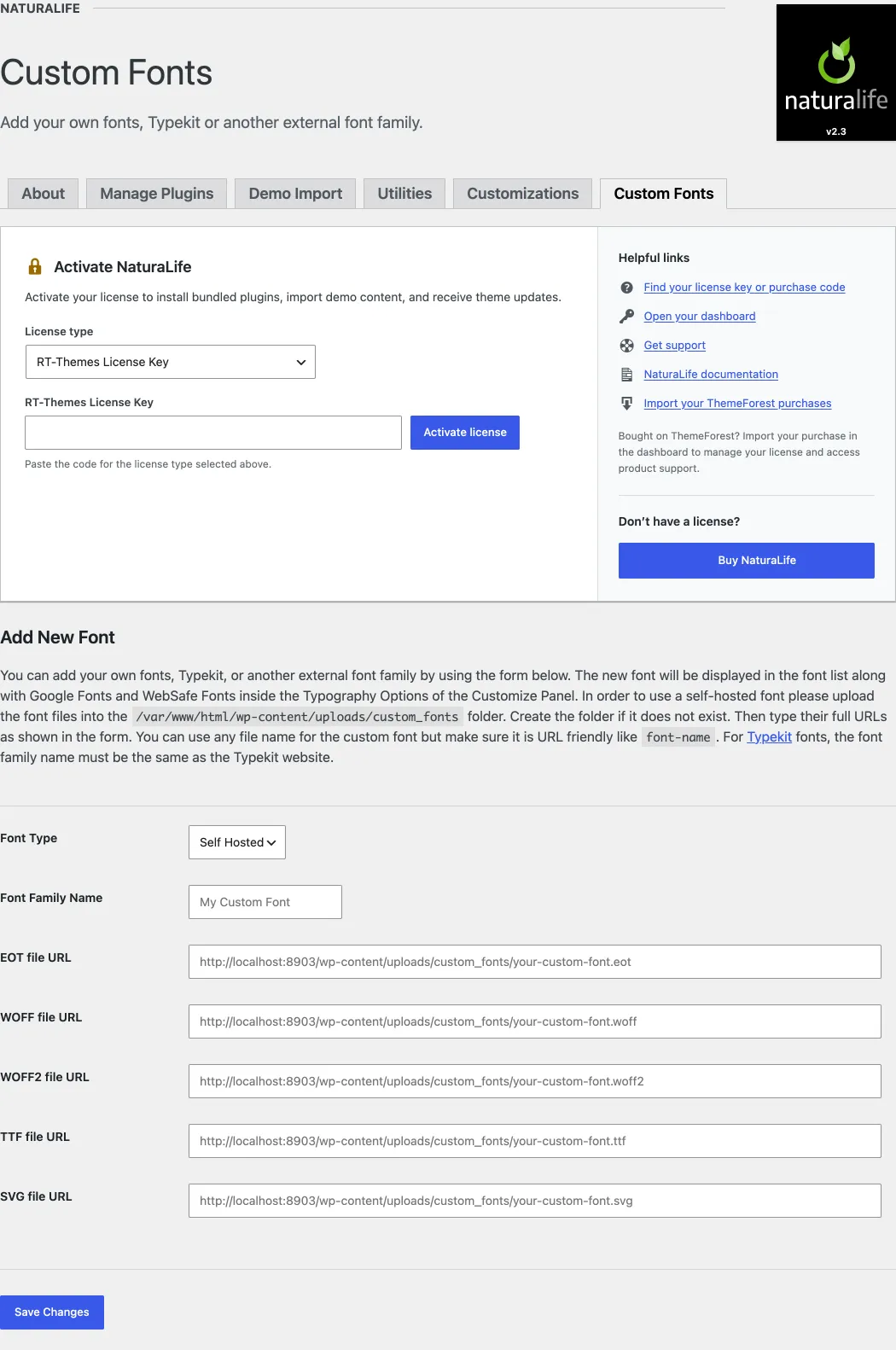
Section titled “Custom Fonts”You can use self-hosted fonts or Adobe Fonts (formerly TypeKit) with the theme. Go to NaturaLife › Custom Fonts and follow the instructions on the screen to add a font. The new font appears at the top of the font list in Appearance › Customize › Typography Options.
Import and export theme settings
Section titled “Import and export theme settings”You can export and import your theme settings, including the Customizer settings. Before you switch to a child theme, export your settings first (see Child themes and your Customizer settings). Go to NaturaLife › Customizations: it has an Import Customizations upload, an Export button and a Reset button.
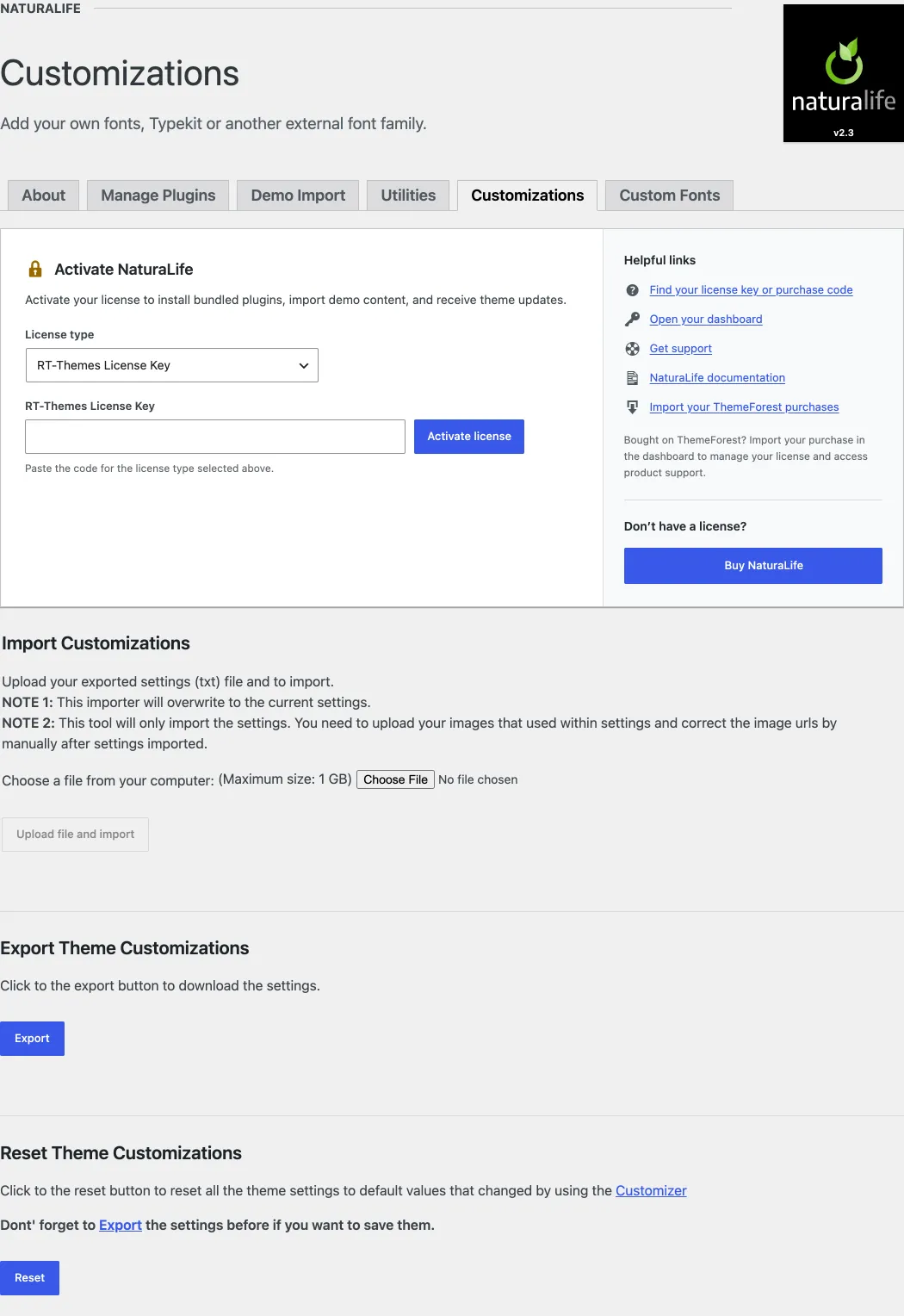
On a WordPress Multisite, the network administrator must allow the .txt file type in the network upload settings (Network Admin › Settings) before the import works.