Contact Forms
Creating custom forms
Section titled “Creating custom forms”NaturaLife has a built-in contact form. You add it with a shortcode or with a page builder widget. For a custom contact form or a newsletter signup form, use the free Contact Form 7 plugin. NaturaLife has an Elementor widget for Contact Form 7 forms. How to build a form, set up its emails and place it on a page is explained in Set up a contact form with Contact Form 7 and in the Contact Form 7 documentation.
Sample forms
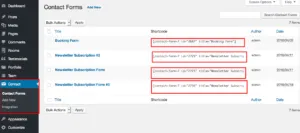
Section titled “Sample forms”NaturaLife comes with sample forms, such as the newsletter subscription forms of the demo.
- Install and activate Contact Form 7.
- Import the sample forms in Tools › Import › WordPress. The file is
Forms/forms.xmlin theDemo Contentsfolder of the All files and documentation package, which you download from the Downloads page of your ThemeForest account. If you used the theme’s Demo Import, the sample forms may already be imported. - Edit each form and update its mail settings, such as the From, To and sender name.
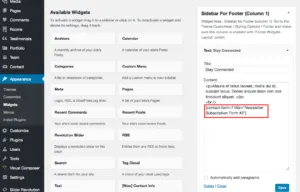
- Add the shortcode of one of the newsletter forms to a widget, for example a Shortcode or Text widget block in a footer column.