Footer
Footer settings
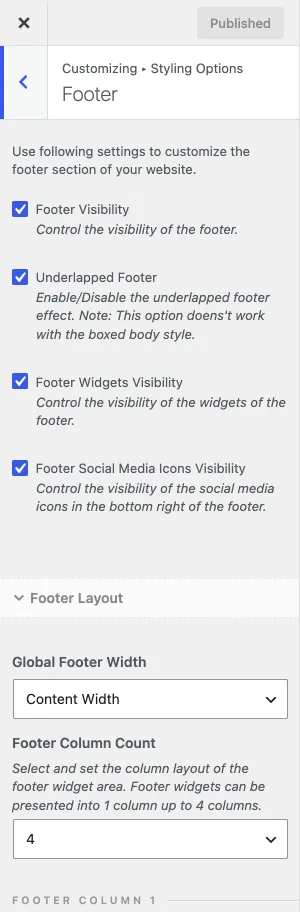
Section titled “Footer settings”The footer sits at the bottom of every page. It holds widget columns, the footer menu and the copyright text. You set its layout in the Customizer and fill its columns with widgets. Go to Appearance › Customize › Styling Options › Footer to choose the number of footer columns and the width of each column on desktops and tablets. The same section turns the footer, its widgets and its social media icons on or off.
Footer widgets
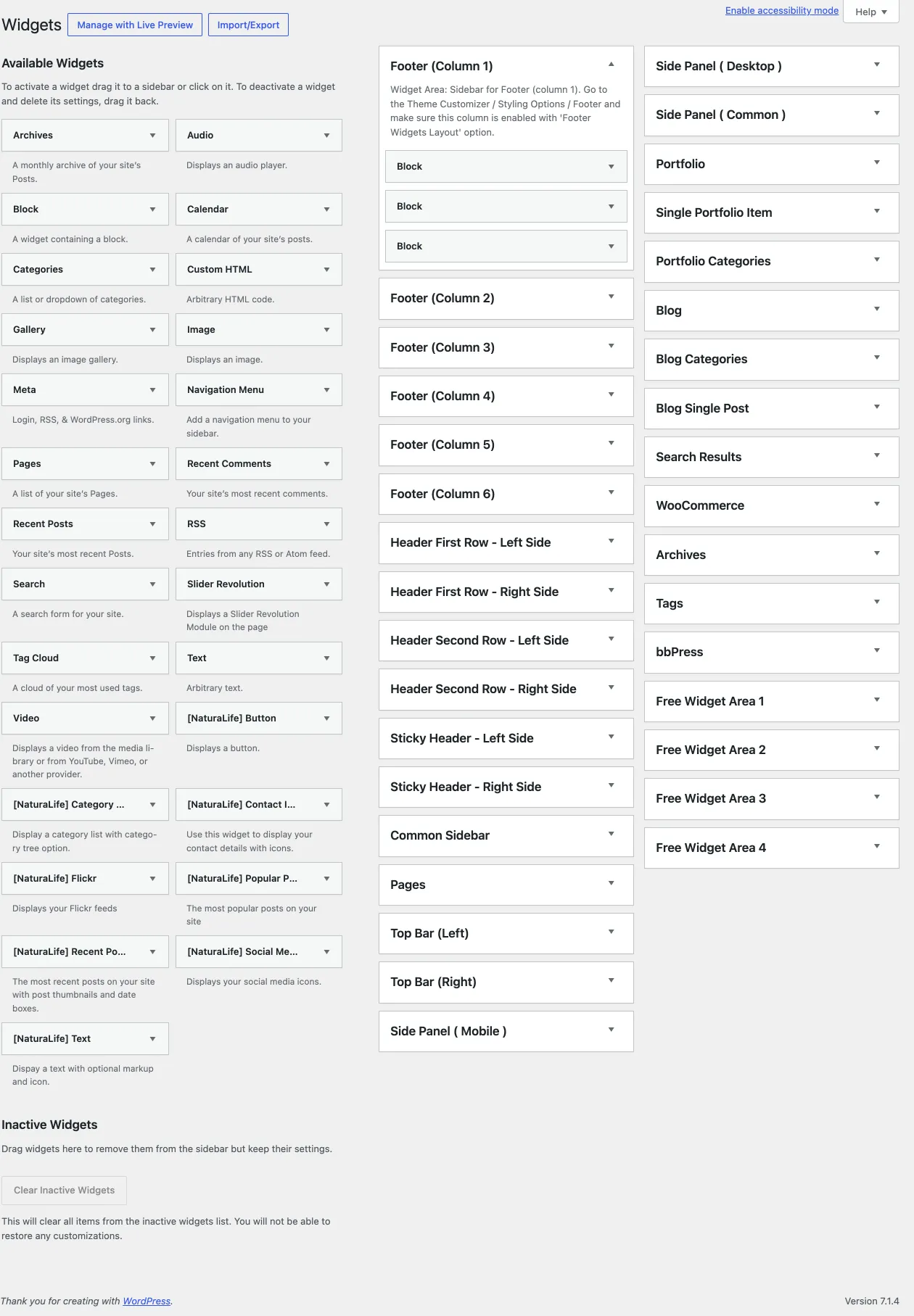
Section titled “Footer widgets”Add the footer content in Appearance › Widgets: add widgets to each Footer (Column) widget area you use. The copyright text has its own Customizer panel, see Copyright Text.